
Editing guide
How to Edit Concert Photos to Look Like Film on iPhone Without Muddy Shadows
A practical concert-photo workflow for keeping stage color, crowd atmosphere, and shadow detail intact so iPhone night shots feel film-inspired instead of smeared and muddy.
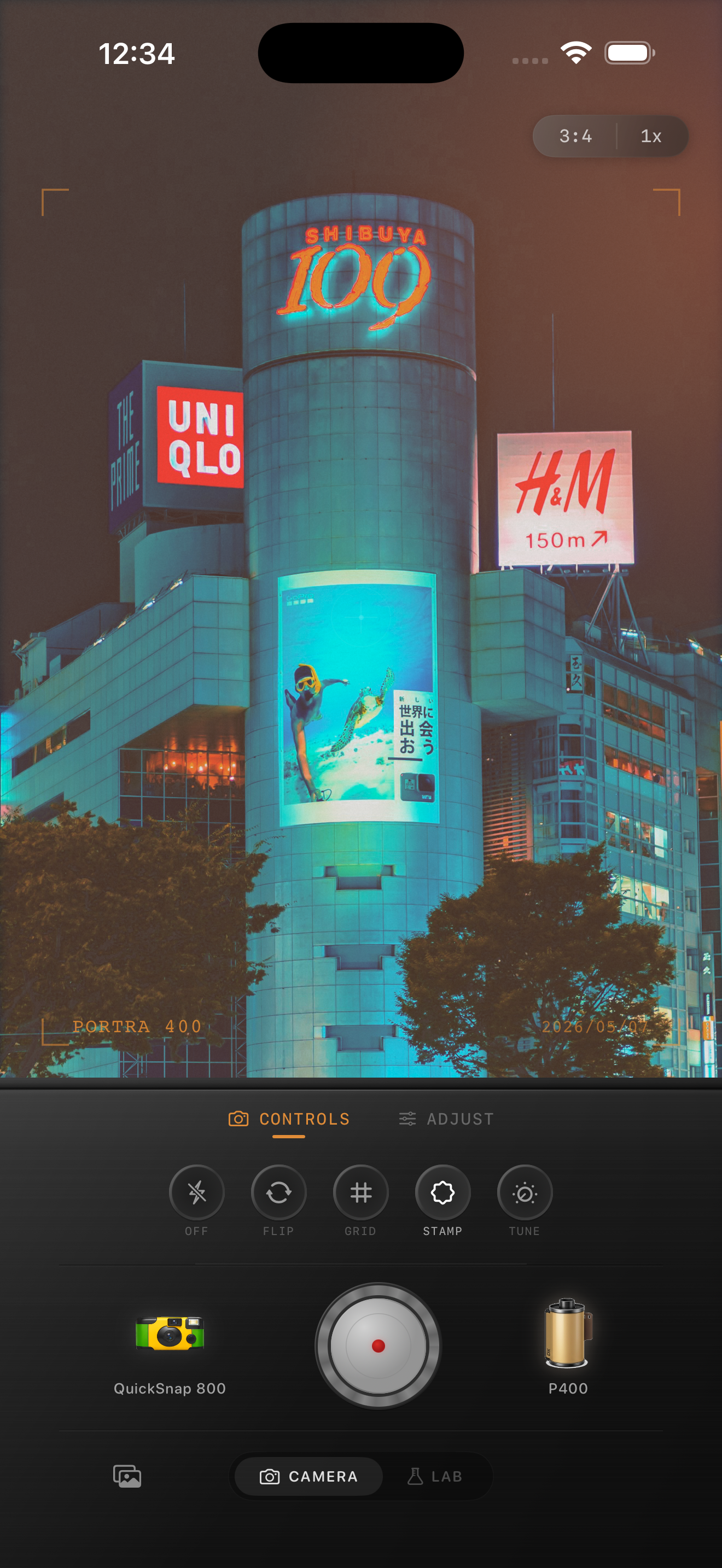
Concert photos go flat when the shadows collapse
Most concert photos already have enough mood. The stage lights, haze, dark corners, and silhouettes do the work for you. The thing that usually breaks the shot is when the edit crushes all the dark areas into one muddy block.
A believable film-inspired concert edit should keep separation between the singer, the background wash, and at least one darker area in the crowd. If those zones still feel distinct, the photo usually keeps its depth.
- Protect one readable shadow area before adding heavier grain.
- Let stage lights stay bright without turning every dark area black.
- Use texture to soften the digital finish, not to hide weak exposure.
- Keep color families separate so reds, blues, and skin do not merge.
Expose for the lights, then recover the room
If you are shooting live, tap near the brightest performer or stage light and pull exposure down slightly. It is easier to lift a little atmosphere back into the room later than to rescue clipped spotlights and blown faces.
When editing, check the image at normal screen size first. Concert photos should feel dimensional before you zoom in. If the whole frame already looks heavy and blocked from far away, lower the effect and reopen the shadows slightly.
A dependable concert-film settings baseline
Start around film intensity 68-80%, grain 26-38%, warmth +1 to +6, fade 3-7%, and vignette 5-10%. That range keeps the frame atmospheric without pushing the darkest parts into mud.
If the stage is mostly red or magenta, resist adding extra warmth. In live music scenes, cleaner color separation usually looks more cinematic than a stronger global tint.
Choose grain for atmosphere, not for grit
Concert scenes can handle more grain than daylight photos, but too much coarse texture makes smoke, hair, and dark clothing smear together. A better approach is moderate grain plus slightly softer contrast.
If you want a warmer print-like mood or a cooler stage-film direction as inspiration, treat that as a general color cue rather than a literal stock match. The goal is a natural live-music memory, not a branded imitation.
Finish with one clear subject
The best concert edits still tell your eye where to look first. Let one face, mic, hand, or beam of light lead the frame. After that, the surrounding darkness can stay looser and more atmospheric.
Stop editing once the image feels like a scanned show print. If the first thing you notice is the grain, the blacks are probably too heavy or the texture is too loud.
Keep concert mood without losing the room
Use Nostalgia Cam to combine film-inspired color, grain, fade, and camera character so live music shots stay dramatic, readable, and less digitally harsh.
FAQ
Why do concert photos turn muddy so fast on iPhone?
Because the scene already has deep shadows and bright lights. Heavy contrast, extra warmth, or too much grain quickly removes the small tonal differences that keep the frame readable.
Should concert photos use stronger grain than normal?
Usually a little stronger, yes, but not extreme. Moderate grain with softer contrast usually looks more like film than a very coarse texture layer.