
Editing guide
How to Edit Classic Car Detail Photos to Look Like Film on iPhone
A practical iPhone film guide for classic car detail photos: calmer chrome highlights, softer paint reflections, restrained grain, and color that feels vintage without looking fake.
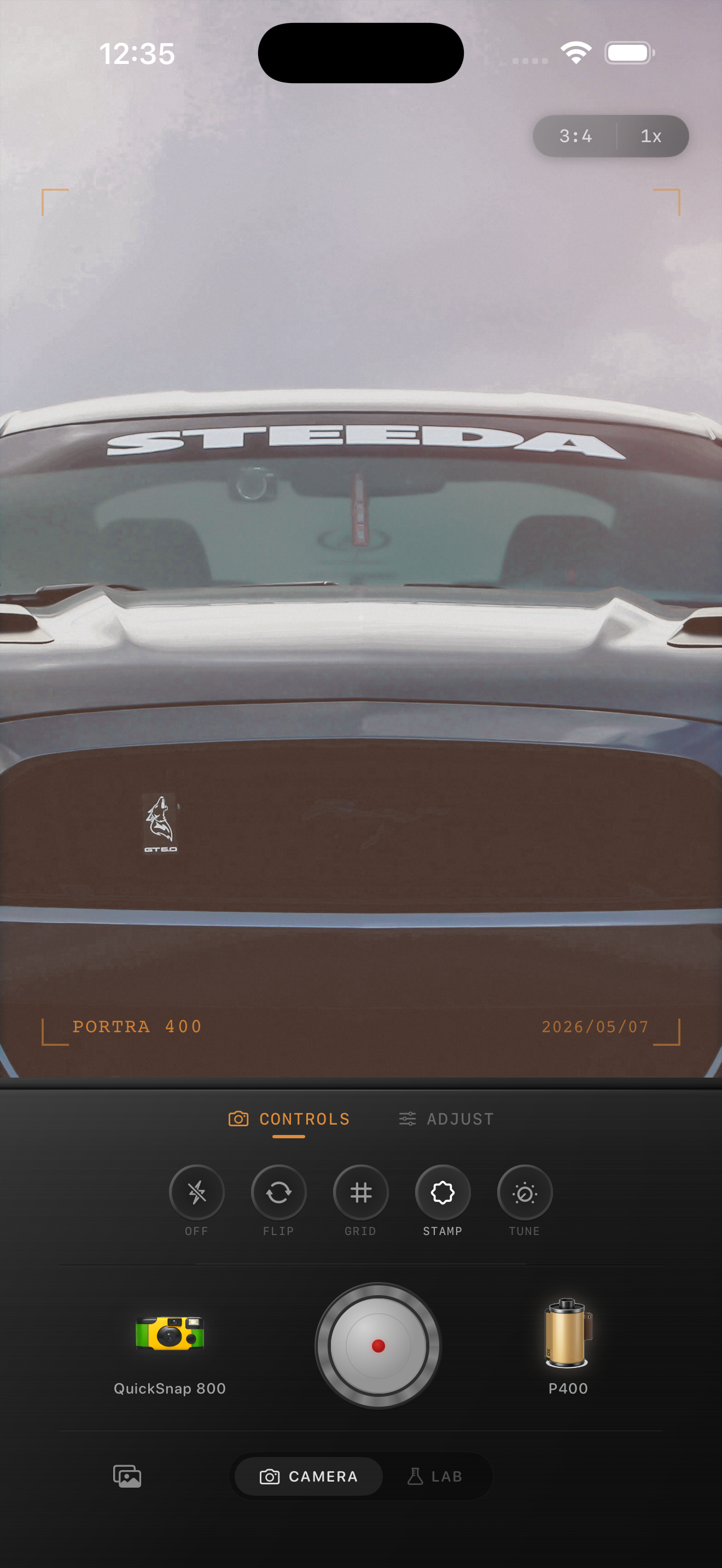
Car detail shots need highlight control first
Classic car detail photos are full of reflective surfaces: chrome trim, polished paint, curved glass, badges, and bright sky reflections. That makes them a good fit for a film-inspired edit, but only if you calm the digital sharpness before adding atmosphere.
If the reflections stay too hard, extra grain and warmth only make the image feel noisy. The better move is to soften the modern edge first so the detail shot starts behaving more like a print.
- Protect chrome before adding more texture.
- Use softer contrast than you would for a product photo.
- Keep grain moderate so fine trim still reads clearly.
- Warm paint slightly without turning metal yellow.
- Let reflections stay visible instead of flattening them.
A dependable classic-car detail baseline
Start around film intensity 72-84%, grain 22-34%, warmth +3 to +7, fade 2-5%, and vignette 4-8%. That usually gives car detail shots enough analog texture to feel nostalgic while preserving badges, trim, seams, and body lines.
If the photo was taken in bright sun, keep fade lower so the chrome does not wash out. If it was shot in softer evening light, you can add a little more warmth and vignette without losing shape.
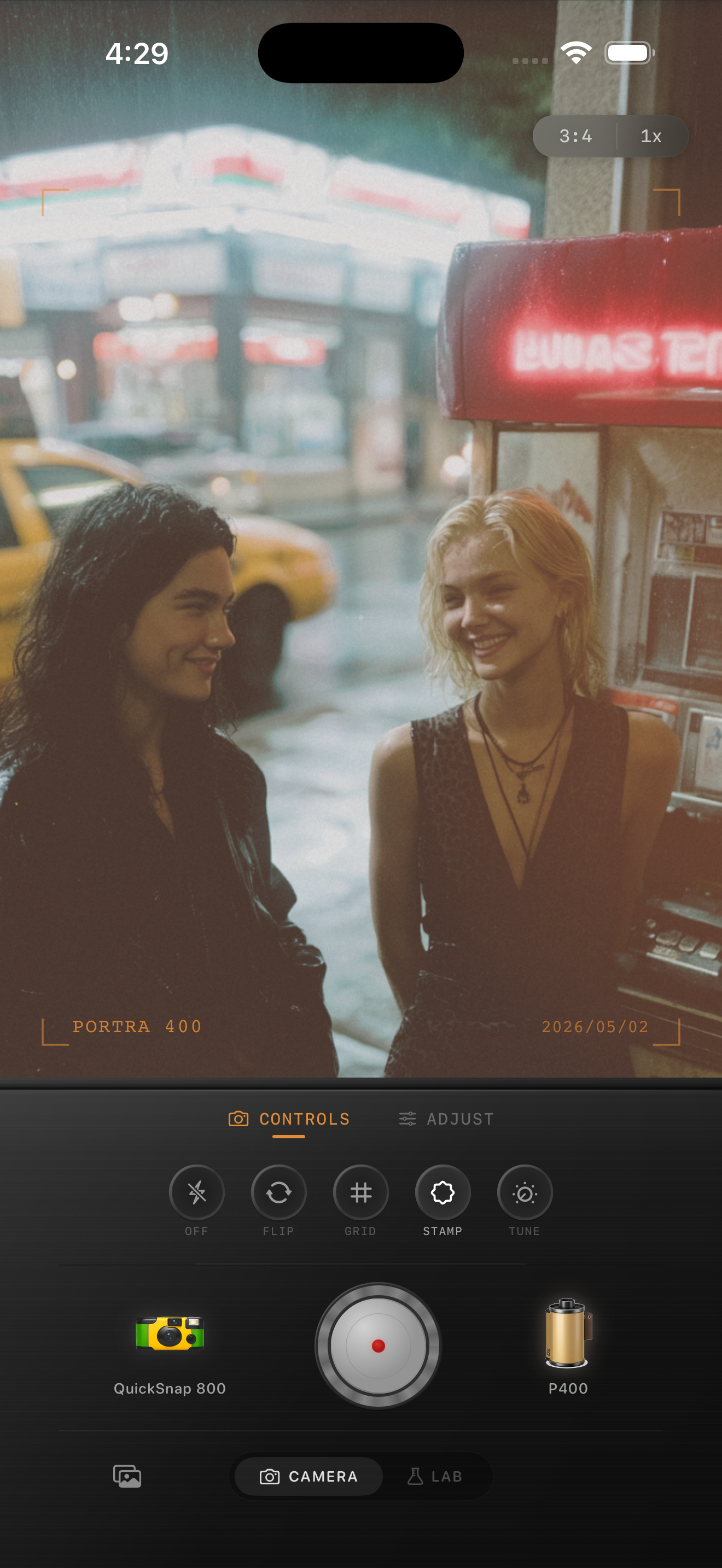
Use color for age, not for gimmicks
A convincing classic-car edit usually leans on softer reds, gentler contrast, and slightly muted highlights rather than exaggerated sepia or heavy faux-aging. The subject already carries nostalgia. The grade only needs to support it.
Watch neutral chrome carefully. If the metal starts going yellow or brown, the edit is trying too hard. Vintage mood should come from texture and tone, not from staining every reflective surface.
Pick a film body with some discipline
Classic car detail photos usually work better with a cleaner 35mm-inspired or compact-film body than with the roughest disposable style. You want subtle character, not total image breakdown.
In Nostalgia Cam, choose the body first, then fine-tune grain, warmth, fade, and vignette until the close-up feels like a printed detail from an old automotive magazine rather than a hyper-processed phone shot.
Give car details a cleaner analog finish
Use Nostalgia Cam to combine camera-body character, restrained grain, softer contrast, and film-style color so classic car detail photos keep their reflective drama without feeling overly digital.
FAQ
Why do classic car detail photos fall apart when I add grain?
They usually fall apart because the chrome and paint reflections are still too harsh. Soften the digital crispness first, then add moderate grain instead of piling texture on top of hard highlights.
Should car detail photos use a disposable camera effect?
Usually not. A cleaner film body tends to preserve trim, chrome, and paint lines better, while still giving the photo a nostalgic analog finish.