
Editing guide
Best Film Settings for Sidewalk Cafe Photos on iPhone
A practical iPhone film recipe for sidewalk cafe photos: soft daylight color, balanced skin tones, restrained grain, and enough warmth to feel analog without turning tables and walls muddy.
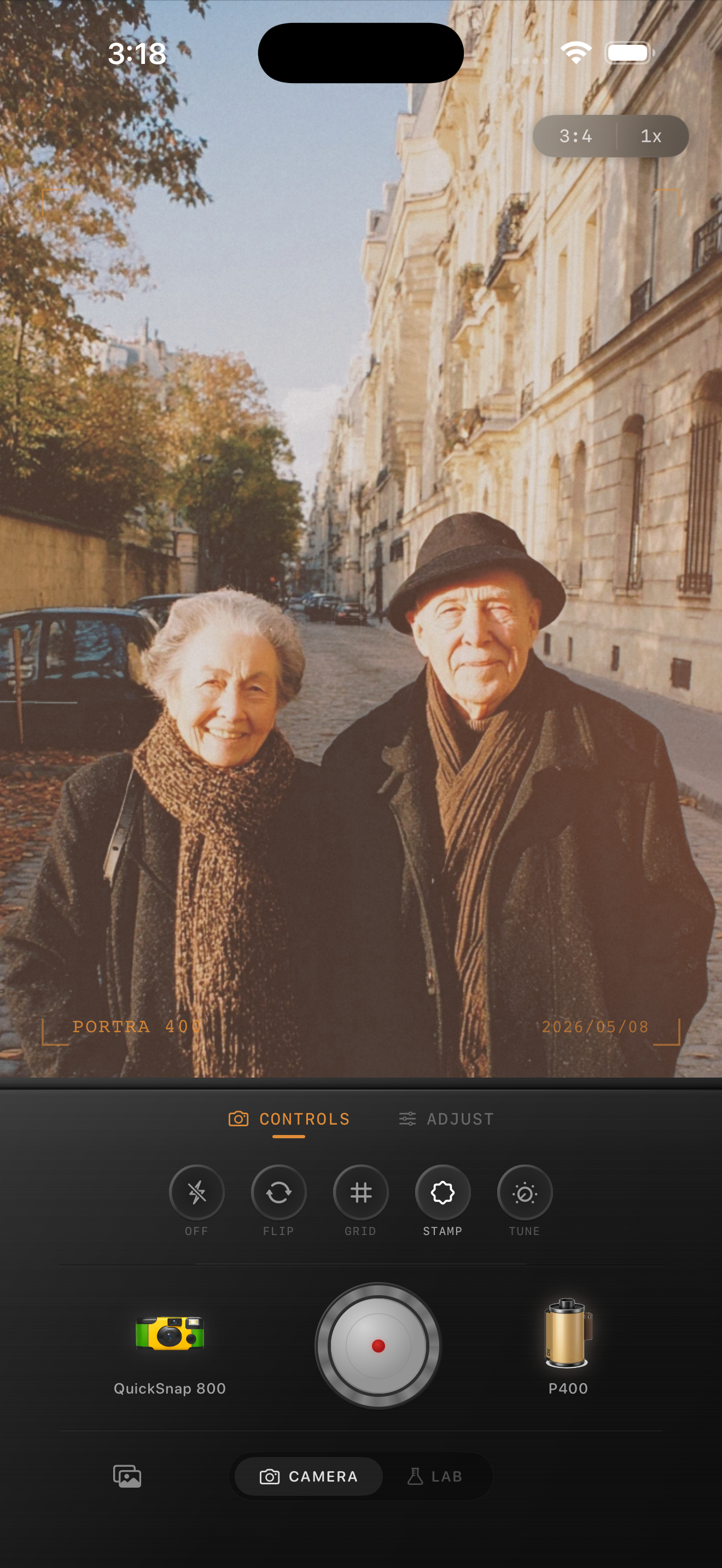
Cafe photos work when the scene still feels airy
Sidewalk cafe photos already have a lot going for them: soft outdoor light, natural skin tones, layered backgrounds, and small details like cups, menus, chairs, and table reflections. A good film-inspired edit should keep that openness while removing the overly crisp phone-camera finish.
Most cafe edits go wrong when warmth, fade, and grain all get pushed at once. Then white cups turn beige, table surfaces lose shape, and the whole frame feels heavier than the real moment.
- Keep the daylight soft instead of flattening it.
- Use moderate grain so cups, plates, and faces stay clean.
- Warm skin gently, not every neutral surface.
- Let the background keep a little cool separation.
- Stop before the cafe scene starts looking sepia.
A reliable sidewalk cafe settings range
Start around film intensity 70-82%, grain 20-32%, warmth +4 to +8, fade 3-6%, and vignette 2-5%. That range usually keeps cafe photos relaxed and printed-looking without pushing them into heavy vintage-filter territory.
If the light is overcast, you can add a touch more warmth. If the photo is already sunny, keep the grade lighter and let the natural glow do more of the work.
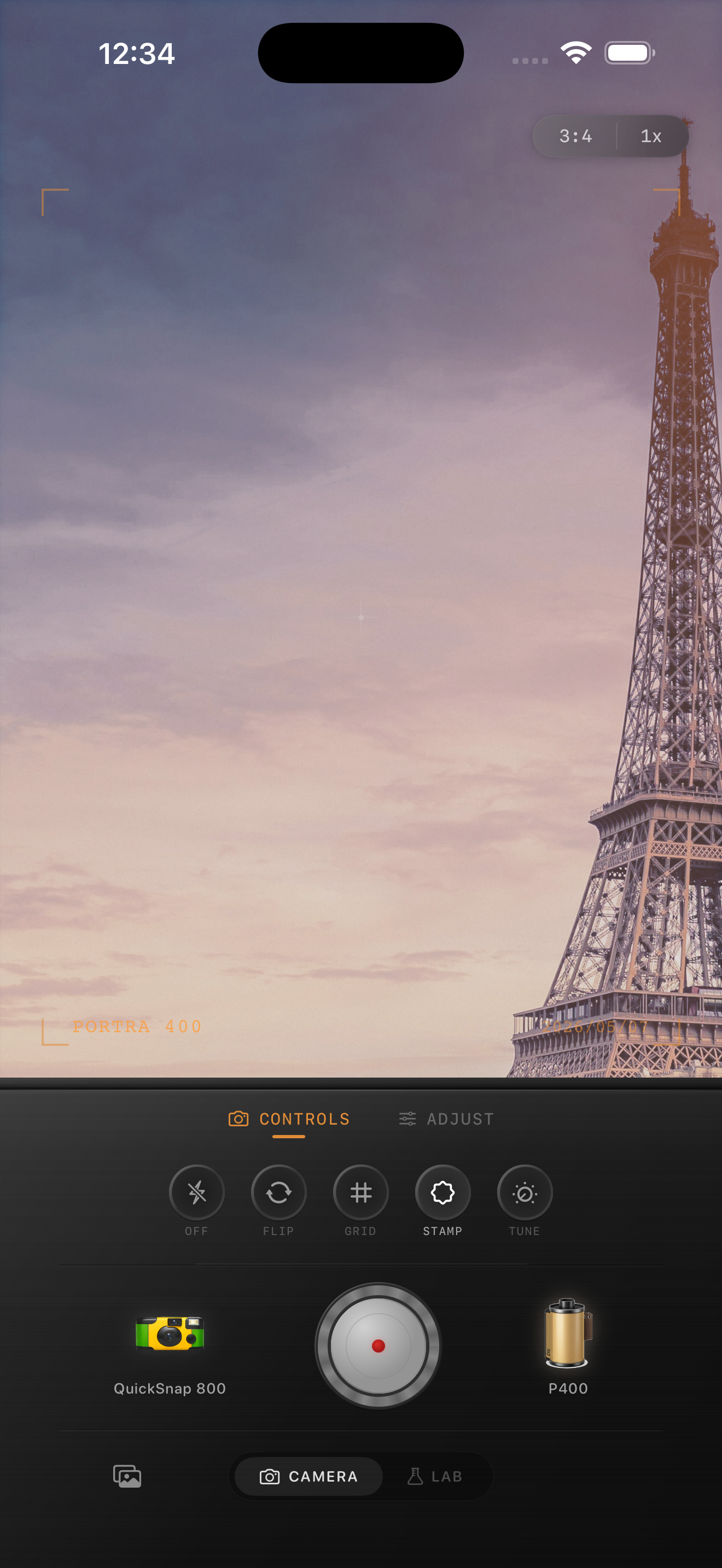
Balance people, tables, and background depth
Cafe photos often fail because the edit treats the whole frame the same way. Skin, cups, pavement, awnings, and walls all react differently to warmth and contrast, so a one-note grade can make the image feel muddy fast.
Check whether faces still look alive, tabletops still have shape, and the street behind them still has some depth. If one of those three areas collapses, back the grade off before adding more texture.
Choose a cleaner film body than you think
Most sidewalk cafe scenes work better with a cleaner compact or 35mm-inspired body than with a rough disposable-style body. Cafe photos usually depend on atmosphere, not chaos.
In Nostalgia Cam, pick the calmer camera body first, then fine-tune grain, warmth, fade, and vignette until the image feels like a travel print you would keep tucked inside a notebook.
Keep cafe daylight soft in Nostalgia Cam
Use Nostalgia Cam to pair a cleaner camera body with restrained grain, gentle warmth, fade, and vignette so sidewalk cafe photos feel nostalgic without losing natural faces or airy outdoor light.
FAQ
Should sidewalk cafe photos use a lot of grain to look like film?
Usually no. Cafe scenes tend to look better with finer grain so faces, cups, and table details stay readable while the image still feels less digital.
Why do my cafe photos turn muddy after a film edit?
They usually get muddy when warmth and fade are pushed too far together. Keep neutrals cleaner and let the outdoor light provide some of the mood.