
Editing guide
How to Edit Candid City Portraits to Look Like Film on iPhone
A practical iPhone editing guide for candid city portraits: softer contrast, controlled skin tone, natural grain, and street-scene color that feels film-inspired instead of overprocessed.

Why candid city portraits go wrong so easily
Candid city portraits already carry a lot of information: faces, coats, sidewalks, storefronts, traffic, and mixed light. If you edit too aggressively, the image stops feeling observational and starts looking processed.
A good film-inspired treatment keeps the person believable while letting the street environment stay part of the story. That usually means gentler contrast, restrained color shifts, and grain that ties the subject and background together.
A reliable starting recipe for street portraits
Start around film intensity 72-86%, grain 24-36%, warmth +4 to +10, fade 4-8%, and vignette 3-8%. This range usually keeps skin natural while taking the edge off the default iPhone sharpness.
If the light is already cool or overcast, lean on grain and softness before adding much warmth. Street portraits often look better when the color stays a little honest instead of being pushed into obvious nostalgia.
- Keep skin tone stable before you chase a heavier film mood.
- Use moderate grain so the street texture and portrait texture feel connected.
- Lower contrast slightly if bright sidewalks or walls pull too much attention.
- Use vignette sparingly so the frame still feels open and documentary.
Balance the person and the place
The easiest mistake is editing only for the face. That can leave the subject warm and polished while the street around them stays cold, sharp, and digital. Film-inspired portraits work better when the whole frame shares the same texture and contrast behavior.
If the background starts pulling focus, soften the overall feel first rather than blurring everything into mush. Film usually looks cohesive, not artificially separated.
Choose a cleaner camera mood than a party-flash look
Candid city portraits usually want a calmer 35mm-inspired body rather than a rough disposable or direct-flash treatment. You want a little imperfection, but not the loudness that works better for nightlife or party photos.
In Nostalgia Cam, pick a cleaner body, then tune grain and fade until the photo feels like a street print or travel memory. If the result starts shouting vintage, pull it back one step.
Build a calmer street-portrait look in Nostalgia Cam
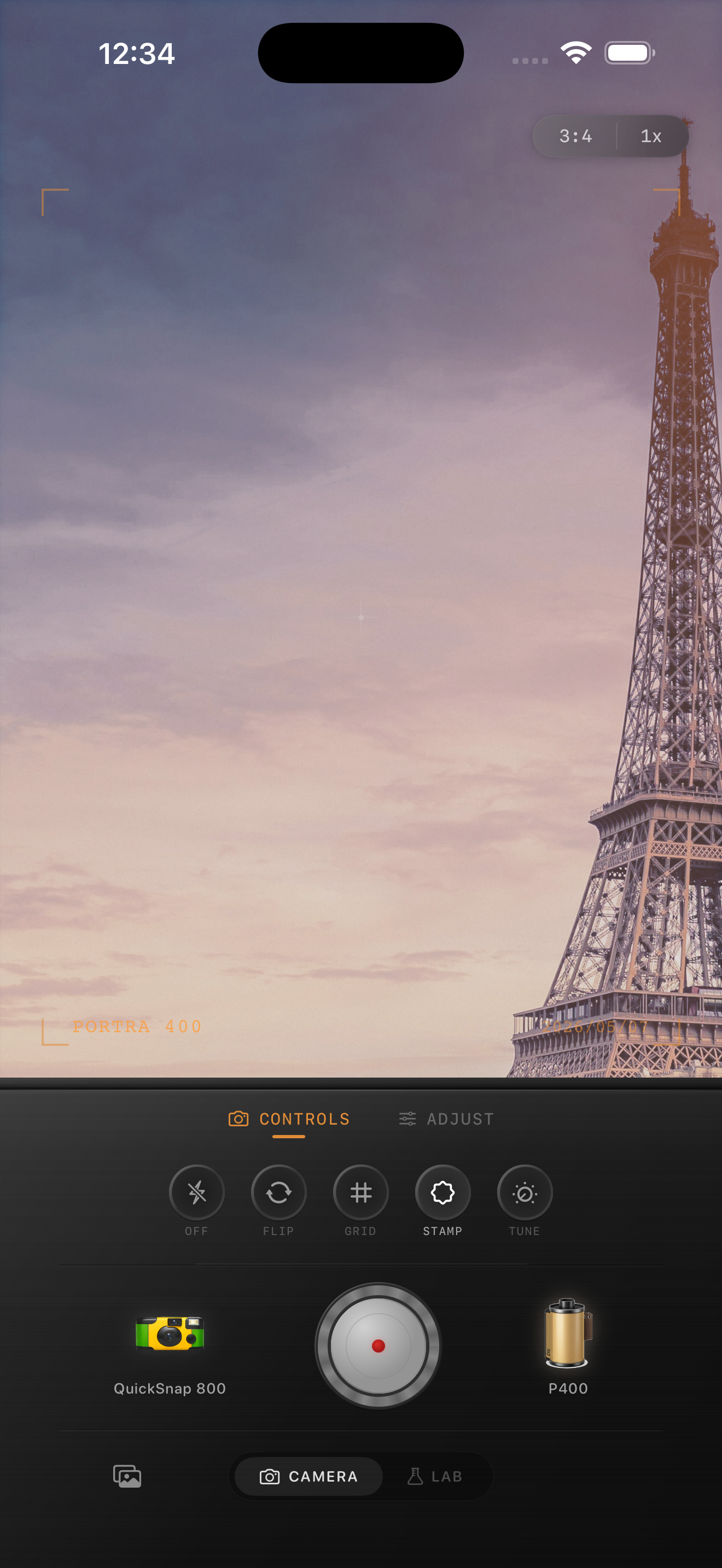
Use Nostalgia Cam to shoot or import candid city portraits, then adjust camera body, film color, grain, warmth, fade, and vignette until the image feels natural, textured, and film-inspired.
FAQ
How much grain should I use for candid city portraits?
Usually less than you would for disposable or flash-heavy edits. A moderate amount of grain often works best because it adds texture without overpowering faces or clothing.
Should city portraits be warm to look like film?
Sometimes slightly warm, but not always. Many believable film-style street portraits keep color fairly neutral and rely more on softer contrast, cohesive grain, and gentle fade.