
Editing guide
Best Film Settings for Candlelight Photos on iPhone
A practical candlelight film-look guide for iPhone photos, with controlled warmth, soft highlights, textured shadows, and settings that keep low light romantic instead of muddy.
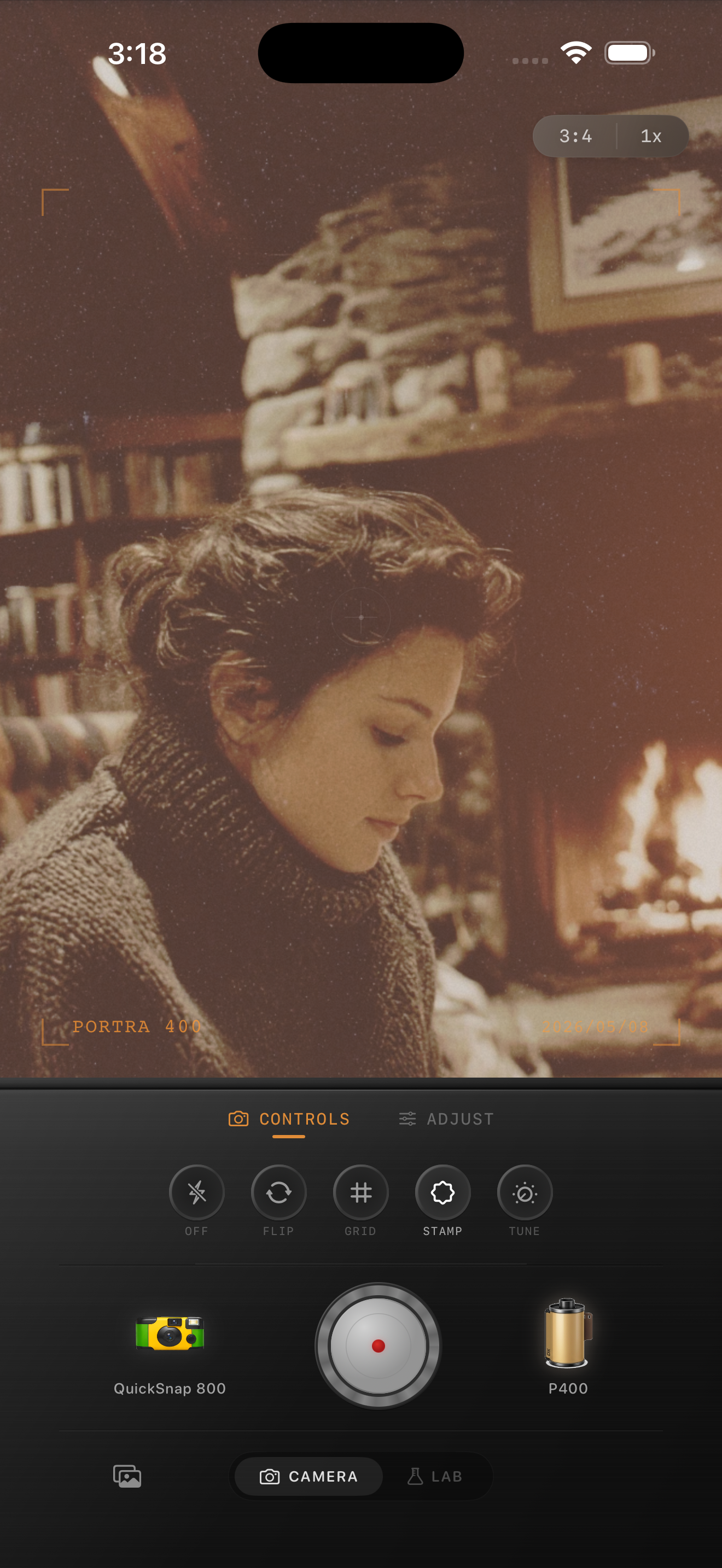
Candlelight needs softness, not brute-force warmth
Candlelight photos already come with warmth and mood. The edit gets better when you protect that glow instead of piling on extra orange. Most failed candlelight edits go wrong because the highlights smear, the skin turns too yellow, or the shadows get muddy and noisy.
A film-style treatment should keep the scene intimate and tactile. Think soft highlight roll-off, a little grain in the darker areas, and just enough fade to stop the image from feeling harsh.
A reliable candlelight settings baseline
Start around film intensity 74-88%, grain 30-42%, warmth +6 to +14, fade 5-9%, and vignette 4-10%. If the candle flame or lamp glow is already bright, lower highlights first so the warm light keeps shape before you add more character.
The more you push warmth, the more carefully you need to watch white shirts, tablecloths, walls, and skin. If those areas go flat orange, pull back and let softness and grain do more of the work.
- Protect the flame, lamps, and reflections from clipping flat white.
- Use moderate grain to give shadows texture without turning them dirty.
- Keep fade subtle so the scene stays intimate instead of washed out.
- Use a small vignette only if the edges feel distractingly bright.
Treat skin, flame, and background separately
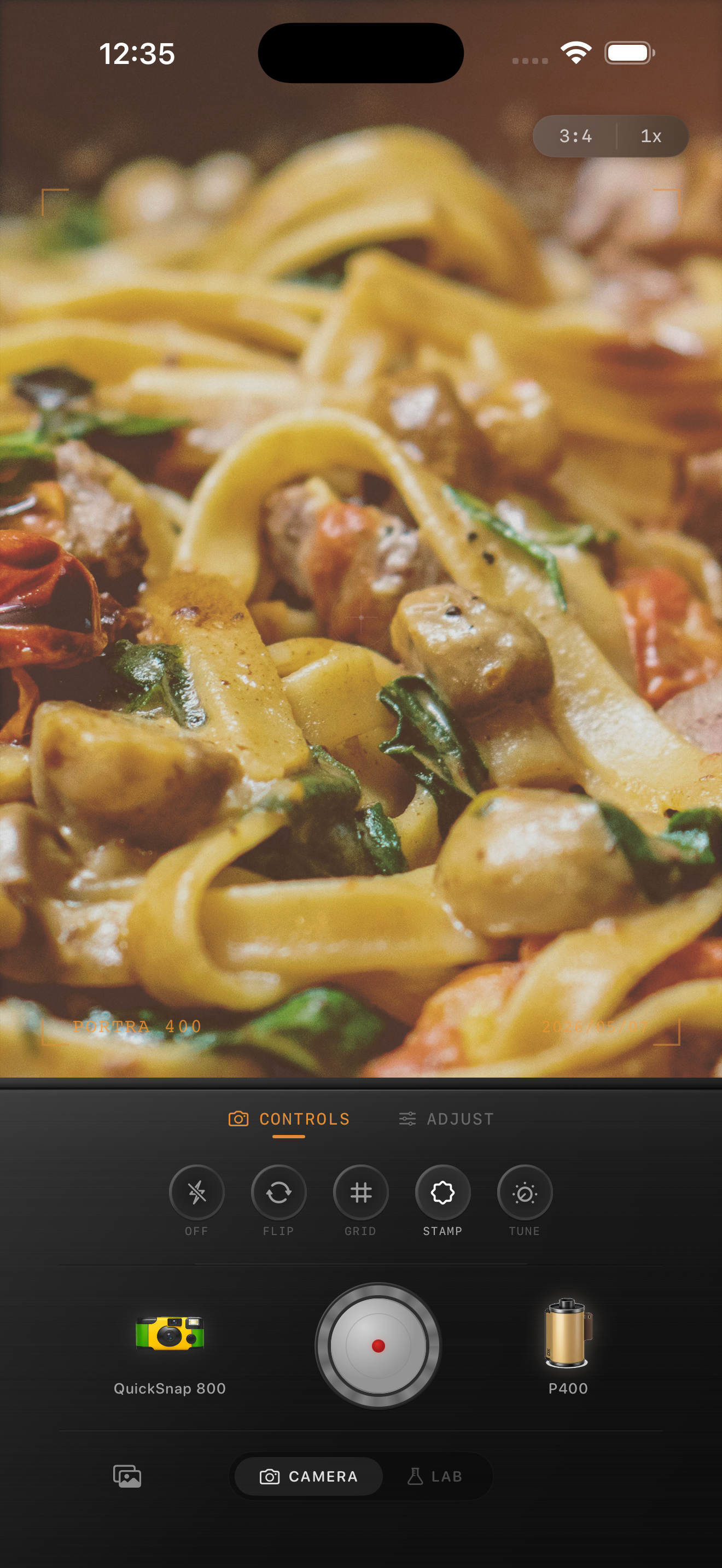
The key to believable candlelight photos is balance. The flame should glow, skin should stay human, and the background should keep enough texture to feel like a real room. If you edit for only one of those things, the other two often collapse.
That is why a moderate film recipe works better than a heavy preset. Once the brightest warm areas are under control, the rest of the scene usually needs only grain, slight softness, and a small amount of fade.
Pick a cleaner film mood than you would for party flash
Candlelight photos usually respond better to a cleaner 35mm-inspired body than to a rough disposable look. You want warmth and nostalgia, but usually not the harshness of direct flash or exaggerated edge damage.
In Nostalgia Cam, choose a calmer camera body first, then fine-tune the sliders until the image feels like a dim restaurant print or a quiet evening memory instead of a filtered low-light file.
Keep warm low light believable in Nostalgia Cam
Use Nostalgia Cam to shoot or import candlelight photos, then tune camera body, grain, warmth, fade, and vignette so the glow stays romantic, soft, and film-inspired instead of muddy.
FAQ
Why do candlelight photos turn muddy after editing?
They usually get muddy when the edit adds too much warmth, too much fade, or too much shadow lifting at once. Protecting highlights and using moderate grain usually works better.
Should candlelight photos use more grain than daylight film edits?
Usually a little more, because gentle grain helps give low-light shadows texture. The grain still needs to stay controlled so skin and backgrounds do not look dirty.