
Editing guide
How to Edit Apartment Window Portraits to Look Like Film on iPhone
A practical apartment-window portrait guide for iPhone with soft daylight, balanced indoor warmth, restrained grain, and enough contrast to keep skin, curtains, and walls from turning flat.
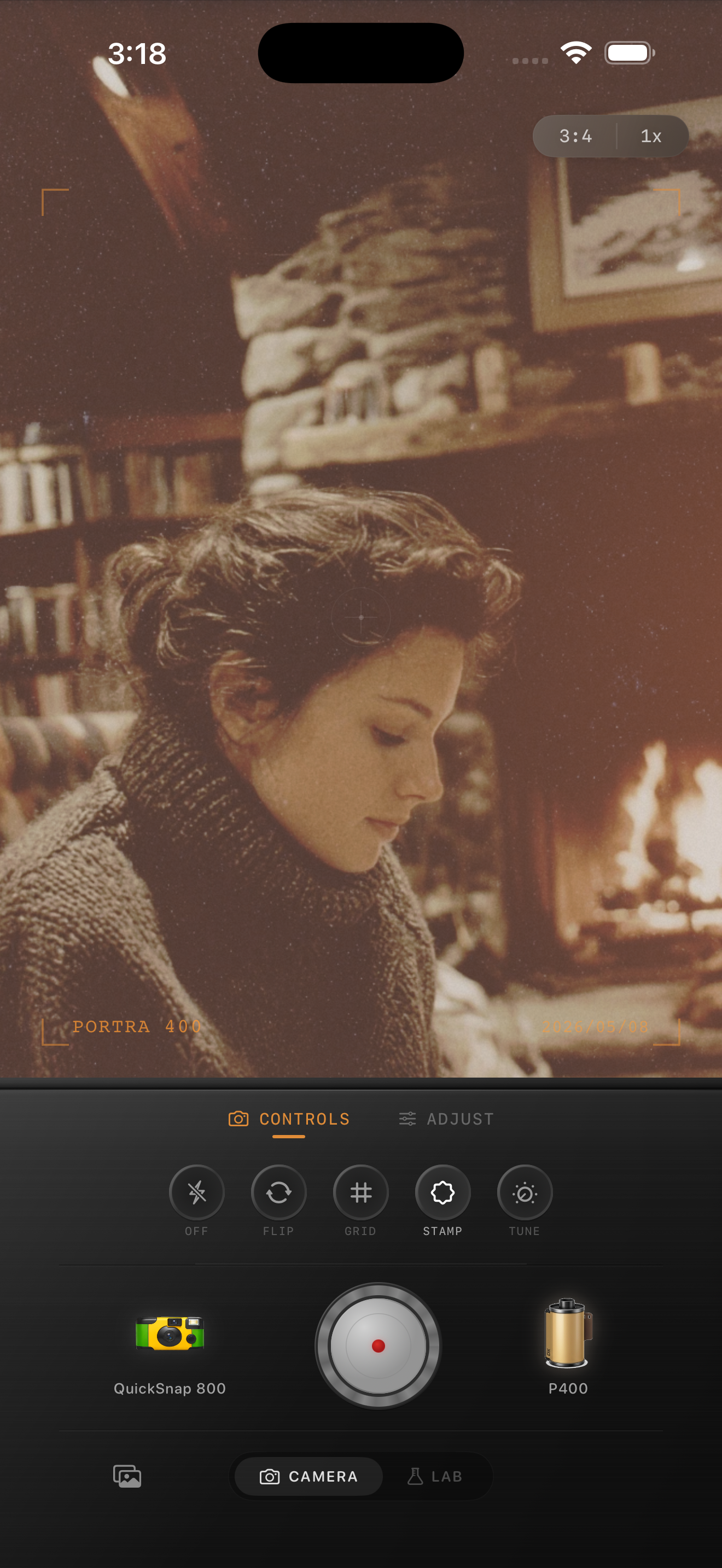
Window portraits need shape more than extra warmth
Apartment window portraits already have most of the ingredients that make film-inspired photos feel believable: soft falloff, calmer highlights, gentle skin, and a lived-in room. The problem is that iPhone edits can flatten those scenes fast if the walls, curtains, hair, and skin all drift into one light beige tone.
A strong film edit keeps the portrait quiet without making it lifeless. You want the daylight to stay soft, but the face still needs to lead and the room still needs a little structure.
A reliable apartment window starting range
Start around film intensity 70-82%, grain 18-30%, warmth +3 to +8, fade 3-6%, and vignette 3-7%. That range usually softens the digital edge while keeping window light clean and indoor neutrals from looking muddy.
If the room already has warm lamps or wood tones, use less warmth and let the light itself create the mood. If the original photo feels cold, add just enough warmth to restore skin before touching the rest of the frame.
- Keep grain fine so skin stays smooth at normal viewing size.
- Use curtains or wall paint as a neutrality check.
- Add fade carefully or hair and darker clothes lose depth.
- Avoid heavy vignette unless the background is distracting.
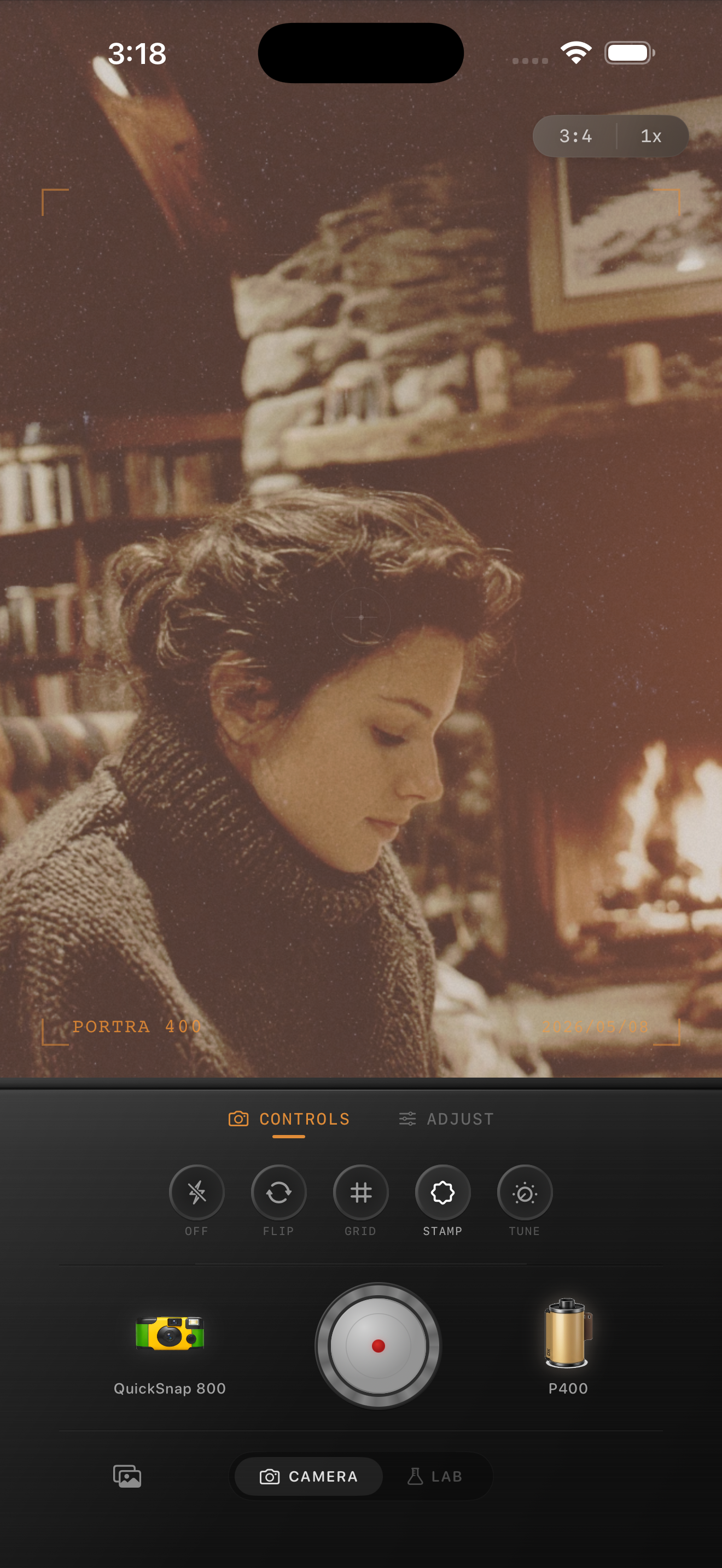
Edit skin first, then balance the room
A common mistake is grading the apartment as if it matters more than the person. If the room feels cozy but the skin turns gray or orange, the image stops feeling photographic. Treat skin as the anchor, then bring the room around it with small warmth and fade moves.
If the portrait still feels too digital after skin looks right, a slightly softer camera body or a little more grain usually works better than pushing global warmth.
Choose a cleaner camera body for home portraits
Most apartment window portraits benefit from a compact-film or cleaner 35mm-inspired body instead of a rough disposable effect. The mood comes from intimacy, light falloff, and texture in fabric or furniture, not from loud damage.
In Nostalgia Cam, start with the cleaner body and then fine-tune grain, warmth, fade, and vignette until the portrait feels like a printed memory instead of a polished phone shot.
Keep home portraits natural in Nostalgia Cam
Use Nostalgia Cam to pair a cleaner camera body with film-style color, fine grain, fade, and vignette so apartment window portraits keep soft skin, gentle daylight, and a believable analog mood.
FAQ
How much grain should an apartment window portrait use on iPhone?
Usually less than party, flash, or night photos. Around 18-30% is often enough to reduce the digital smoothness without making skin and curtains look gritty.
Why do apartment window edits look flat after adding a film effect?
They usually flatten when warmth and fade are pushed too far on a scene that was already soft. Keep the light gentle, but preserve separation in skin, hair, walls, and clothing.