
iPhone film look
Best Film Settings for Candid Toast Photos on iPhone
A practical candid-toast film recipe for iPhone with lively glass highlights, balanced skin, controlled flash texture, and enough grain to feel nostalgic without turning the scene muddy.
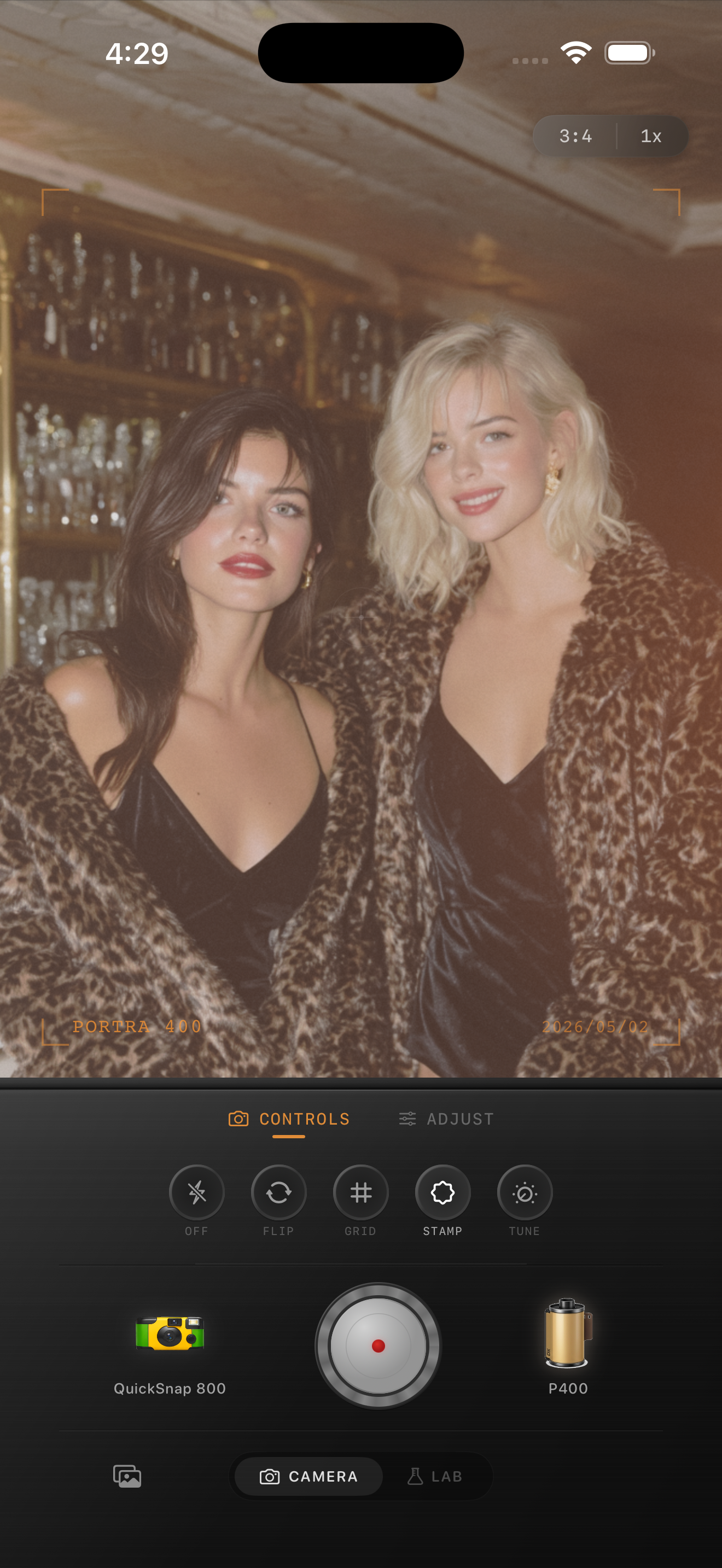
Toast photos need energy, not smeared highlights
Candid toast photos already have what makes film-inspired social images work: motion, reflective glass, mixed light, expressive faces, and a loose frame. The challenge is keeping that energy while stopping highlights on glasses, skin, and background bulbs from turning harsh or muddy.
A good film edit keeps the scene lively. You want the cheers moment to feel quick and real, not buried under orange shadows or exaggerated grain.
A strong starting point for settings
Start around film intensity 78-88%, grain 30-42%, warmth +6 to +12, fade 4-7%, and vignette 8-13%. That usually gives low-light toast photos enough analog texture while keeping faces readable and glass highlights bright.
If the original shot used direct flash, stay lower on fade so the image still pops. If the light was ambient and dim, use a little more grain and a touch more warmth before adding extra vignette.
- Keep grain medium so reflections stay crisp enough to read.
- Do not overwarm glass highlights or drinks turn muddy.
- Use vignette only to pull focus back toward faces and hands.
- Let a little shadow depth remain instead of flattening the whole bar.
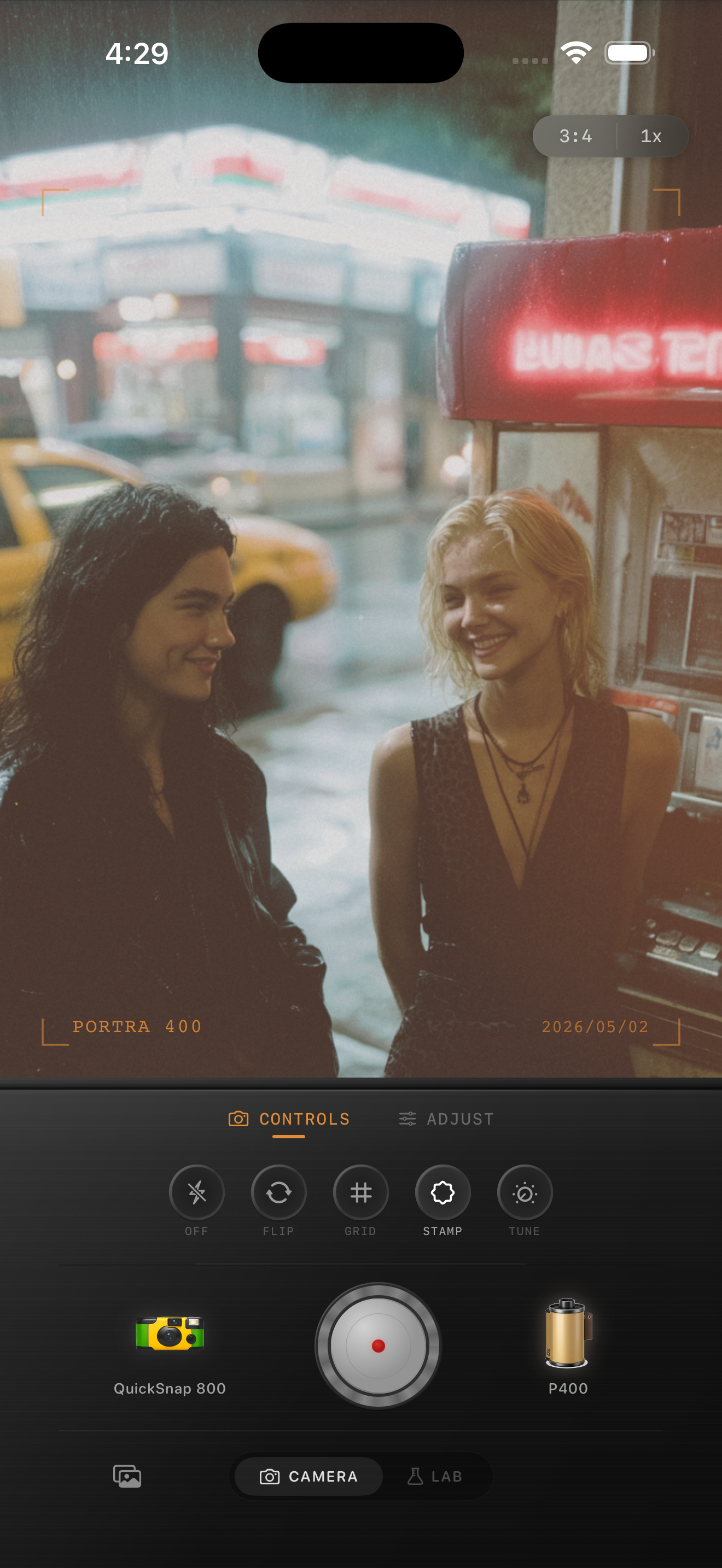
Balance skin against glass and background lights
Toast photos are full of competing bright points: cheeks, hands, glasses, neon, candles, and overhead bulbs. If you edit only for mood, faces can go red while the glass still looks too digital. If you edit only for clean skin, the whole frame can lose its atmosphere.
The better approach is to treat skin as the anchor, then make sure glasses and background lights stay one step brighter without clipping into hard white patches.
Choose the camera body based on how messy the moment is
If the photo already feels spontaneous, a disposable-style body can work because the rougher texture supports the candid mood. If the frame is cleaner and more intimate, a compact-film body often holds skin and reflections together more gracefully.
In Nostalgia Cam, pick the body that matches the pace of the moment first, then fine-tune grain, warmth, fade, and vignette until the toast feels lively and printed instead of processed.
Keep social moments lively in Nostalgia Cam
Use Nostalgia Cam to pair camera body character with film-style color, grain, fade, and vignette so candid toast photos keep bright highlights, natural skin, and a believable late-night film mood.
FAQ
Should candid toast photos use a disposable-style look or a cleaner film look?
Either can work. Disposable-style edits suit louder, flashier party moments, while cleaner compact-film looks often work better for intimate bars or dinner toasts with softer light.
Why do toast photos look muddy after a film edit?
They usually get muddy when warmth, fade, and grain are all pushed at once in a low-light frame. Keep highlights on glasses distinct, let some shadows stay deep, and adjust skin before adding more atmosphere.