
Editing guide
Best Film Settings for Vintage Car Photos on iPhone in Overcast Light
A practical overcast vintage-car film recipe for iPhone with cleaner chrome, restrained grain, softer contrast, and enough warmth to feel nostalgic without turning gray paint muddy.
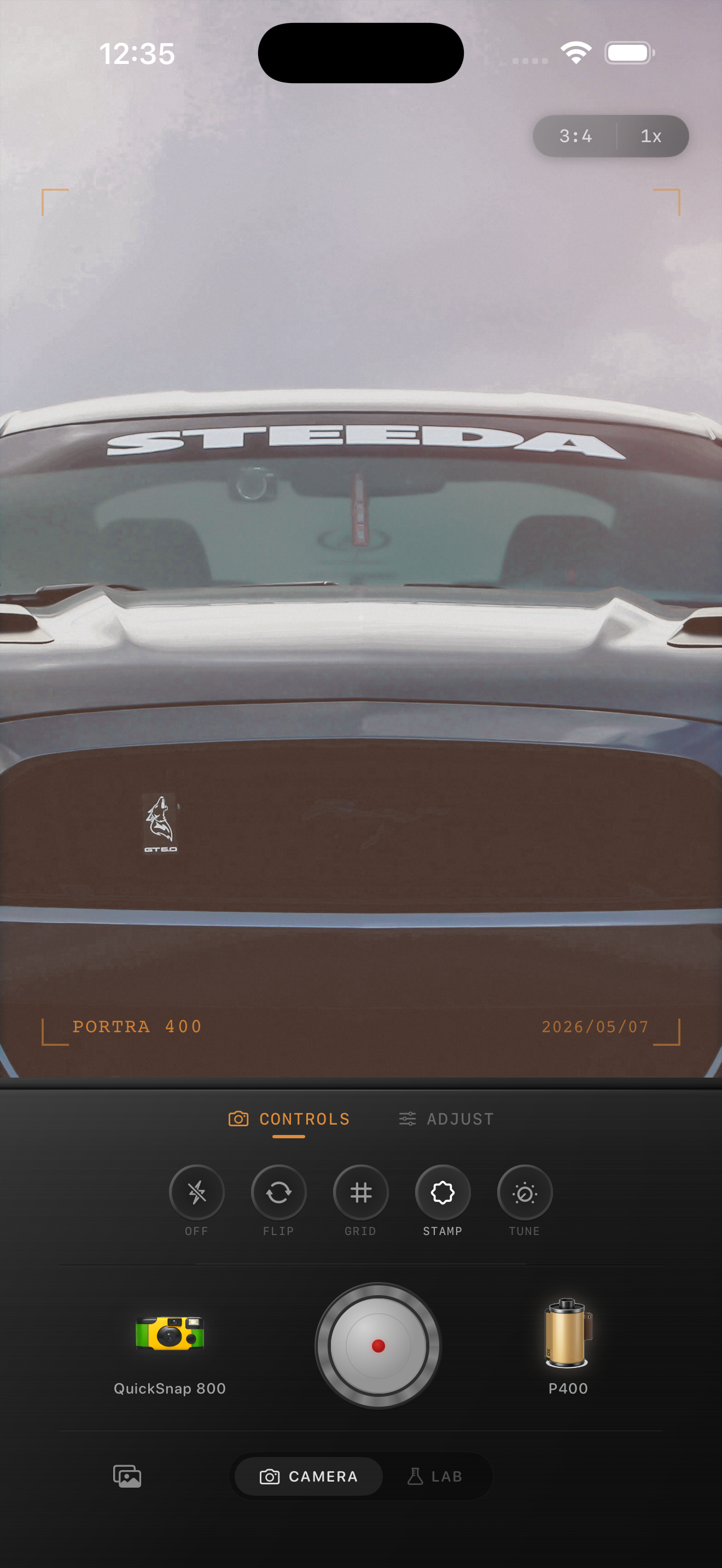
Overcast light is good for cars if you keep the edit clean
Overcast light already helps vintage car photos because it softens reflections and lowers harsh contrast across chrome, paint, and glass. That gives you a strong base for a film look without fighting blown highlights.
What usually breaks the image is treating the cloudy light as an excuse to pile on fade, grain, and extra warmth. Then the paint loses shape, chrome turns dull, and the car stops feeling intentional.
- Use moderate grain so paint and trim stay readable.
- Warm the image lightly instead of chasing sepia.
- Keep fade low enough that body lines still show.
- Protect chrome and windows from looking chalky.
- Choose a cleaner body before a rough disposable one.
A reliable overcast car recipe
Start around film intensity 70-82%, grain 20-30%, warmth +3 to +8, fade 2-5%, and vignette 4-8%. That usually gives the car a printed feel while keeping metallic details and cloudy sky tones balanced.
If the paint starts to look muddy, lower fade first. If chrome gets flat, lower grain before raising contrast. Vintage car photos often look best when the analog feeling comes from softer edges and calmer color instead of obvious damage.
Judge paint, chrome, and pavement as separate surfaces
Car photos are easier to balance when you treat each major surface separately. The paint should still show shape. Chrome should look reflective, not white and dead. Pavement and sky should stay neutral enough that the car remains the main color event in the frame.
If all three areas start sharing the same gray-brown tone, the film look has gone too far. Pull back the fade or warmth before adding anything else.
Let the car provide the nostalgia
A vintage car already carries the nostalgic subject matter. That means the camera treatment can stay relatively clean. A 35mm-inspired or compact-film body usually works better than the roughest disposable style because it preserves trim, reflections, and shape.
In Nostalgia Cam, start clean, then add only enough grain and warmth to make the frame feel tactile. If you use Kodak-style or Fuji-style language, keep it clearly framed as style inspiration and not as any affiliation claim.
Keep cloudy car photos crisp in the right places
Use Nostalgia Cam to pair a cleaner camera body with film-inspired color, grain, fade, and vignette so vintage car photos stay nostalgic without losing chrome, paint depth, or overcast atmosphere.
FAQ
Should overcast vintage car photos use heavy grain?
Usually no. Moderate grain works better so paint, chrome, and window reflections keep their shape while the photo still feels less digital.
Why do cloudy car photos turn muddy with film edits?
Usually because fade and warmth are pushed too far together, which removes the contrast that keeps paint, chrome, pavement, and sky separated.