
Editing guide
Best Film Settings for Parked Car Photos on iPhone at Dusk
A practical dusk car-photo film recipe for iPhone: softer highlights, calmer paint reflections, restrained grain, and enough warmth to feel analog without turning the whole street orange.
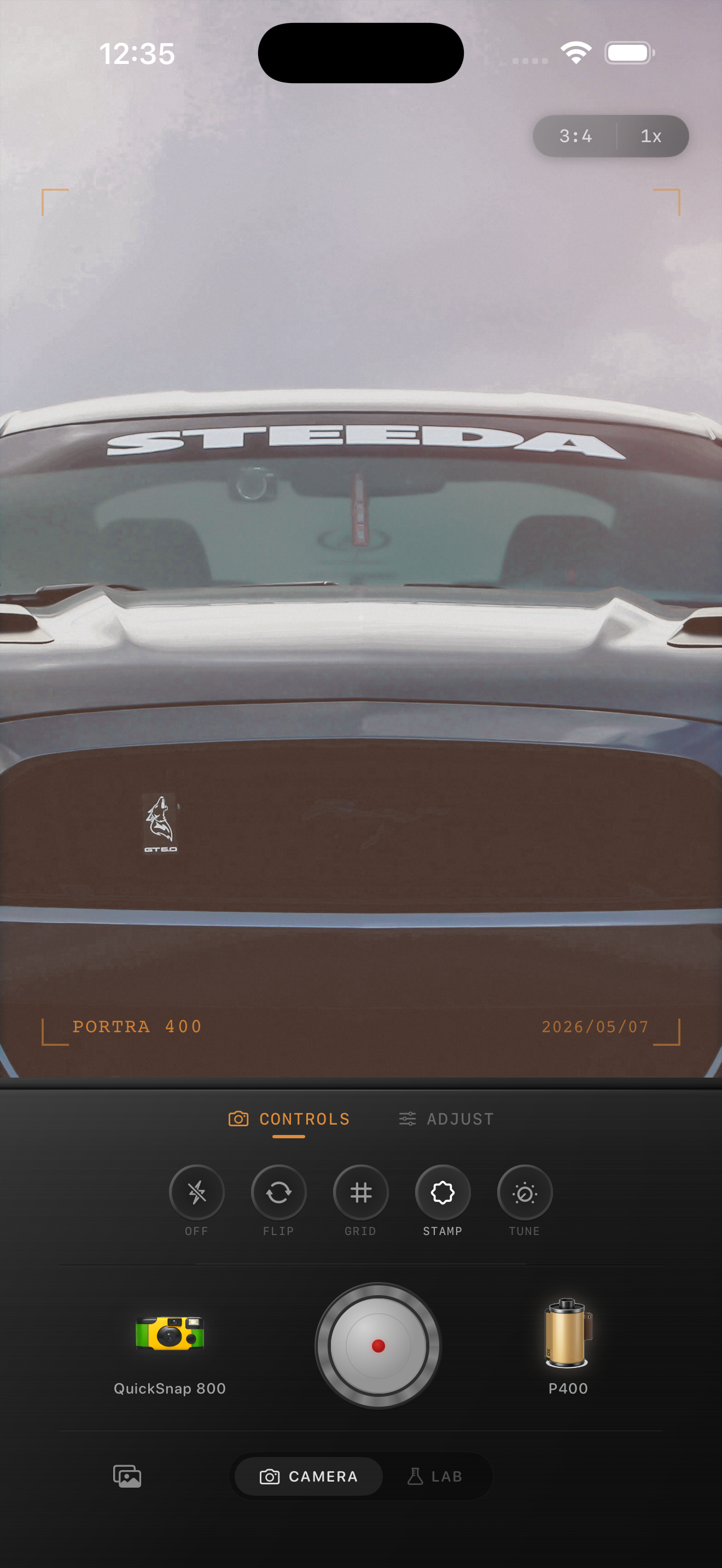
Why dusk helps car photos feel cinematic
Parked car photos at dusk already have the kind of layered light that works well with a film edit: softer sky, glowing windows, reflective paint, and darker pavement that keeps the frame grounded. The goal is not to exaggerate all of that. The goal is to keep the highlights smooth and the car readable.
Most bad dusk car edits push warmth and grain too hard. That makes chrome go chalky, paint lose its real color, and the whole street lean muddy instead of nostalgic.
- Keep highlight control ahead of extra warmth.
- Use fine-to-medium grain instead of rough texture.
- Let the sky stay a little cooler than the street.
- Preserve the real paint color before stylizing the frame.
- Use vignette lightly so the car still feels open in the scene.
A dependable dusk car settings range
Start around film intensity 70-84%, grain 18-30%, warmth +4 to +9, fade 3-6%, and vignette 3-7%. That range usually softens the iPhone finish while keeping enough shape in the reflections, body lines, and surrounding street light.
If the paint starts looking flat, reduce fade before lowering film intensity. If the sky or chrome gets dirty, lower grain first. Dusk scenes usually look more photographic when the analog feeling comes from softness and color balance rather than obvious damage.
Judge the edit from chrome, glass, and pavement
Use three checkpoints before you finish. First, look at chrome or bright trim. It should glow a little but still keep shape. Second, check the windshield or side windows. They should feel reflective, not milky. Third, look at the pavement or curb. If it already feels warm, the frame probably does not need more warmth.
Those reference points matter because dusk light is easy to romanticize past the point of realism. When the car still reads clearly against the street, the edit usually has enough mood already.
Choose a cleaner body than you think
Most parked car photos at dusk work better with a compact-film or cleaner 35mm-inspired body than with a rough disposable treatment. The scene already has mood from sodium lamps, sky glow, and reflections, so the edit only needs to make the phone file feel less clinical.
In Nostalgia Cam, pick the body from the story first, then add only enough grain and warmth to make the frame feel printed. If you describe the result with Kodak-style or Fuji-style language, keep it framed as inspiration only and not as any affiliation claim.
Keep dusk car photos calm and printed
Use Nostalgia Cam to balance camera body, grain, warmth, fade, and vignette so parked car photos at dusk feel cinematic and film-inspired without losing paint color or chrome detail.
FAQ
How much grain should dusk car photos use on iPhone?
Usually less than nightlife snapshots. Fine-to-medium grain often works best because the reflections and fading daylight already give the scene enough texture.
Why do dusk car edits turn too orange so fast?
Because streetlights and sunset spill already add warmth. If you add more warmth before controlling highlights and paint color, chrome and pavement can go muddy quickly.