
Editing guide
Best Film Settings for Bright Sunny iPhone Photos
A practical guide to making bright sunny iPhone photos look like film with protected highlights, restrained warmth, lighter grain, and color that feels printed instead of harsh.
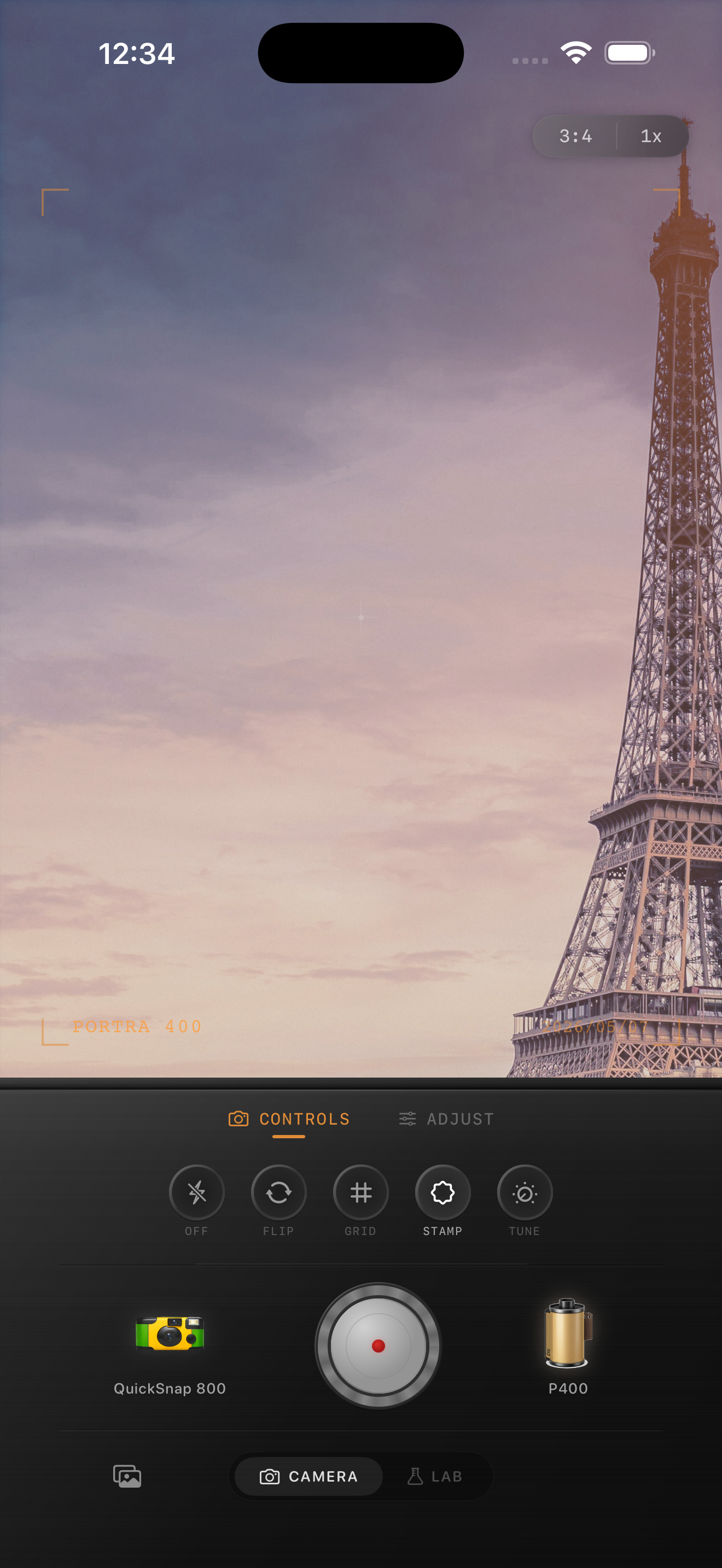
Bright sun needs less effect than people think
Sunny iPhone photos already have strong contrast and plenty of color, so the film edit should calm the image rather than pile on obvious nostalgia. Too much warmth makes concrete and skin go orange. Too much grain makes sky and pale walls look dirty.
What usually helps most is protecting highlights, softening the hardest edges, and giving the frame a slightly printed feeling instead of a glossy phone-camera finish.
A strong starting point for sunny scenes
Start around film intensity 68-82%, grain 18-30%, warmth +2 to +7, fade 3-7%, and vignette 3-7%. This keeps the image believable in strong daylight and avoids the muddy look that can happen when bright scenes get edited like night photos.
If the photo includes white buildings, pale sidewalks, beach sand, or bright shirts, stay on the lower end for warmth and grain. If the light is clean but a little sterile, a small warmth move is usually enough.
- Use lighter grain than you would for neon or flash photos.
- Keep highlights creamy, not flat white.
- Soften contrast before pushing saturation.
- Let blue sky and green trees stay calm instead of electric.
Judge walls, skin, and sky first
In harsh sun, the easiest places to spot a bad edit are skin, white surfaces, and open sky. If faces look orange, lower warmth. If the sky looks gritty, lower grain. If walls feel chalky, reduce contrast before touching anything else.
Sunny photos rarely need dramatic fade. A little softening goes a long way once the highlights stop looking clinical.
Pick a cleaner camera body
Bright travel, street, and outdoor photos usually work best with a cleaner 35mm-inspired camera body rather than a rough disposable one. You want the image to feel timeless and tactile, not damaged.
In Nostalgia Cam, start with the cleaner body, then nudge the film look until the photo feels like a scanned print from a good day outside instead of a sharp HDR phone shot.
Make sunny photos feel printed instead of harsh
Use Nostalgia Cam to soften bright daylight with a cleaner film-style camera body, then tune grain, warmth, fade, and vignette until the image feels calm, warm, and naturally analog.
FAQ
Do bright sunny photos need less grain than night photos?
Yes, usually. Bright scenes already show detail clearly, so lighter grain tends to look more believable than the rougher texture that can work in low light.
Why do sunny vintage edits look fake so quickly?
Because strong daylight exposes every heavy-handed move. Too much warmth, grain, or fade can make sky, skin, and white surfaces look dirty or orange fast.