
Editing guide
Best Film Settings for Fireplace Photos on iPhone
A practical fireplace-photo film recipe for iPhone: softer highlights, warm but believable color, textured shadows, and enough grain to keep cozy indoor scenes natural.
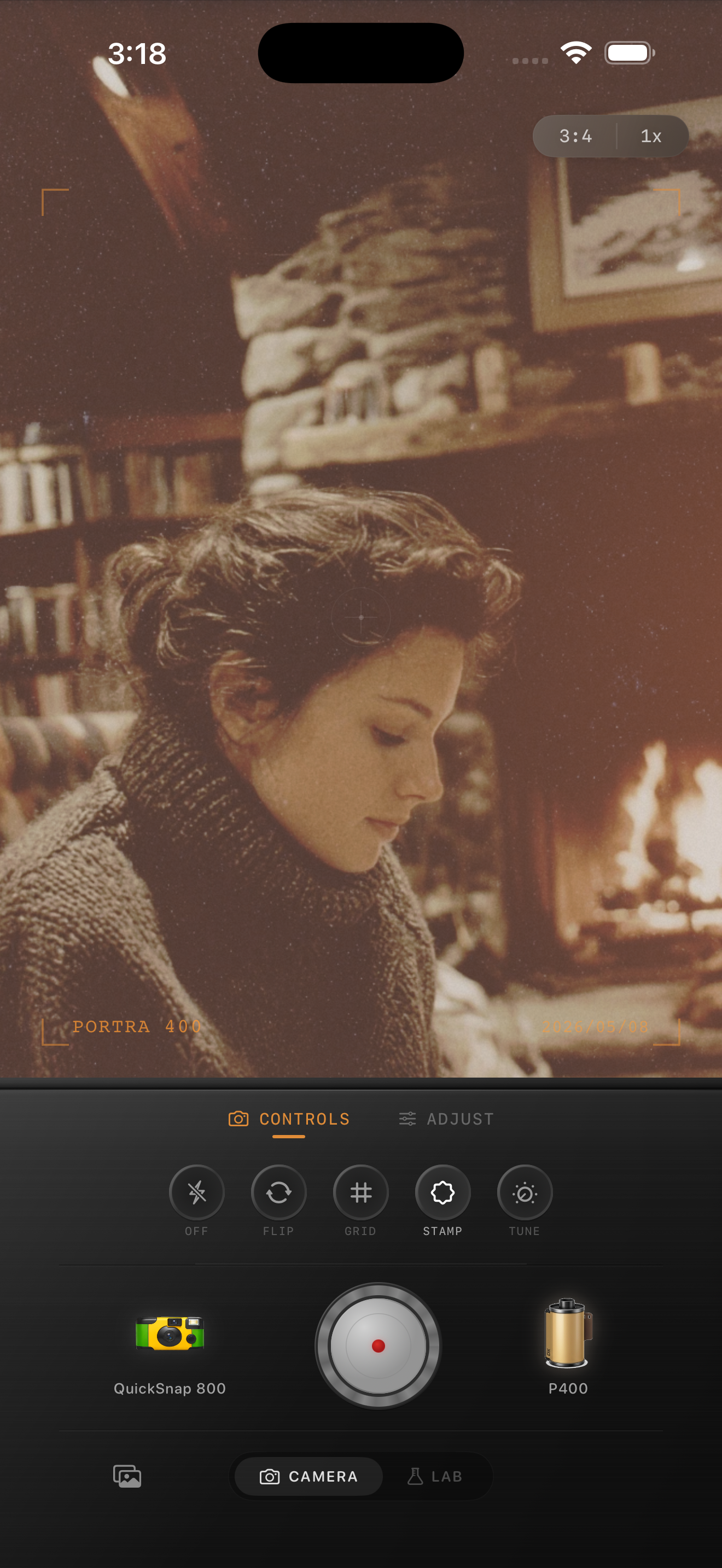
Fireplace photos need warmth without turning muddy
Fireplaces already bring exactly what people want from a film-style edit: warm light, dark corners, flicker, wood texture, and a slower mood. The job is not to make the room more orange. The job is to make it feel softer and less digitally polished.
Most bad fireplace edits push warmth, fade, and grain too hard at the same time. That makes skin go yellow, blankets go brown, and flames lose shape.
- Protect the brightest flame and lamp highlights first.
- Use moderate grain so shadows feel textured, not dirty.
- Let the room stay dim enough to feel intimate.
- Warm the image gently instead of globally tinting it orange.
- Keep pages, skin, and fabric believable before adding more effect.
A dependable fireplace settings recipe
Start around film intensity 74-88%, grain 28-40%, warmth +7 to +14, fade 5-9%, and vignette 5-10%. This usually gives enough analog softness to calm the iPhone finish while preserving the glow that makes the scene worth keeping.
If the room already has very amber light, lower warmth and rely more on softer contrast. If the fire is the only strong light source, keep highlights controlled so the flames still look shaped instead of clipped.
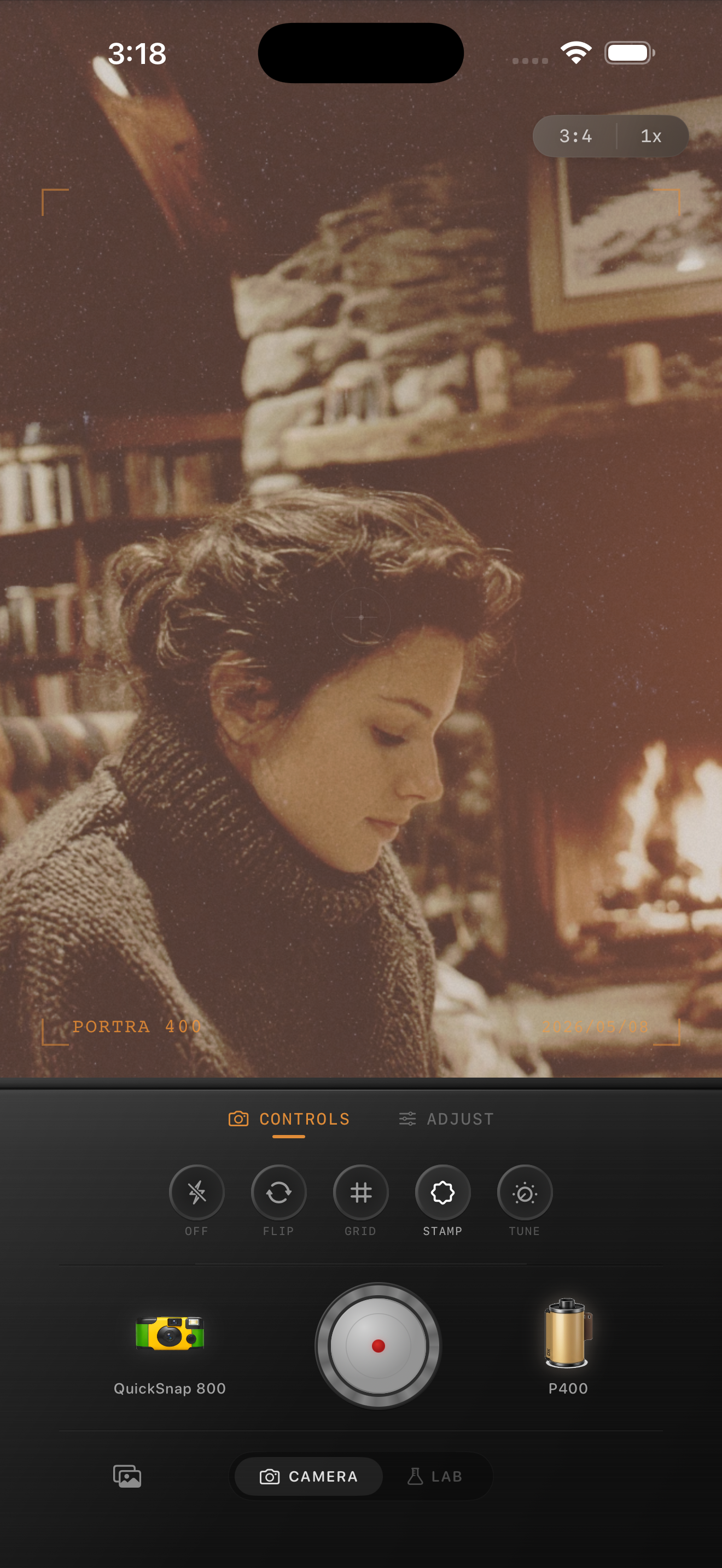
Judge the edit from skin, pages, and flame
A fireplace image usually contains a few fragile details: pale paper, skin, flame, and deep shadow. If any one of those collapses, the whole edit starts feeling fake. Watch white pages and cheeks for too much yellow, and watch the flame for clipping before you add more warmth.
Once those details look believable, the rest of the room can stay softer and darker without losing the cozy mood.
Choose a calmer camera mood than a flash scene
Fireplace photos almost always work better with a cleaner 35mm-inspired or balanced compact-film body than with a rough disposable treatment. You want warmth and texture, but usually not harsh edge damage or party-photo chaos.
In Nostalgia Cam, start with a calmer body, then tune grain, warmth, fade, and vignette until the room feels like a printed winter memory rather than a heavy indoor preset.
Keep cozy firelight believable in Nostalgia Cam
Use Nostalgia Cam to shoot or import fireplace photos, then balance camera body, grain, warmth, fade, and vignette so warm indoor scenes feel intimate, textured, and naturally film-inspired.
FAQ
Should fireplace photos use strong grain to look like film?
Usually moderate grain works best. Fireplace scenes benefit from texture in the shadows, but too much grain can make skin, paper, and flames look dirty or crunchy.
Why do fireplace edits turn orange so fast?
Because the room is already warm. It usually looks better to control highlights first, then add only a modest warmth boost and let softness plus grain carry the rest of the film feeling.