
Editing guide
Best Film Settings for Eiffel Tower Photos on iPhone at Blue Hour
A practical blue-hour Eiffel Tower film recipe for iPhone: keep the sky cool, city lights soft, grain restrained, and landmark detail clean enough to feel like a travel print instead of a preset.
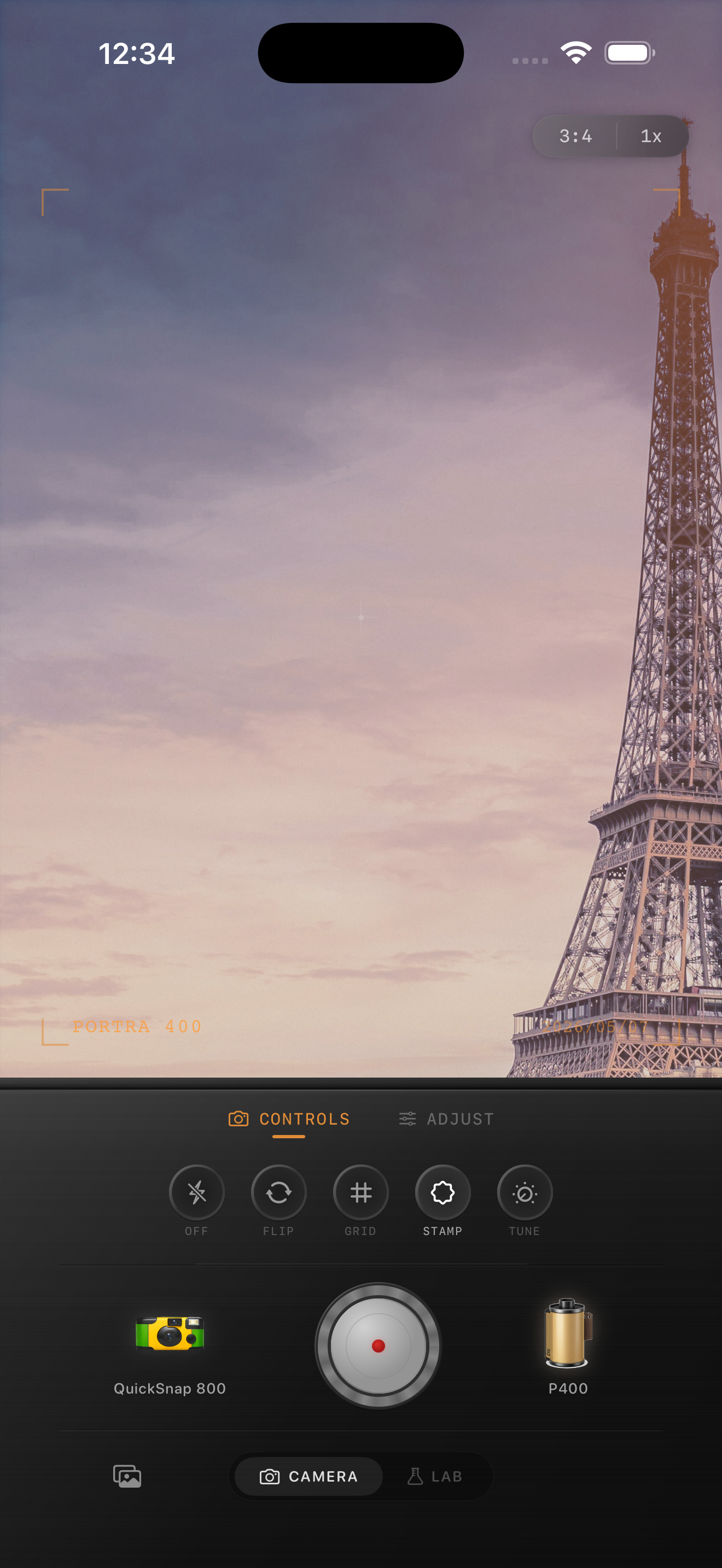
Why blue hour suits a film edit
Blue hour already gives Eiffel Tower photos the two things most people want from film: softer contrast and natural color separation. The sky still carries cool depth, while lamps and windows start to glow without becoming a full night scene.
That is why the edit should stay controlled. If you push warmth, fade, and grain too hard, the blue sky goes gray and the city lights lose their shape. A believable film-inspired result keeps the hour of day recognizable.
- Keep the sky slightly cool instead of forcing it warm.
- Use lighter grain than you would for bars or flash photos.
- Protect lamp glow before adding extra fade.
- Let the landmark detail stay readable.
- Add only a modest vignette so the scene still feels open.
A dependable Eiffel Tower blue-hour baseline
Start around film intensity 70-82%, grain 18-28%, warmth +2 to +6, fade 3-6%, and vignette 3-7%. That range usually softens the default iPhone finish without making the tower, sky, or pavement look muddy.
If the frame includes bright lamps or reflections on wet pavement, lower highlights before raising grain. If the tower starts looking flat, back off fade first. Blue-hour travel photos usually need tonal control more than extra texture.
Use the sky and stone as your truth check
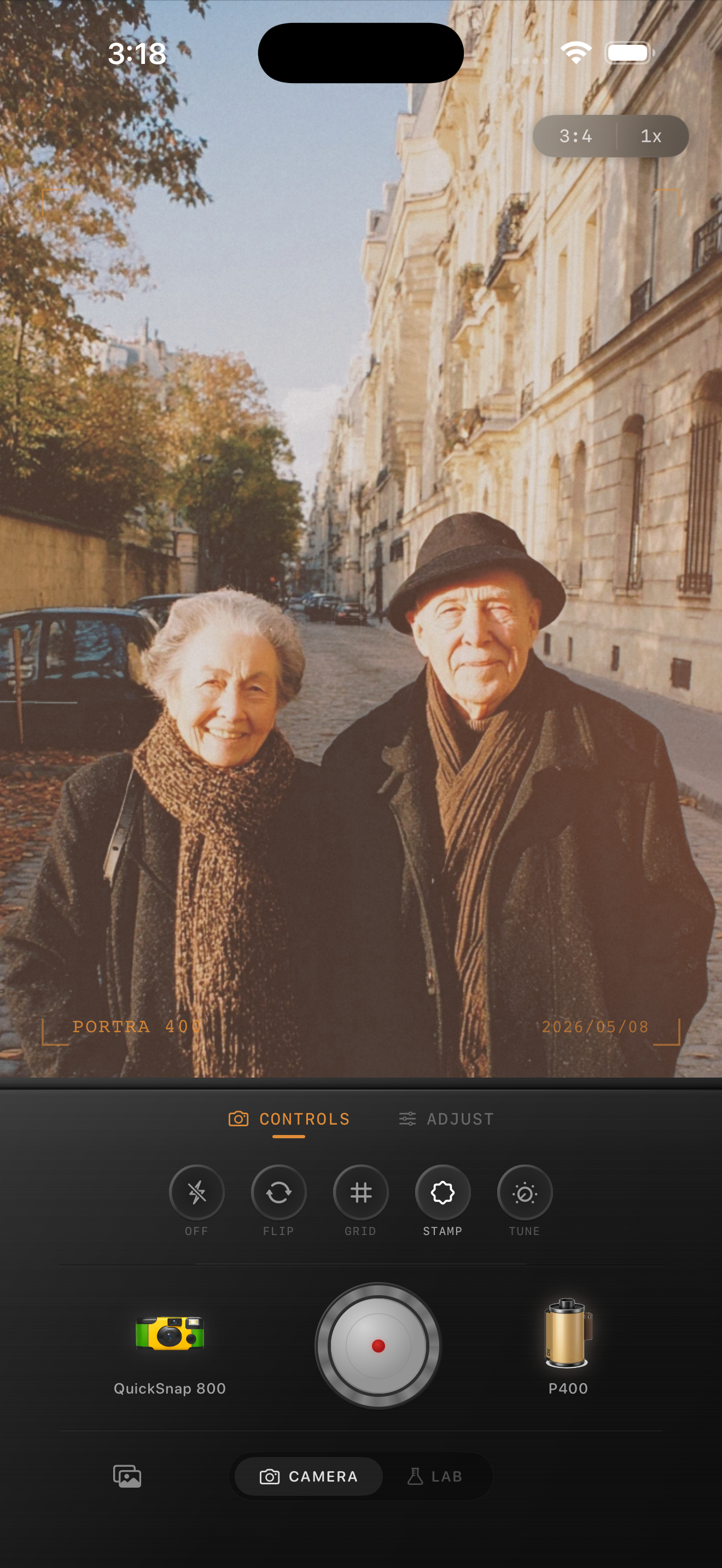
Two reference points tell you quickly whether the edit still works: the sky and the pale city surfaces around the landmark. The sky should keep some clean blue separation, and sidewalks or stone should stay neutral enough that the frame does not turn beige.
If both of those references still feel natural, you can safely warm the lights a little and add gentle grain. If they already look dull or yellow, the edit is too heavy even if the overall mood seems romantic.
Choose a cleaner camera mood than you think
Most Eiffel Tower blue-hour photos suit a cleaner compact-film or 35mm-inspired body better than a rough disposable look. The atmosphere is already in the architecture, distance, and evening light, so you do not need aggressive dust or coarse grain to make the image nostalgic.
In Nostalgia Cam, start with the calmer camera body first, then fine-tune grain, warmth, and fade until the shot feels like a real travel print you kept after the trip.
Keep blue-hour travel shots soft in Nostalgia Cam
Use Nostalgia Cam to pair Eiffel Tower photos with a cleaner film-style camera body, restrained grain, gentle warmth, and soft contrast so blue-hour landmark shots feel tactile without losing the evening color.
FAQ
Should Eiffel Tower photos at blue hour use heavy grain?
Usually no. Blue-hour landmark photos tend to look better with restrained grain so the tower, sky, and city lights stay readable while the image still feels softer and more analog.
Why do blue-hour Eiffel Tower edits turn gray so quickly?
They usually turn gray when fade and grain get pushed before highlight control is handled. That removes the clean separation between the cool sky, warm lamps, and the structure itself.