
Editing guide
Best Film Settings for Diner Friend Photos on iPhone
A practical diner friend photo recipe for iPhone: warm booths, lively skin tones, controlled flash texture, and enough grain to feel analog without making the scene greasy or muddy.
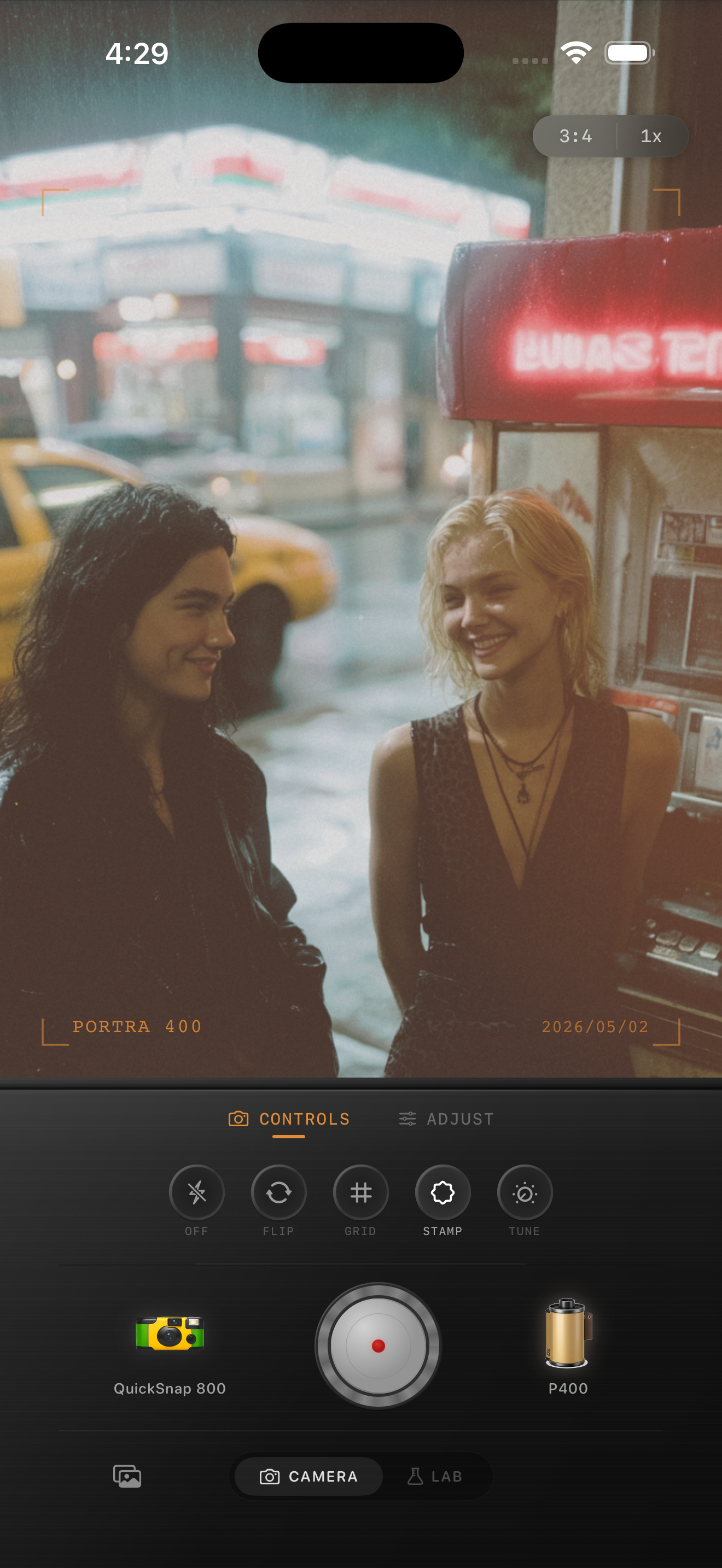
Diner photos need warmth with clean faces
Diner friend photos already come with glossy tables, warm bulbs, chrome details, booths, menus, and casual poses. The danger is pushing the nostalgic look so hard that skin goes orange and every reflective surface turns heavy.
A believable film-style edit keeps the social energy of the scene while cleaning up the digital harshness. Let the room keep the mood, but keep faces readable first.
- Use medium grain, not the roughest disposable texture.
- Keep warmth focused on the room and skin, not the whites.
- Use very light fade so menus and dark booths keep shape.
- Add a small vignette only if the edges feel too polished.
- If flash is involved, protect the highlights before adding more color.
A strong starting recipe for diner friend shots
Start around film intensity 74-88%, grain 26-38%, warmth +6 to +11, fade 2-5%, and vignette 5-10%. That usually gives the photo enough analog softness while keeping faces, glass, and booths from getting murky.
If the napkins, cups, or white plates look yellow, reduce warmth first. If jackets and booth shadows start looking dirty, lower grain before reducing film intensity.
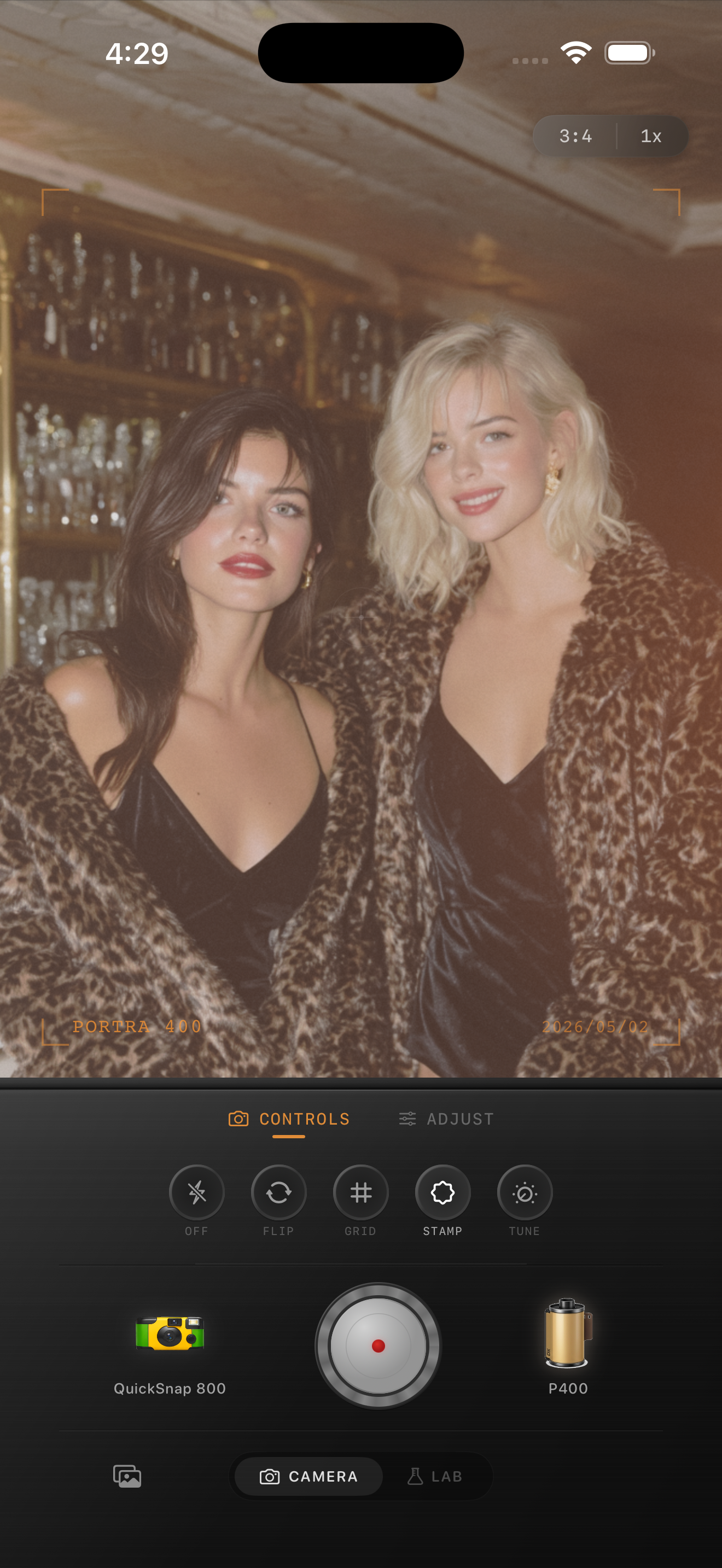
Use a compact-camera feel instead of a damaged-film feel
Most diner friend photos look better with a compact snapshot body or a balanced disposable-style body than with an aggressively damaged look. The scene already has enough personality from the lighting and setting.
In Nostalgia Cam, start with that cleaner snapshot feel, then add grain and warmth until the image looks like a real print from a late-night meal with friends.
What to fix when the scene turns muddy
Muddy diner edits usually come from stacking warmth, grain, and fade at the same time. The cure is simple: pull back one of those sliders and keep the others doing the work.
If you want more nostalgia, choose a slightly rougher camera body before adding extra filter intensity. That keeps the look specific without flattening the photo.
Keep indoor friend photos lively in Nostalgia Cam
Use Nostalgia Cam to combine compact-camera character, warm film-inspired color, and controlled grain so diner photos feel social, printed, and natural instead of overfiltered.
FAQ
How much grain should diner friend photos use on iPhone?
A medium range around 26-38% is a good starting point. It adds texture without making skin, booths, and reflective surfaces look grimy.
Should diner friend photos use a lot of fade to look nostalgic?
Usually no. A low fade range around 2-5% works better because diner scenes already have warm light and strong shadows that can turn muddy fast.