
Editing guide
Best Film Settings for Coffee Shop Photos on iPhone
A practical coffee-shop film recipe for iPhone: warm but controlled color, soft contrast, fine grain, and enough texture to make cafe photos feel cozy instead of muddy.
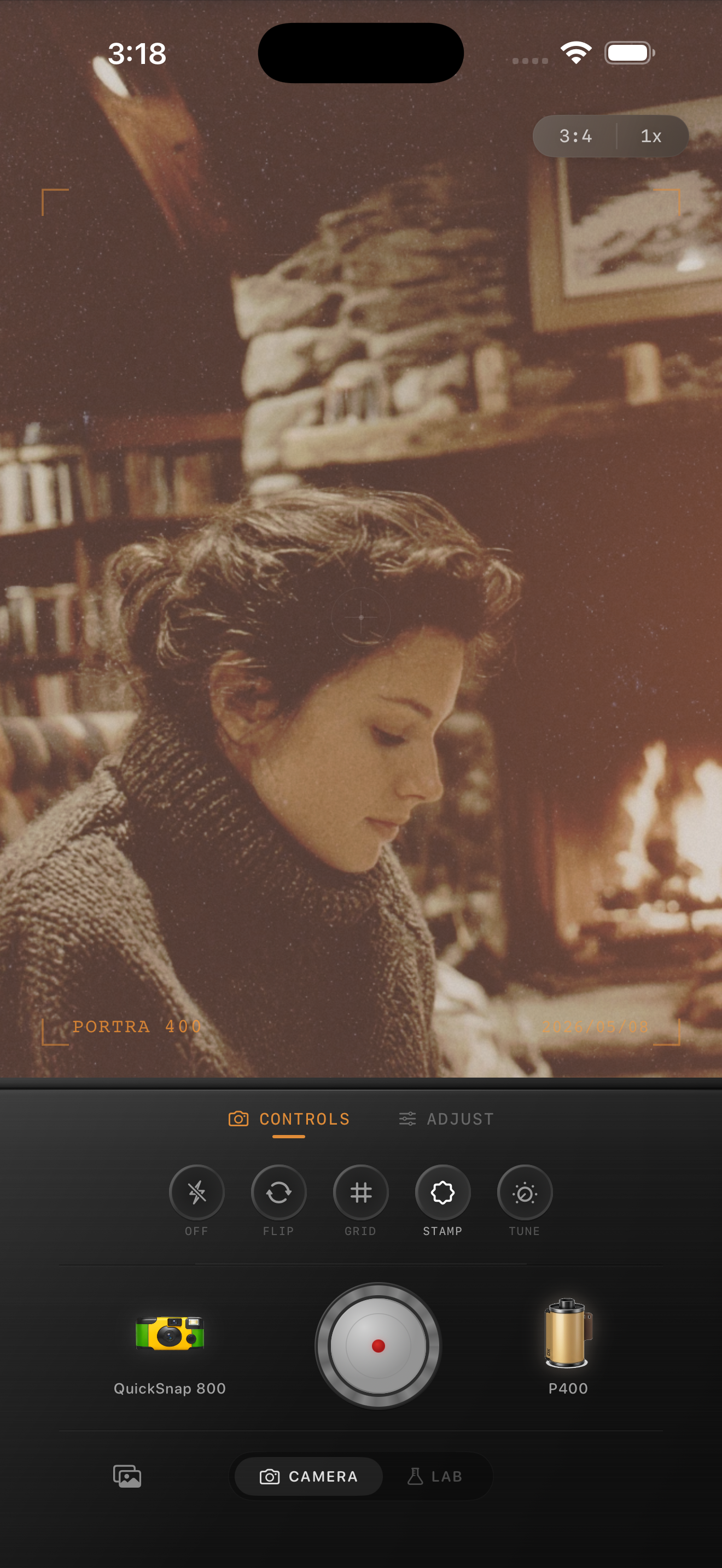
Coffee shop photos need warmth with shape
Coffee shop photos usually mix window light, dark wood, cups, tables, warm bulbs, and faces in close quarters. A film-style edit should keep that intimacy while stopping the whole frame from turning brown, orange, or murky.
Most bad cafe edits push warmth first and tonal control second. The better approach is to soften contrast, keep highlights creamy, and add only enough warmth to make the scene feel lived in.
- Protect white cups, menus, and window highlights first.
- Keep grain fine so faces and table details stay readable.
- Use warmth gently instead of blanketing the whole frame.
- Let some shadows stay dark so the room keeps depth.
- Use light vignette only if the frame still feels too clean.
A reliable starting settings range
Start around film intensity 68-82%, grain 18-30%, warmth +5 to +11, fade 4-8%, and vignette 3-7%. That range usually gives coffee shop photos enough analog softness to calm the iPhone file without turning skin, steam, or tabletops muddy.
If the cafe already has very warm bulbs, stay lower on warmth and rely more on softness. If the frame is mostly window light and pale walls, a small extra warmth move can keep it from feeling clinical.
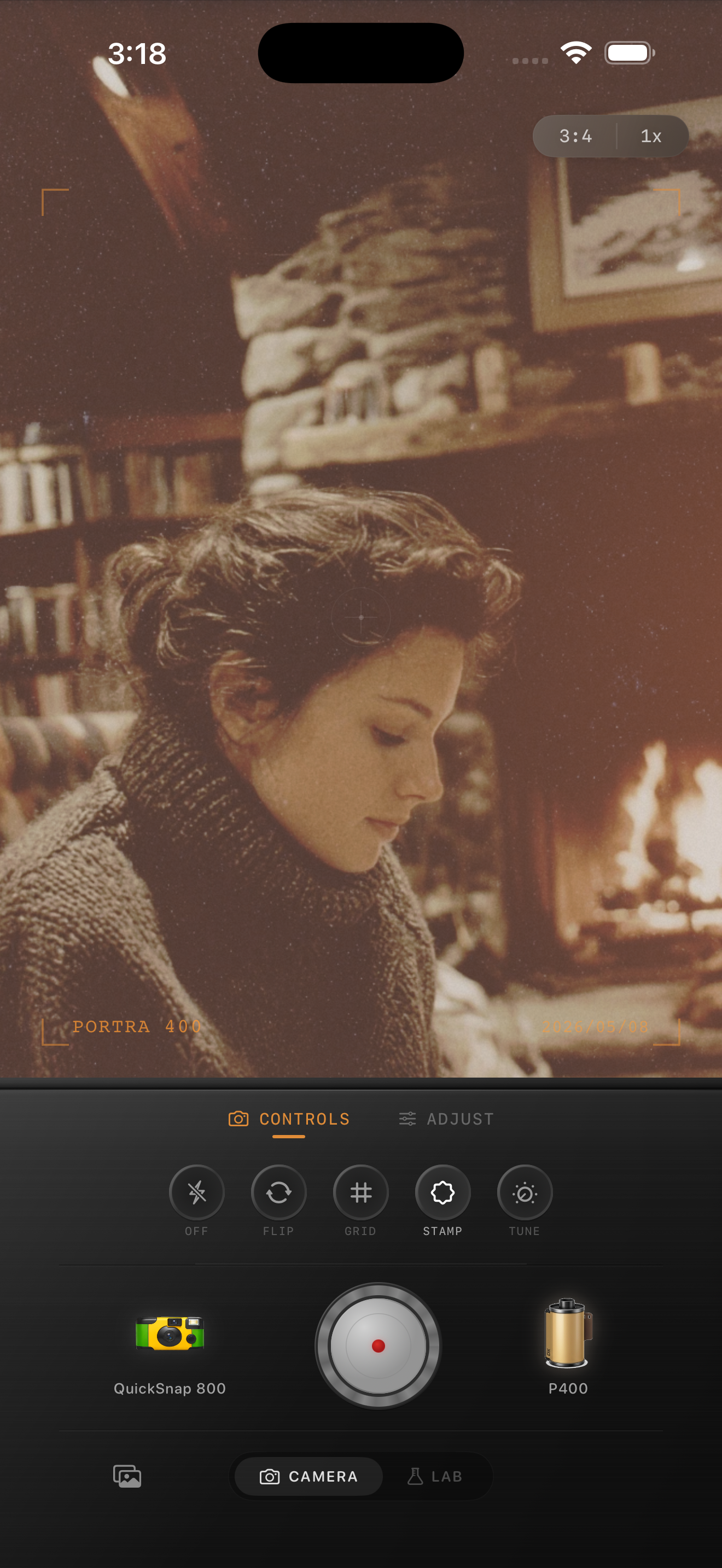
Judge the edit from cups, skin, and wood
Coffee shop scenes usually break in familiar places: white cups go yellow, skin turns patchy, or wood and shadows collapse into one muddy tone. Those reference points tell you quickly whether the edit still feels clean enough to be believable.
Once those elements look balanced, add just enough grain and fade to make the image feel like a small print from an afternoon stop instead of a preset layered over latte art.
Pick a cleaner film mood than a nightlife look
Most coffee shop photos work better with a balanced 35mm-inspired or compact-film body than with a rough disposable style. The mood comes from calm light and closeness, not from hard flash or exaggerated damage.
In Nostalgia Cam, start with the cleaner body, then tune grain, warmth, fade, and vignette until the photo feels cozy, tactile, and naturally film-inspired.
Keep coffee shop photos warm without going muddy
Use Nostalgia Cam to shoot or import cafe photos, then balance camera body, grain, warmth, fade, and vignette so cups, tables, and faces feel cozy, textured, and naturally film-inspired.
FAQ
How much grain should coffee shop photos use?
Usually fine-to-medium grain works best. Start around 18-30% so the scene gains texture without making skin, foam, or window light look dirty.
Why do coffee shop film edits turn muddy so fast?
Because warm interiors already contain amber light and dark tones. If you add too much warmth, fade, or rough grain, the scene loses separation instead of gaining nostalgia.