
Editing guide
Best Film Settings for Classic Car Show Photos on iPhone
A practical film-inspired iPhone recipe for classic car show photos: cleaner paint, softer chrome, balanced daylight color, and grain that adds nostalgia without hiding the details people came to see.
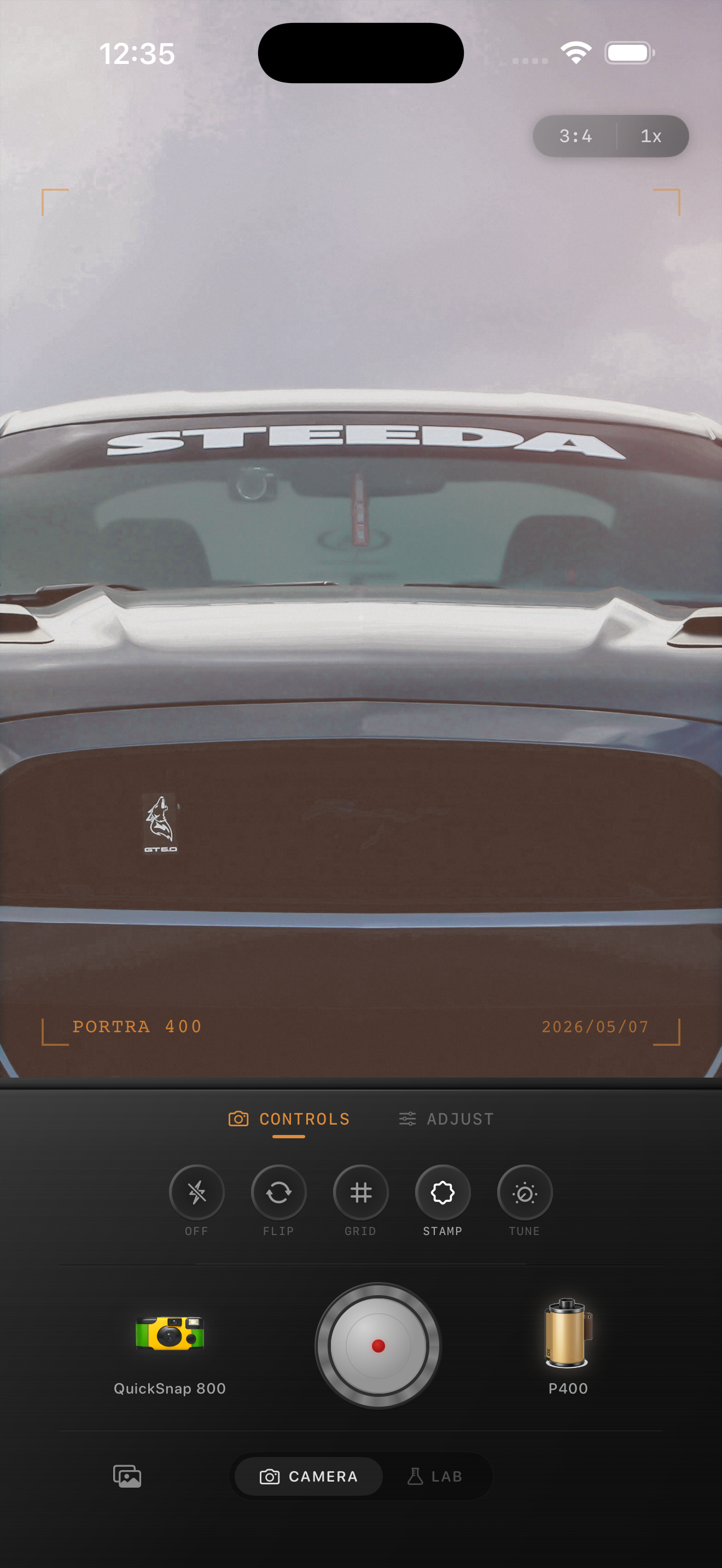
Car show photos need restraint more than heavy vintage effects
Classic car shows already give you nostalgia through design, paint, chrome, badges, and the way people gather around the cars. A film-inspired edit should support that mood without burying the craftsmanship under too much grain, fade, or warmth.
The hardest part is that car shows often mix bright daylight, reflective body panels, white tents, pavement, and spectators in the same frame. If you push a broad vintage look too early, the car can lose shape and the whole scene starts looking dusty instead of analog.
- Protect paint color before adding extra warmth.
- Keep chrome bright but not hard white.
- Use grain lightly enough that badges and trim stay readable.
- Let the background feel present without competing with the car.
- Avoid turning every daylight frame sepia.
A dependable starting point for daytime car meets
Start around film intensity 70-82%, grain 18-28%, warmth +2 to +6, fade 3-6%, and vignette 3-7%. That range usually softens the default iPhone crispness while keeping reflective paint and chrome under control.
If the car is in open sun, stay on the lower end of warmth and grain. If it is under softer late-afternoon light, you can add a little more texture and a touch more warmth without making the finish look muddy.
Judge the edit from paint, chrome, and pavement
Do not evaluate the photo from the car alone. Check the paint first, then the chrome, then the neutral areas around the car like pavement, sky, or a white sign. Those surrounding tones tell you quickly when the grade is drifting too warm or too faded.
If the paint still looks specific, the chrome still has contour, and the pavement does not go orange-gray, the image is usually in a believable film range.
Choose a cleaner camera mood than a disposable snapshot
Most classic car show photos work better with a cleaner 35mm-inspired or color-negative inspired body than with the roughest disposable look. You want nostalgia, but you also want body lines, trim, and design details to survive.
In Nostalgia Cam, start with the cleaner camera body, then add grain, warmth, fade, and vignette until the photo feels like a printed car-meet memory instead of a default phone file.
Give car show photos a cleaner analog finish
Use Nostalgia Cam to balance camera body, grain, warmth, fade, and vignette so classic car show photos feel nostalgic and film-inspired without losing paint color or chrome detail.
FAQ
Should classic car show photos use strong grain?
Usually no. Light-to-moderate grain works better because car photos rely on readable trim, badges, reflections, and paint texture.
Why do car show edits get muddy so quickly on iPhone?
They often combine bright daylight with reflective paint and chrome, so too much warmth, fade, or grain collapses the separation that makes the car look polished and dimensional.