
Editing guide
How to Edit Anniversary Trip Photos to Look Like Film on iPhone
A practical iPhone film recipe for anniversary trip photos: softer contrast, natural skin tones, gentle grain, and printed color that keeps travel memories intimate instead of overprocessed.
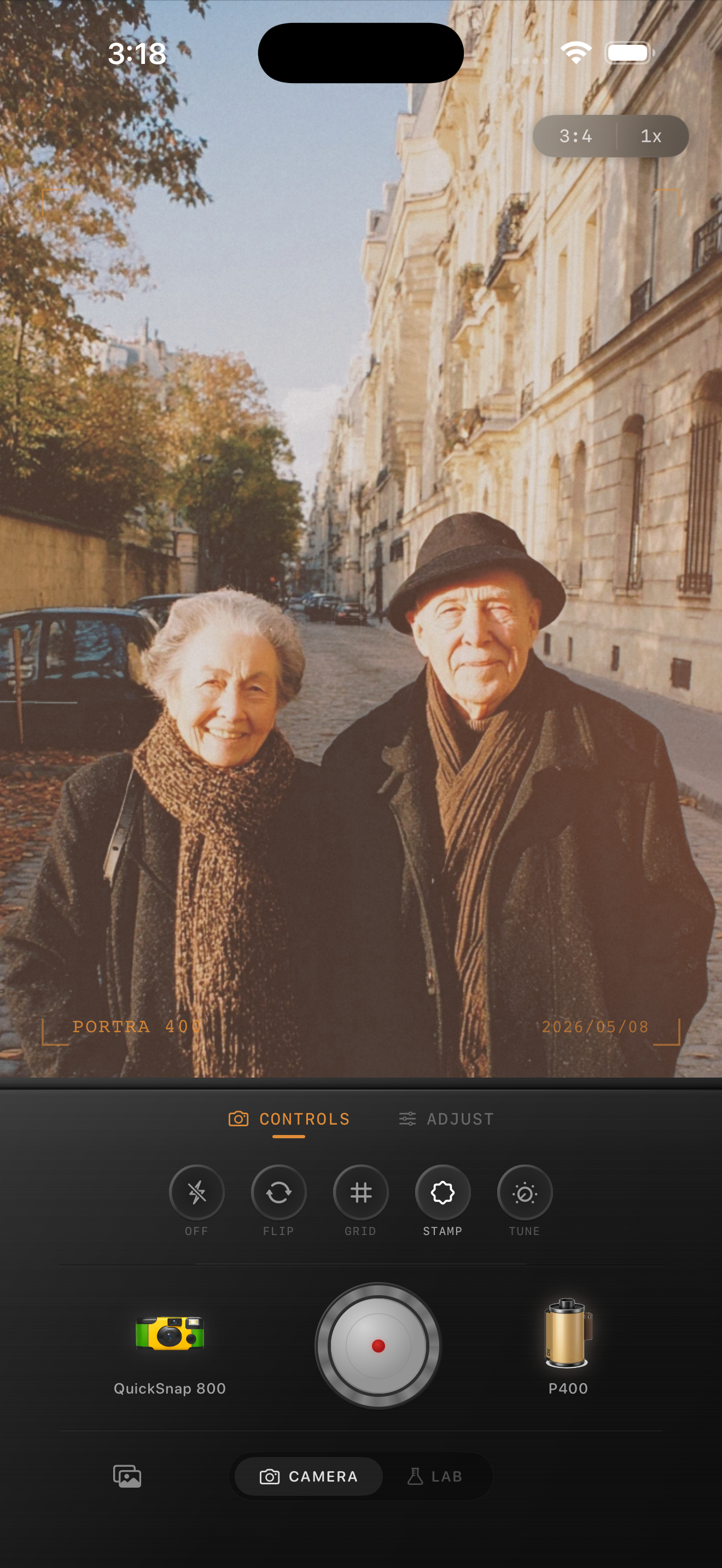
Anniversary photos should feel personal before they feel vintage
Anniversary trip photos already carry emotional weight through expressions, body language, and the place itself. The film look should make the memory feel softer and more lasting, not distract from it with loud grain or obvious fake aging.
Most problems come from treating a couple portrait and a travel scene exactly the same way. Faces usually need the gentlest treatment, while buildings, pavement, and sky can carry more of the texture.
- Keep skin calmer than the surrounding architecture.
- Use grain to soften the digital finish, not to create the mood by itself.
- Let the location stay readable so the trip still matters.
- Keep warmth modest if the scene already has sunlit stone or cafe light.
- Avoid heavy fade that makes the moment feel washed out.
A reliable travel-memory baseline
Start around film intensity 68-80%, grain 18-30%, warmth +3 to +8, fade 4-7%, and vignette 3-6%. That range usually removes the polished iPhone feel while keeping skin, clothing, and landmarks believable.
If the photo was taken in soft overcast light, you can add a little more warmth. If it was taken in already warm evening light, stay lighter and let the scene carry the romance on its own.
Check faces, clothing, and stone or pavement together
A couple travel portrait often includes several tone zones at once: skin, hair, clothing, bright sidewalks, and pale buildings. If you only look at the overall mood, it is easy to miss when skin turns too orange or the background goes flat.
Judge the edit by comparing those zones together. When faces stay alive, clothing keeps texture, and the environment still feels real, the film effect is usually doing its job.
Choose a calm film body, not a party-photo look
Anniversary trip photos usually benefit from a cleaner compact-film or 35mm-inspired body rather than a rough disposable treatment. The point is intimacy and memory, not chaos.
In Nostalgia Cam, start with the calmer camera body, then fine-tune grain, warmth, fade, and vignette until the photo feels like a printed keepsake from the trip.
Keep anniversary travel memories soft and believable
Use Nostalgia Cam to balance camera body, grain, warmth, fade, and vignette so anniversary trip photos feel intimate, printed, and naturally film-inspired without overprocessing skin or scenery.
FAQ
Should anniversary trip photos have a lot of fade to look nostalgic?
Usually no. A little fade can soften the file, but too much makes skin, clothing, and travel details feel washed out instead of timeless.
What is the biggest mistake in film-editing couple travel photos?
Treating the whole frame uniformly. Most couple travel photos look better when skin stays gentle first and the grain or atmosphere sits more in the surroundings.