
Editing guide
Best Film Settings for Brownstone Portraits on iPhone
A practical film recipe for brownstone portraits on iPhone: natural skin, controlled brick color, fine grain, and enough winter-city softness to feel nostalgic without turning muddy.
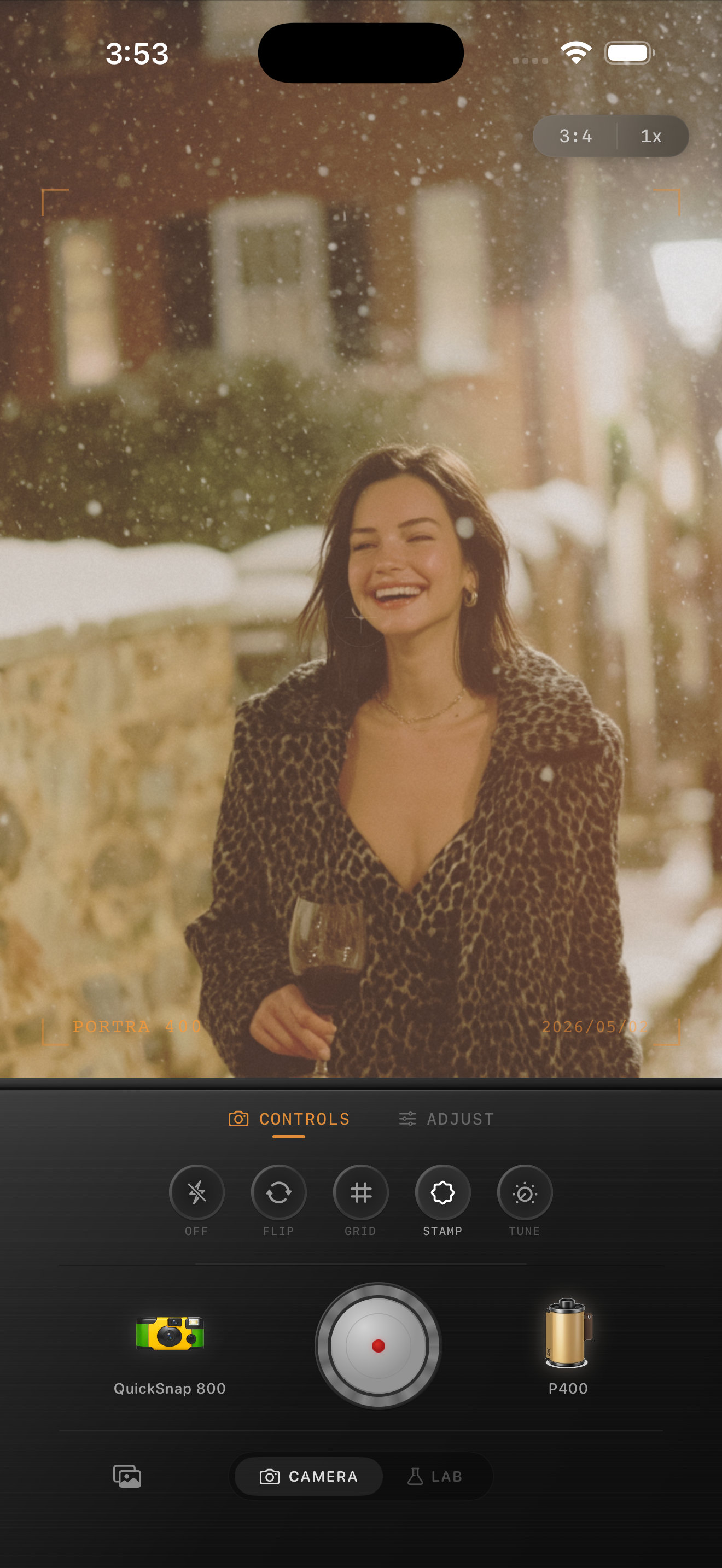
Brownstone portraits need texture without clutter
Brownstone portraits are naturally good for film-style edits because the location already gives you brick, stairs, railings, winter coats, parked cars, and soft city light. The risk is letting all that texture get crunchy and busy once grain and warmth are added.
A better approach is to keep the face and coat clean first, then let the building and sidewalk carry the extra atmosphere. The image should feel lived-in, not overloaded.
- Keep brick color warm but believable.
- Use fine-to-medium grain instead of rough disposable texture.
- Let skin stay cleaner than the background.
- Add only light fade so coats and windows keep shape.
- Use a small vignette if the edges feel too digitally perfect.
A dependable brownstone portrait recipe
Start around film intensity 72-86%, grain 22-34%, warmth +4 to +10, fade 3-7%, and vignette 4-8%. That usually gives the scene enough analog softness while keeping red brick, snow, and skin from collapsing into one muddy tone.
If the sidewalk or snow is very bright, soften the highlights before increasing warmth. If the coat texture looks brittle, lower contrast before adding more grain.
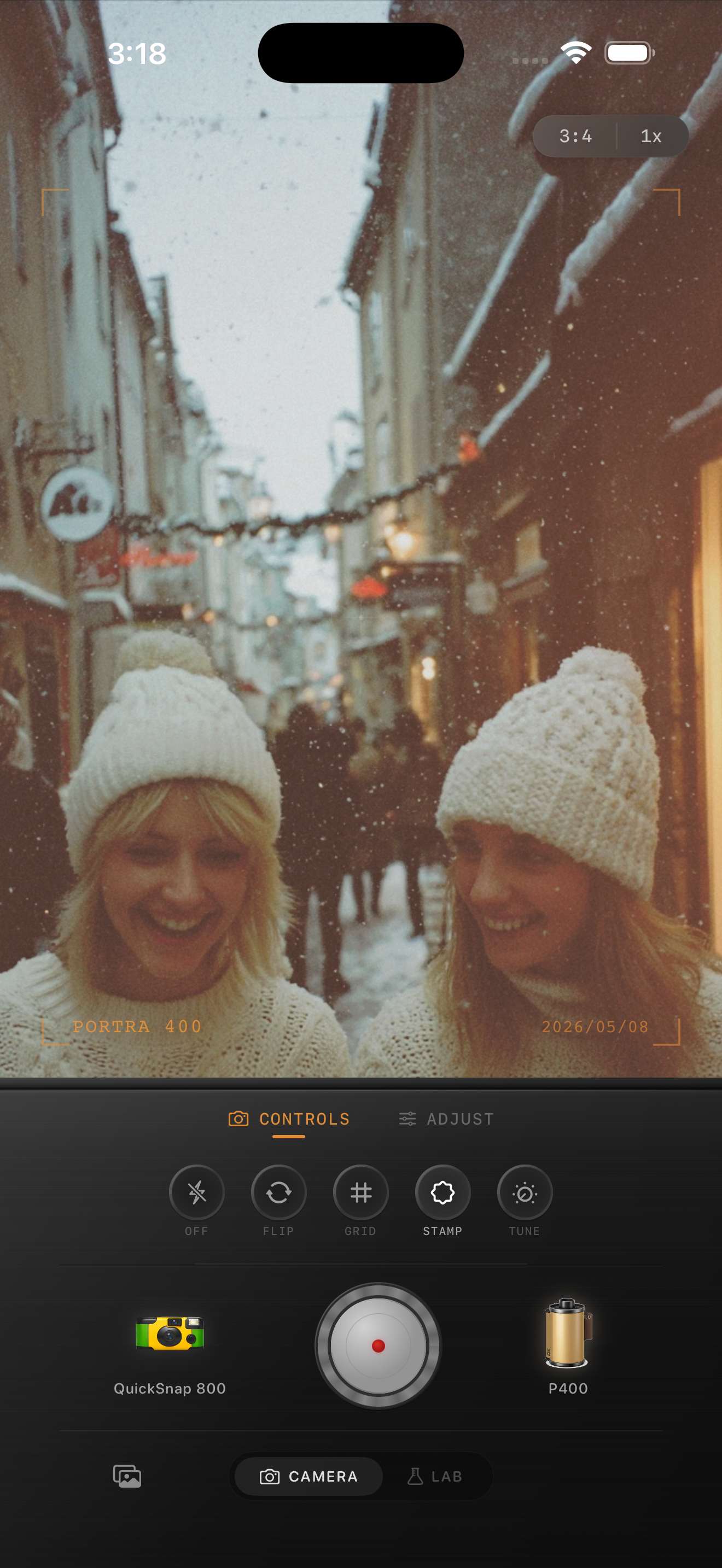
Why brown brick is the first thing to watch
Brownstone scenes fail fast when the brick goes too orange or too red. Once that happens, the portrait starts feeling preset-heavy even if the face is edited well.
Watch the building color as a reference point. If the brick still looks believable and the skin still looks human, the rest of the film treatment can stay subtle and convincing.
Choose a body that keeps the street readable
Most brownstone portraits fit a cleaner compact or 35mm-inspired body better than a rough disposable one. You want personality, but you also want the stoop, doorway, and background lines to stay recognizable.
In Nostalgia Cam, start with that cleaner body, then fine-tune grain, warmth, and fade until the portrait feels like a neighborhood memory instead of a generic winter preset.
Keep city portraits natural in Nostalgia Cam
Use Nostalgia Cam to combine film color, controlled grain, and camera-body character so brownstone portraits feel warm, textured, and specific to the street without looking overworked.
FAQ
How much grain should brownstone portraits use on iPhone?
Fine-to-medium grain around 22-34% is a strong starting range. It softens the digital finish without making brick, snow, or skin look dirty.
Should brownstone portraits be edited very warm to look like film?
Usually not. A modest warmth boost works better because too much warmth can push brick and skin into the same muddy orange range.