
iPhone film look
How to Get Pastel Film Colors on iPhone
A practical iPhone guide for soft pastel film color: lower contrast, gentler saturation, controlled warmth, and enough grain to feel analog without washing the photo out.
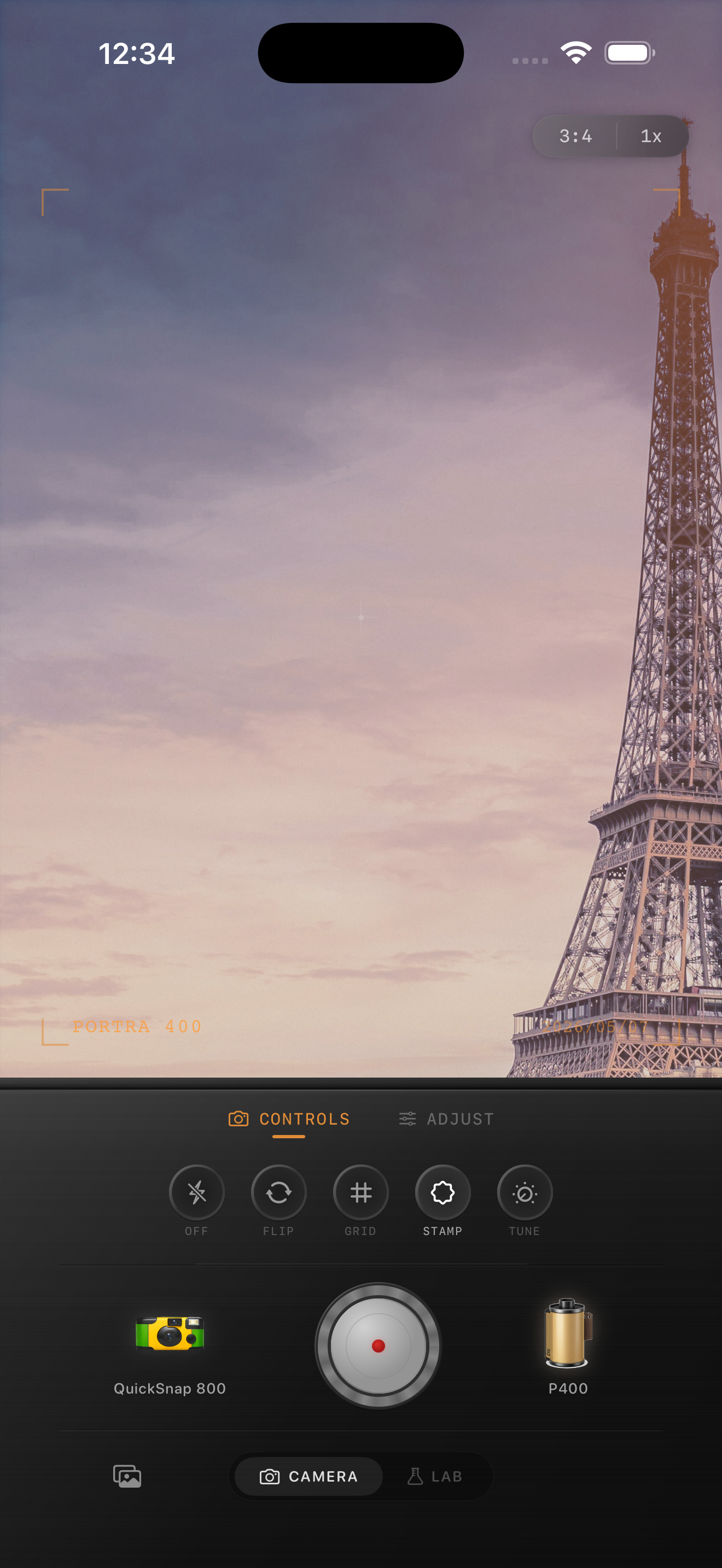
Pastel film color is softer, not flatter
People usually miss pastel film color by treating it like a faded filter. Real soft film-inspired color still keeps shape in skin, buildings, clouds, and clothing. It just lowers the digital harshness so the palette feels gentler and more printed.
That means your first move is usually softer contrast and calmer saturation, not a giant fade slider. If the image loses all depth, the result stops feeling film-like and starts feeling chalky.
- Reduce contrast before pushing fade.
- Keep warmth gentle instead of turning the whole frame peach.
- Use fine grain so the color stays quiet.
- Lower saturation slightly instead of muting every tone equally.
- Protect whites so pale walls, shirts, and sky still feel clean.
A strong starting recipe for pastel color
Start around film intensity 68-82%, grain 18-28%, warmth +3 to +8, fade 3-6%, and vignette 2-6%. That range usually gives iPhone photos the calmer film palette people want without erasing detail.
If the original image already has pale stone, cloudy daylight, or light fabric, stay especially careful with fade. Those scenes often need tonal control more than extra vintage effect.

Use pastel color on the right kinds of scenes
This look usually works best on travel mornings, cloudy streets, quiet portraits, cafés, museum halls, spring sidewalks, and calm interiors. It is less convincing on high-contrast party flash, heavy neon, or scenes that need deep blacks to carry the mood.
If you want a film-inspired look with gentle color, choose a cleaner 35mm or compact-style body first. A rough disposable body can fight the softness that makes pastel edits feel believable.
Keep it inspired by film, not tied to one stock claim
A lot of people describe this look using famous film-stock references, but the useful part is the direction: softer contrast, delicate color separation, calm greens and blues, and skin that stays natural. You do not need to force the image into a one-name imitation for the edit to work.
In Nostalgia Cam, start with a cleaner body and a soft film look, then tune warmth, grain, and fade until the photo feels like a gentle print you would actually keep.
Build softer film color in Nostalgia Cam
Use Nostalgia Cam to combine camera-body character, calm film color, fine grain, and subtle fade so iPhone photos feel softly analog instead of aggressively filtered.
FAQ
Do pastel film colors need a lot of fade?
Usually no. Most pastel film-style edits look better when the contrast softens first and the fade stays modest, so the image keeps shape and does not turn gray.
What photos suit pastel film color best on iPhone?
Cloudy travel scenes, quiet portraits, soft daylight streets, and calm interiors usually suit it best because the palette already has room to stay light and gentle.