
Disposable camera effect
How to Edit Flash Photos to Look Like Film on iPhone
A practical flash-photo film recipe for iPhone: keep the direct-flash pop, soften the digital edges, add believable grain, and avoid muddy skin tones.
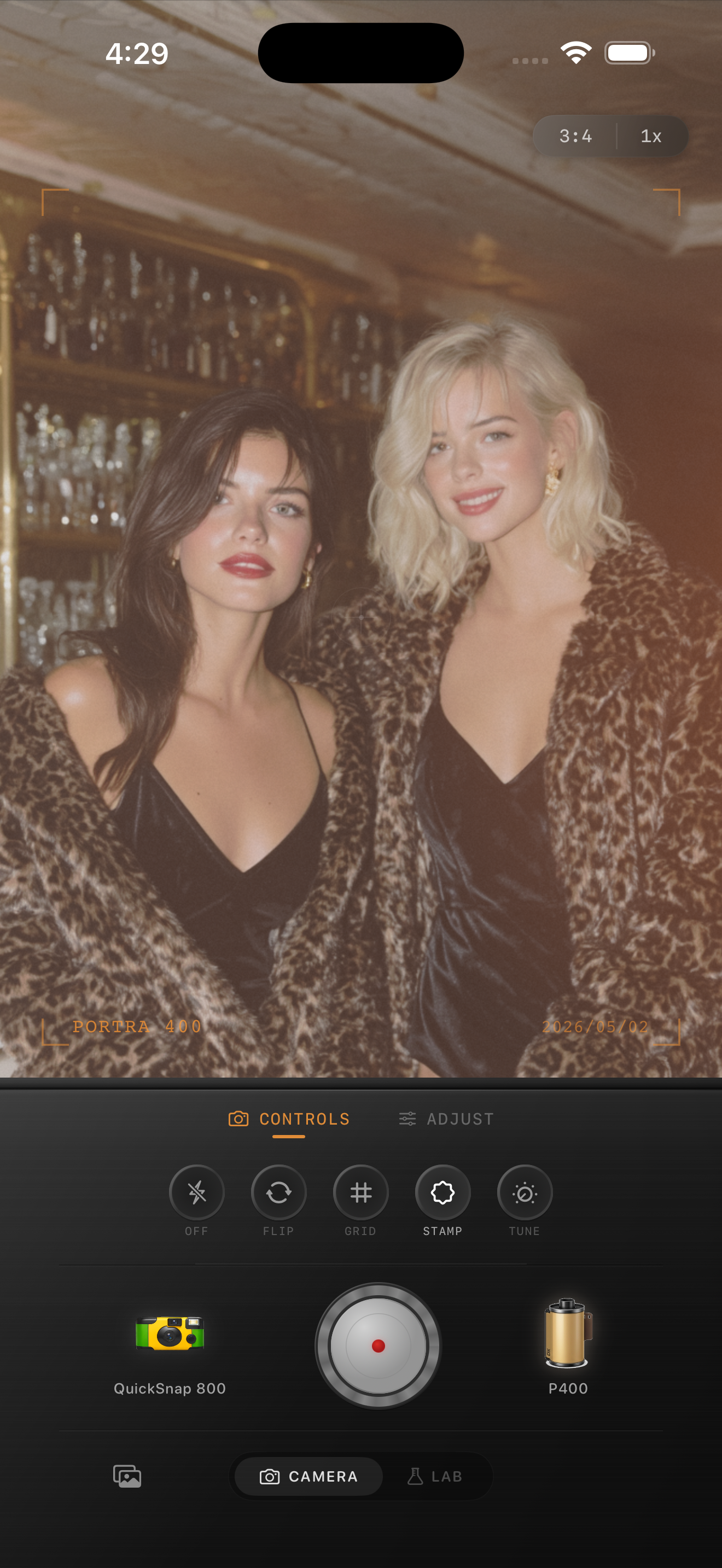
Why flash photos are so close to the film look already
Direct flash photos already have one of the biggest ingredients people want from disposable cameras and party-film snapshots: bright subjects, fast falloff, shinier highlights, and a casual point-and-shoot feeling.
The problem is that an iPhone flash-style edit can still look too crisp and too clean. The job is not to hide the flash. It is to keep the flash energy while removing the polished digital finish around it.
A reliable flash film recipe
Start with film intensity around 75-90%, grain around 35-50%, warmth around +4 to +12, fade around 3-8%, and vignette around 8-14%. Flash photos usually need less fade than ambient-light edits because the contrast is part of the look.
If faces start to look muddy, reduce warmth first. If the image still feels too modern, add a little more grain or a touch more optical softness before adding stronger color.
- Keep the subject bright and let the background fall away.
- Use moderate grain, not crunchy grain.
- Add warmth carefully so skin stays believable.
- Use less fade than you would for a daylight vintage edit.
- A little vignette helps if the edges feel too clean.
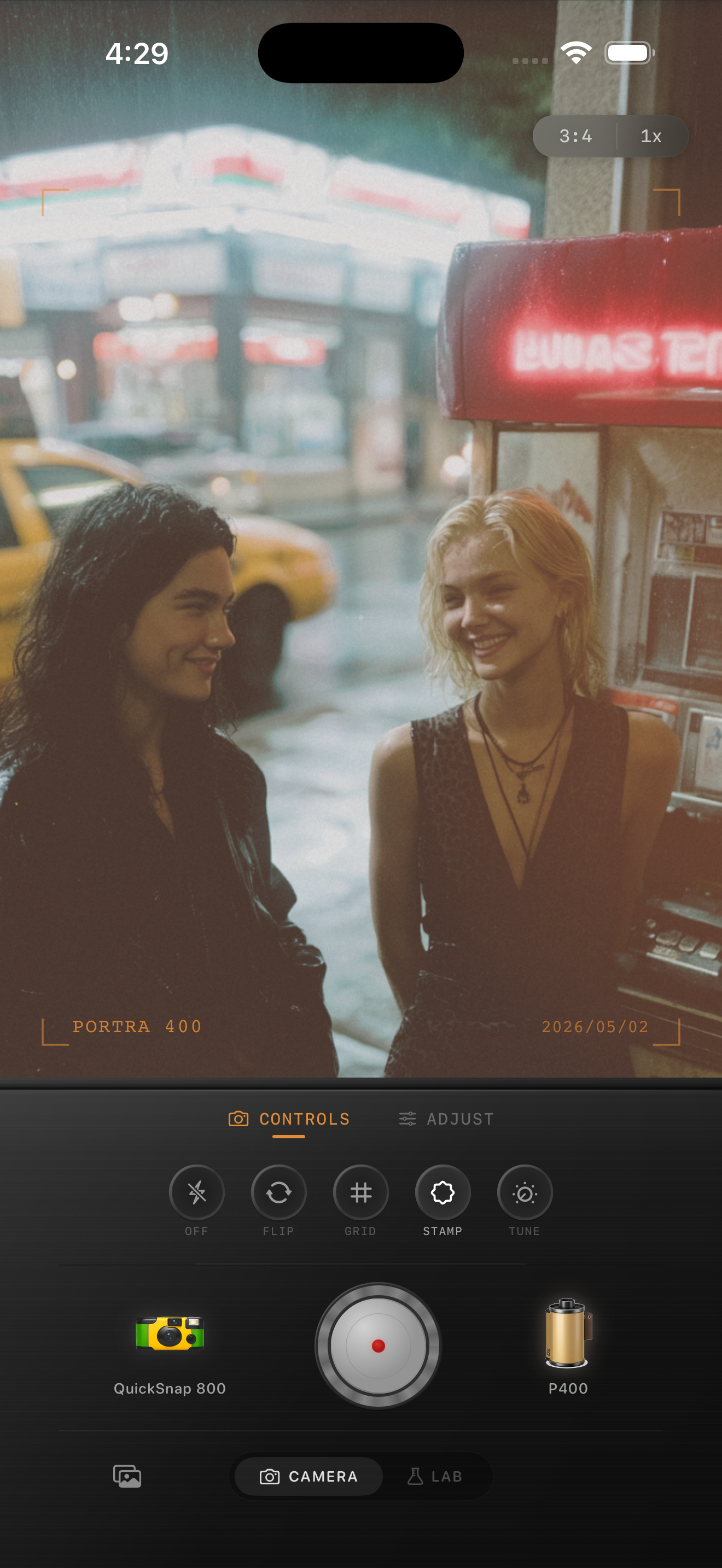
Choose the right scenes for flash
Flash-film edits work best on parties, restaurants, bars, hotel mirrors, bathrooms, cars at night, street corners, and any photo that feels quick and social. A very polished landscape usually fights the flash aesthetic.
This is also where a disposable-style camera body makes sense. You want rougher texture and snapshot energy, but not so much damage that the image starts to look like a novelty filter.
What to avoid
The biggest mistake is stacking every nostalgic effect at once. Strong grain, heavy fade, huge date stamps, and extreme warm tint can make flash photos feel fake fast.
Keep one thing loud and let the rest stay supportive. In most cases the loud thing should be the flash itself, with grain and color doing the subtle work underneath.
Keep the flash, lose the digital polish
Use Nostalgia Cam to combine a disposable-style camera body, film color, controlled grain, and subtle softness so party and night-out photos keep their flash energy without looking overfiltered.
FAQ
Should flash photos use more or less fade?
Usually less. Flash photos already have contrast and punch, so too much fade can make skin look muddy and flatten the subject.
What makes a flash photo feel like film instead of a normal iPhone edit?
Believable grain, softer digital edges, restrained warmth, and a camera body with snapshot character help the flash feel photographic rather than polished.