
iPhone film look
How to Make Mountain Photos Look Like Film on iPhone
A practical mountain-photo film recipe for iPhone: softer contrast, controlled blues and greens, believable grain, and enough atmosphere to keep landscapes from feeling overprocessed.
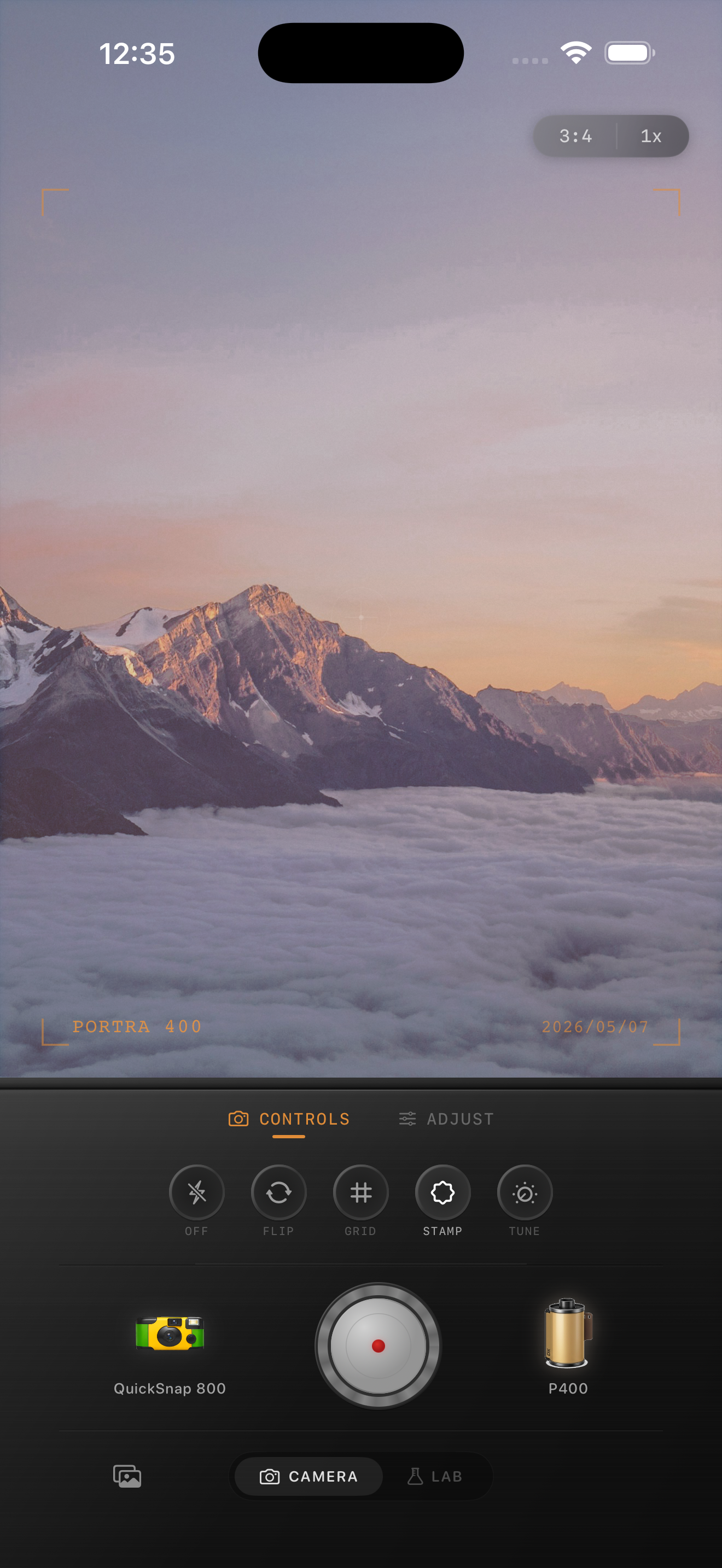
Mountain photos need atmosphere more than heavy grain
Mountain scenes already have scale, air, and natural color, so the job is not to bury them under a loud vintage preset. A film-style mountain edit should make the photo feel calmer, softer, and a little more tactile than the default iPhone rendering.
Most landscape shots fall apart when the greens get too bright, the sky turns plastic, or the grain gets pushed so hard that fine detail disappears. Start by reducing the digital sharpness before you try to make the image feel nostalgic.
A reliable mountain film settings baseline
Start around film intensity 68-82%, grain 20-32%, warmth +4 to +10, fade 3-8%, and vignette 4-9%. Mountain photos usually need less grain than flash, nightlife, or disposable-style edits because the scene already has plenty of texture.
If the light is cold and blue, a small warmth move can make the frame feel more printed. If the sunrise or sunset is already warm, protect that color and avoid pushing it orange.
- Keep the sky clean and let grain stay subtle.
- Soften contrast before you add extra warmth.
- Use moderate fade so distant layers keep depth.
- Avoid neon greens in trees and grass.
Treat the sky and foreground differently
The sky is usually where iPhone landscapes start to look too digital. If the blue gradient feels too clean, soften the image and add only a little grain. Let clouds, haze, and light carry the mood instead of turning the whole frame noisy.
Foreground rocks, trees, roads, and cabins can usually handle a bit more character than the sky. Judge the edit zoomed out first. If the whole photo feels like a printed memory before the grain becomes obvious, you are close.
Choose a cleaner camera mood
Mountain scenes usually benefit from a cleaner 35mm-inspired camera body rather than a rough disposable one. You want softness and atmosphere, not party-photo chaos.
In Nostalgia Cam, pick the cleaner camera mood first, then fine-tune grain, warmth, and fade until the landscape feels less clinical and more like something you would keep in a travel album.
Keep landscapes cinematic instead of crunchy
Use Nostalgia Cam to pair a cleaner film-style camera body with grain, warmth, fade, and vignette so mountain photos keep their depth while losing the polished iPhone finish.
FAQ
Should mountain photos use heavy grain to look like film?
Usually no. Mountain scenes already have natural texture, so too much grain can make skies and distant detail look dirty. Moderate grain and softer contrast tend to look more believable.
What is the hardest part of making landscape photos look like film?
Usually it is keeping the sky, trees, and distant layers natural. A good edit softens the digital sharpness and color intensity without making the scene muddy.