
iPhone film look
How to Make iPhone Photos Look Like Point-and-Shoot Film
A practical compact-camera film recipe for iPhone photos: direct flash, softer edges, punchy color, modest grain, and the casual framing that makes snapshots feel real.
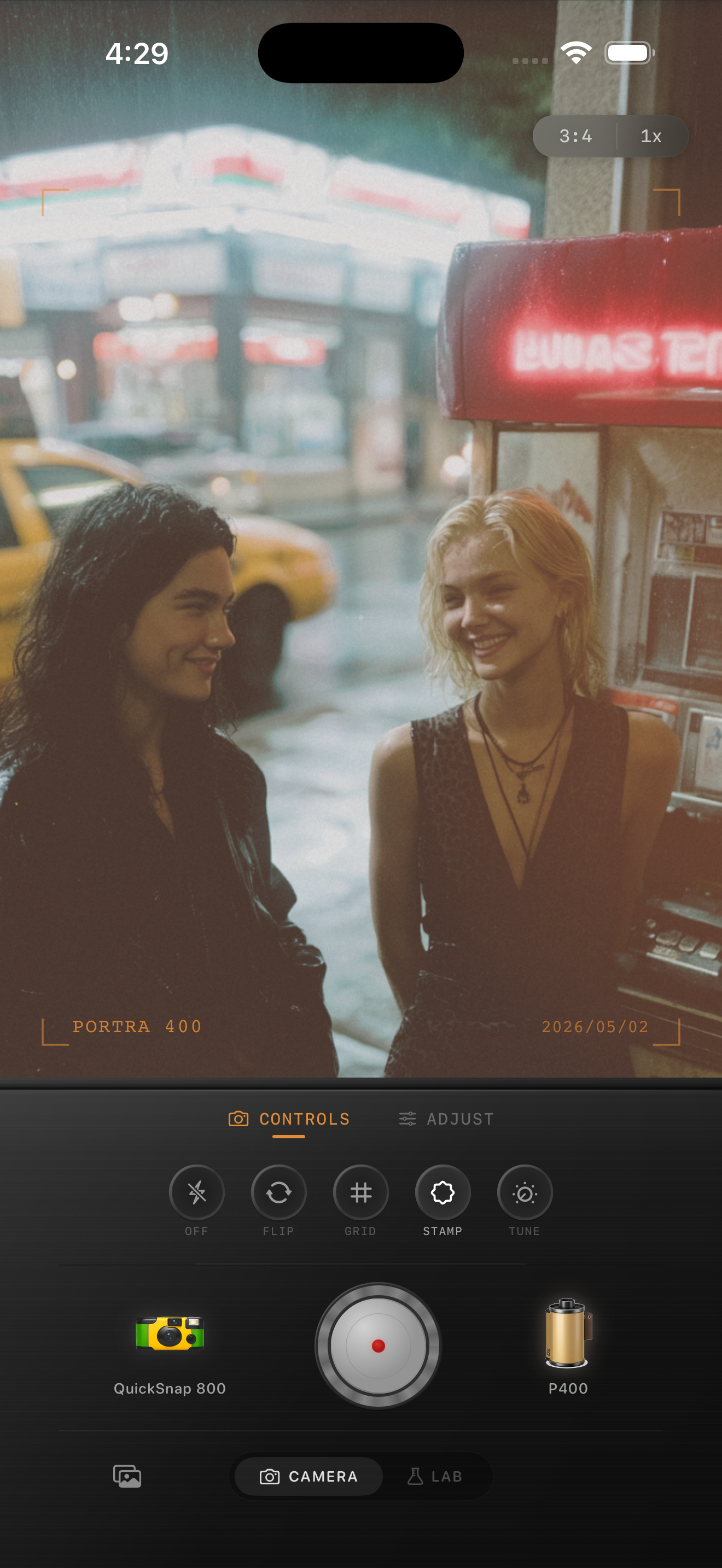
What makes point-and-shoot film feel different
Point-and-shoot film photos usually feel more casual than a clean 35mm portrait edit and less rough than a disposable camera effect. They are quick, slightly imperfect, a little flash-happy, and often framed like someone caught a moment instead of composing a portfolio shot.
That means the edit should keep some punch in the colors and highlights while softening the clinical sharpness that makes iPhone photos look too modern. You want memory, not mush.
- Keep the framing loose and natural.
- Use moderate grain instead of the heaviest disposable texture.
- Let direct flash or bright window light stay visible.
- Soften the edges a little, not the whole image.
- Avoid dramatic matte fade unless you want an older print look.
A compact-camera settings recipe
Start with film intensity around 70-85%, grain around 28-40%, warmth around +4 to +10, fade around 3-8%, and vignette around 6-12%. If the photo already has flash, keep contrast a little higher so the image still pops.
Compared with a disposable look, the point-and-shoot edit should be cleaner and more balanced. Compared with a polished 35mm look, it should feel less precious and slightly more spontaneous.
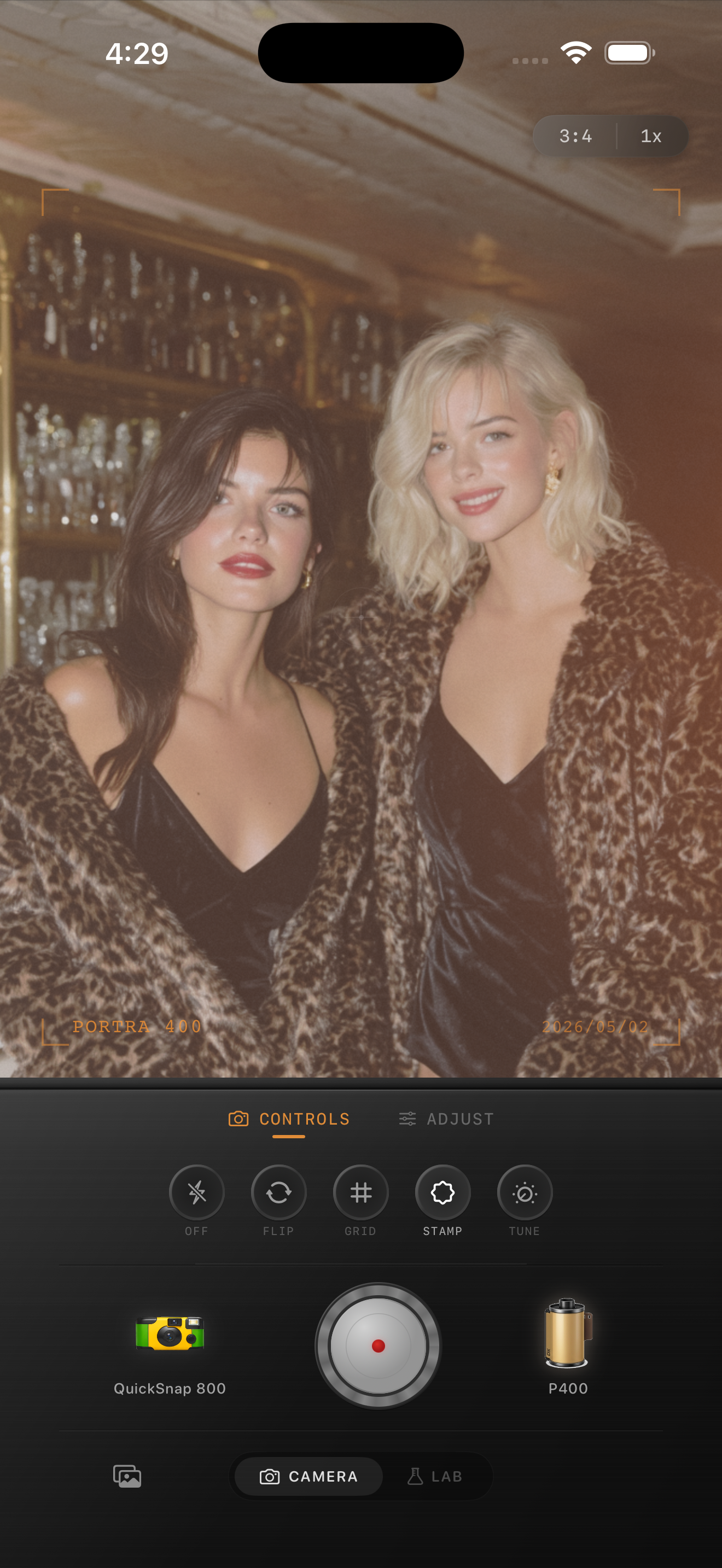
Shoot like a compact camera
The look starts before editing. Point-and-shoot film works best with quick gestures: friends leaning in, half-smiles, table clutter, reflections, a payphone, a street sign, a drink in the foreground, or one bright light source inside the frame.
If you can, leave some imperfect spacing around the subject. Tiny mistakes in timing and framing are part of why compact-camera photos feel lived in.
When to adjust the recipe
For daylight travel photos, lower warmth a little and keep grain closer to 30%. For indoor parties or night streets, let grain reach 40% and allow a bit more highlight bloom. If faces start looking dirty, pull grain back before changing the color.
The result should land between polished film photography and a throwaway snapshot. If it feels too clean, add a little texture. If it feels too messy, reduce fade and vignette first.
Build a compact-film look faster
Nostalgia Cam lets you pair film looks with camera-body character, so you can get a believable point-and-shoot mood without stacking multiple iPhone filters.
FAQ
Is a point-and-shoot film look the same as a disposable camera effect?
Not quite. Point-and-shoot film usually looks cleaner and more balanced than a disposable effect, with less damage and slightly tighter grain.
Do point-and-shoot edits need flash?
No, but flash helps. Window light, street lights, and restaurant lighting can still work if you keep the edit casual and avoid over-smoothing the photo.