
Film grain
Best Grain Settings for Film Photos on iPhone
A practical guide to grain settings for clean 35mm edits, disposable camera looks, night photos, black-and-white images, and old-print style exports.
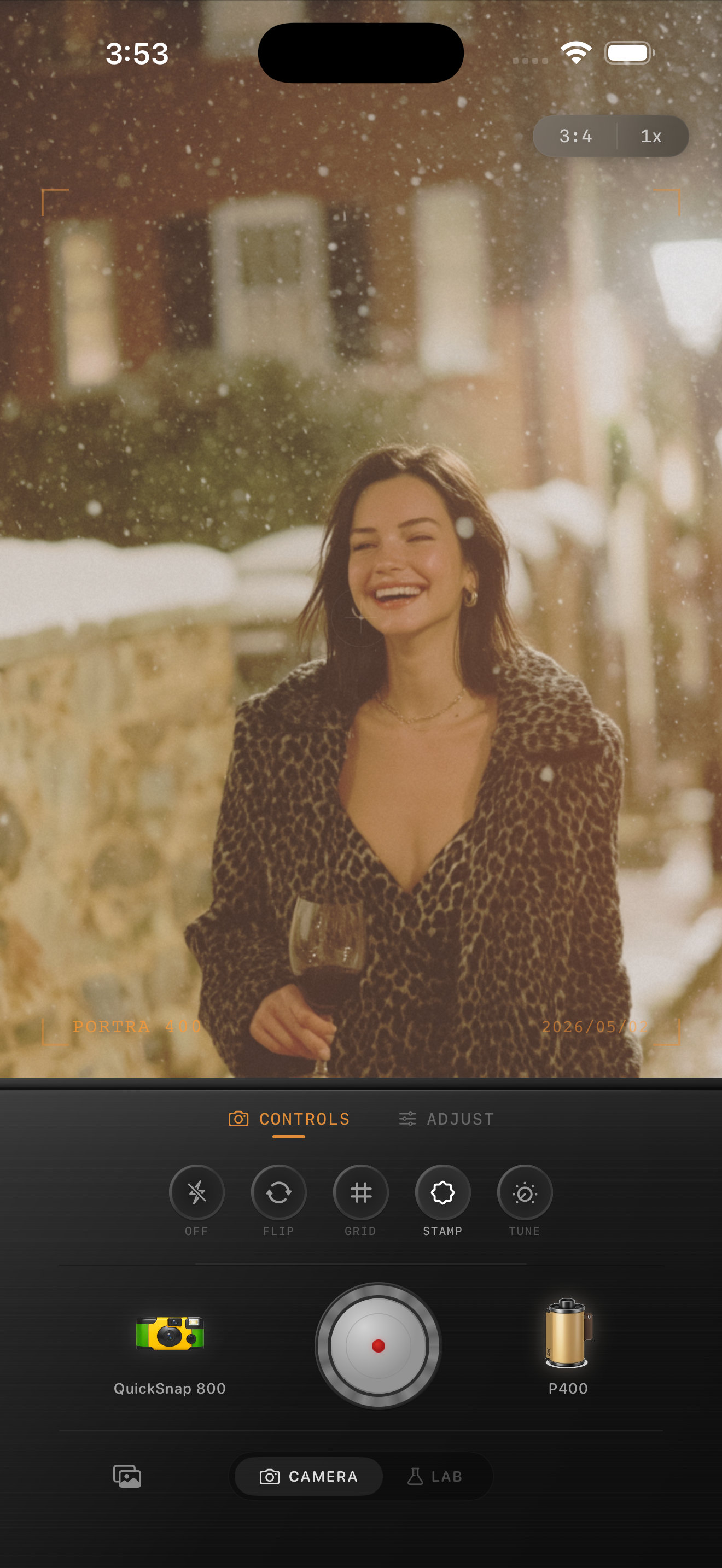
Start lower than you think
The best grain setting depends on the photo, but most iPhone edits start to feel believable around 25-45%. Below that, the image may still feel too digital. Above that, the grain can become the whole edit.
Use grain to break up iPhone smoothness, not to cover the photo. If you notice the grain before the mood, lower it.
Suggested grain ranges
For clean 35mm color, try 25-35%. For disposable-style snapshots, try 40-55%. For black-and-white, try 45-65%. For night photos, use 35-50% but keep shadows from turning crunchy.
The real trick is pairing grain with the right camera body. A clean camera body should stay restrained. A disposable or toy-style body can carry more visible texture and dust.
- Clean daylight film look: 25-35%
- Warm everyday 35mm look: 30-45%
- Disposable camera look: 40-55%
- Black-and-white street look: 45-65%
- Toy-camera or damaged-film look: 55%+
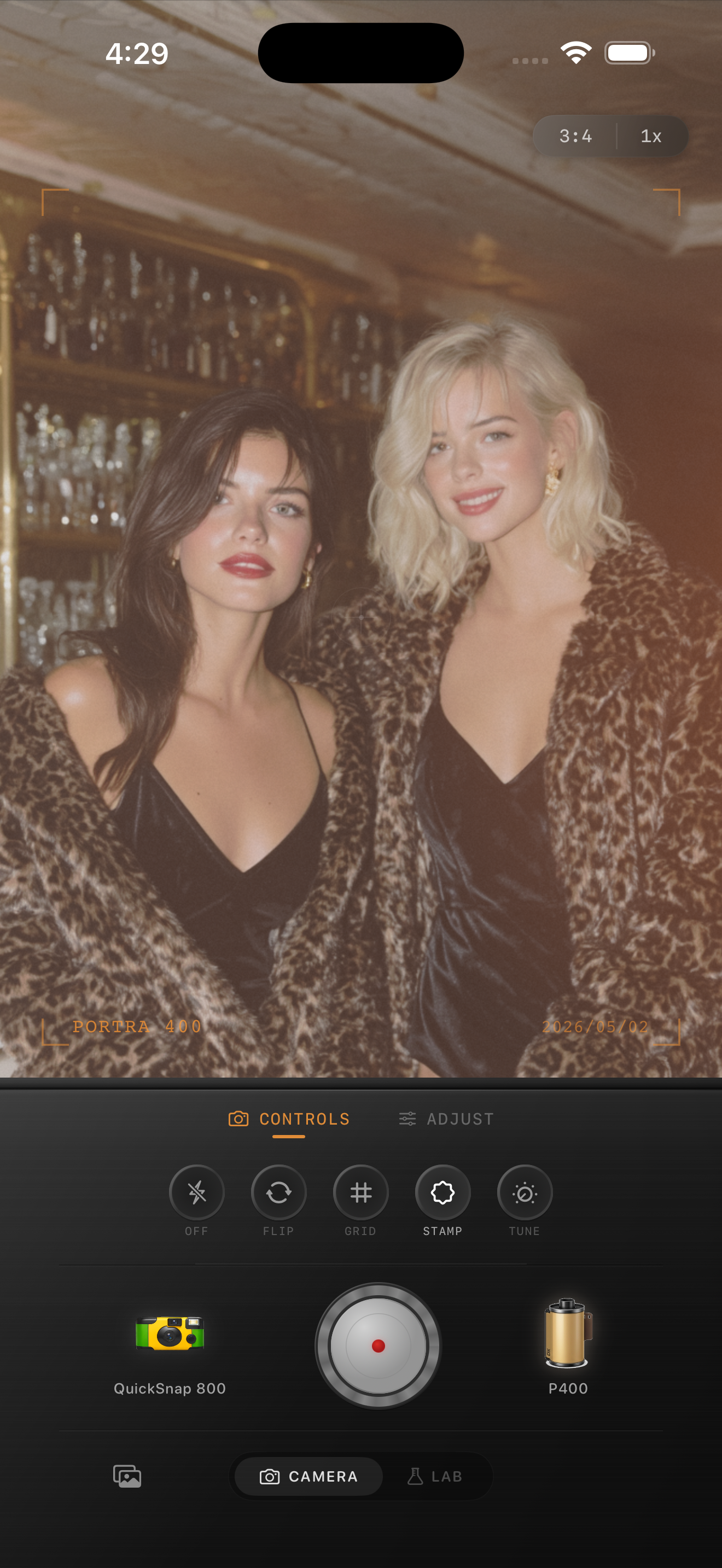
Do not use grain alone
Grain looks most natural when it is paired with small changes to warmth, fade, and sharpness. If you add grain to a very crisp, high-contrast iPhone photo, the result often looks like digital noise pasted over a modern image.
Try softening the image slightly, warming the color, and lifting the shadows a touch before judging the grain.
A quick test
Edit the photo, then view it at phone-feed size. If the photo feels nostalgic but the texture is not screaming, you are close. Then zoom in and make sure faces, skies, and skin do not look dirty or crunchy.
A good grain setting should feel present, uneven, and photographic.
Dial grain by camera body
Nostalgia Cam gives each camera body its own grain character, then lets you fine-tune the amount in the camera or Lab.
FAQ
What grain amount should I use for iPhone photos?
For most color film edits, start around 30-45%. Use less for clean daylight photos and more for disposable, night, or black-and-white looks.
Why does high grain look bad on some photos?
High grain can fight against sharp HDR iPhone processing. Add slight softness, fade, and warmer color so the grain belongs to the image.