
Disposable camera effect
How to Edit Diner Flash Photos to Look Like Film on iPhone
Turn harsh iPhone diner snapshots into believable film-style photos with direct-flash contrast, printed color, restrained grain, and just enough softness to keep chrome, booths, and skin natural.
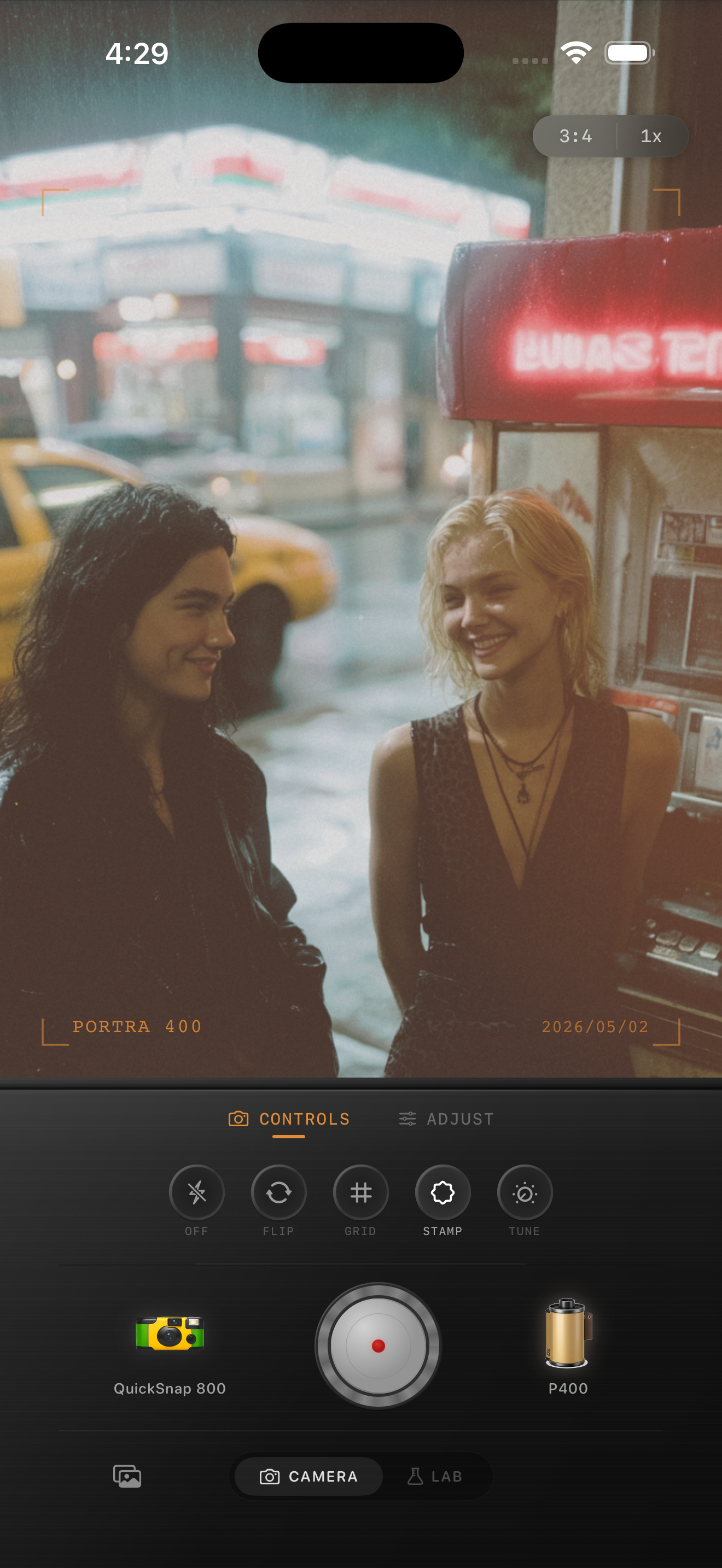
Diner flash photos already have the right energy
Chrome trim, booth lighting, menus, neon, and a hard flash pop already do a lot of the work. The goal is not to bury that snapshot energy under heavy vintage effects. The goal is to make it feel like a real film print from a late-night stop.
Most iPhone diner shots go wrong when the edit adds too much grain, too much fade, or too much orange warmth. Flash photos should still snap. They just need less digital sharpness and more printed texture.
- Keep the flash brightness alive instead of flattening it.
- Use moderate grain, not dirty damaged-film texture.
- Warm booths and skin gently, but protect whites and chrome.
- Use small amounts of fade so blacks keep their shape.
- Leave some imperfections in framing and reflections.
A practical diner-flash recipe
Start around film intensity 78-90%, grain 30-42%, warmth +4 to +9, fade 2-6%, and vignette 5-10%. If the diner already has red booths or warm tungsten light, keep warmth closer to the low end so the scene does not turn muddy.
If the flash feels too harsh, lower contrast or soften the highlights slightly before adding more grain. That usually looks more photographic than trying to fix the scene with a loud filter.
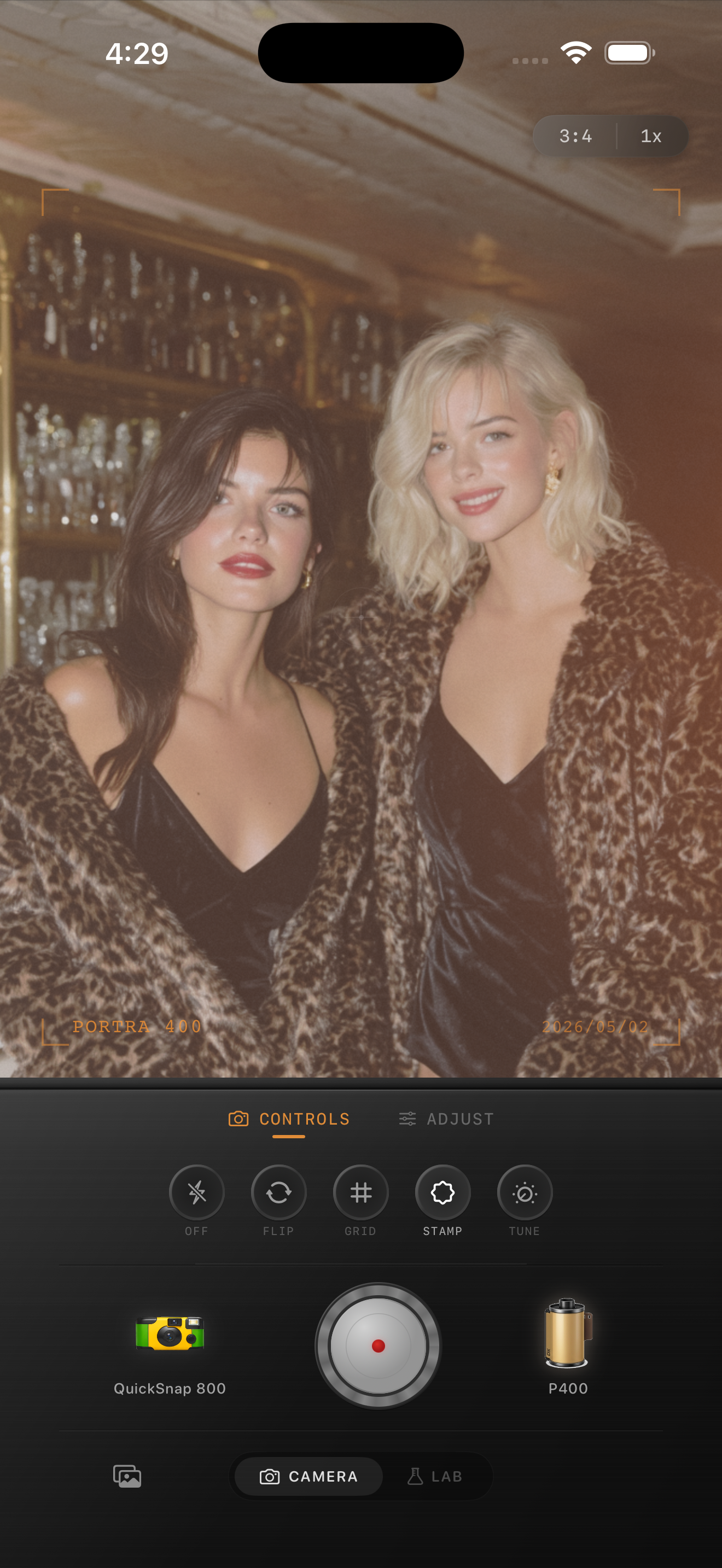
Printed color matters more than extra effects
What makes a diner shot feel like film is often the color response: reds that are lively without glowing, skin that stays warm without going orange, and stainless steel or white menus that feel slightly softened instead of clinically crisp.
If you want more nostalgia, add it through camera body character and subtle grain before reaching for obvious scratches or heavy light leaks. Those effects can overpower faces, booth textures, and lettering fast.
Build the look around a compact snapshot body
A compact-camera or balanced disposable-style body usually fits diner flash photos best because it keeps the direct-flash mood while still feeling believable. The cleanest 35mm look can feel too polished, and the roughest disposable look can make menus and skin fall apart.
In Nostalgia Cam, choose that middle-ground body first, then tune grain, warmth, and fade until the photo looks like a print you found in a shoebox from a night out with friends.
Keep the flash mood, lose the digital harshness
Use Nostalgia Cam to mix compact-camera character, film color, grain, and subtle softness so diner snapshots feel like printed memories instead of overprocessed phone photos.
FAQ
How much fade should I use on diner flash photos?
Usually not much. A low range around 2-6% keeps the black areas shaped while still softening the digital finish.
Why do diner flash edits turn muddy so fast?
Because the scene already has strong warm light and hard contrast. Too much warmth, fade, or grain can collapse the clean flash pop that makes the snapshot work.