
iPhone film look
How to Edit Winter Portrait Photos to Look Like Film on iPhone
A practical winter portrait guide for iPhone: keep snow believable, warm skin gently, add clean grain, and use film-style contrast so cold-weather photos feel nostalgic instead of gray.
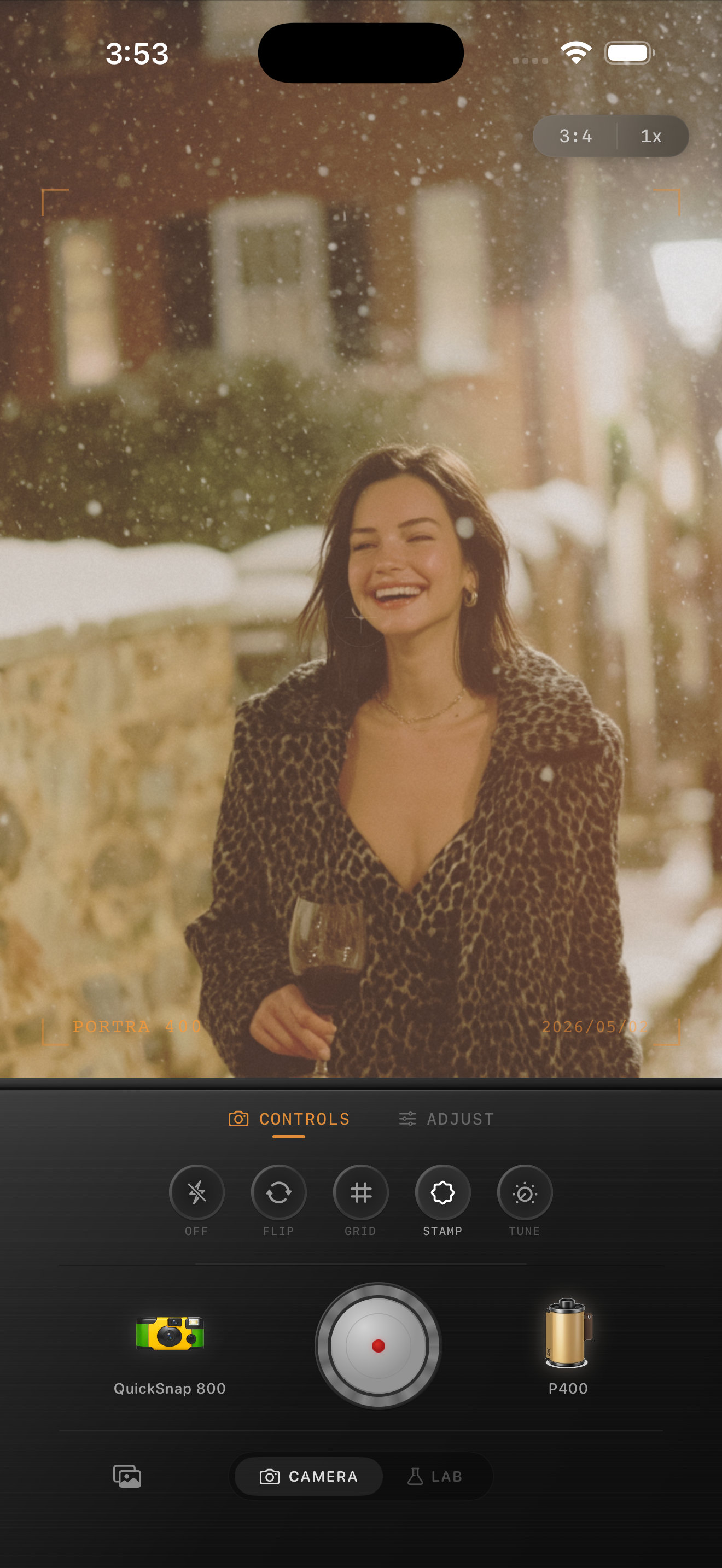
Winter portraits need balance, not heavy warmth
Winter portraits work when the cold air still feels cold but the person in the frame feels alive. That balance is exactly what makes these photos good candidates for a film-inspired edit, and it is also why they are easy to ruin with heavy orange presets.
A believable winter film look keeps snow, coats, stone, and sky feeling natural while using softer contrast and subtle texture to make the image feel less digital.
A reliable winter portrait settings baseline
Start around film intensity 72-84%, grain 24-36%, warmth +4 to +10, fade 4-8%, and vignette 5-10%. This range usually keeps skin from looking lifeless while stopping the snow from turning yellow or dirty.
If the portrait was shot under overcast light, you can warm it a little more. If the scene already has warm windows, sunset light, or street lamps, let those tones carry the comfort and keep the overall grade restrained.
- Keep snow close to white with only a slight cream tint.
- Use finer grain than you would for nightlife or flash photos.
- Protect skin first, then judge the snow and coat texture.
- Avoid heavy fade that makes the whole frame look gray.
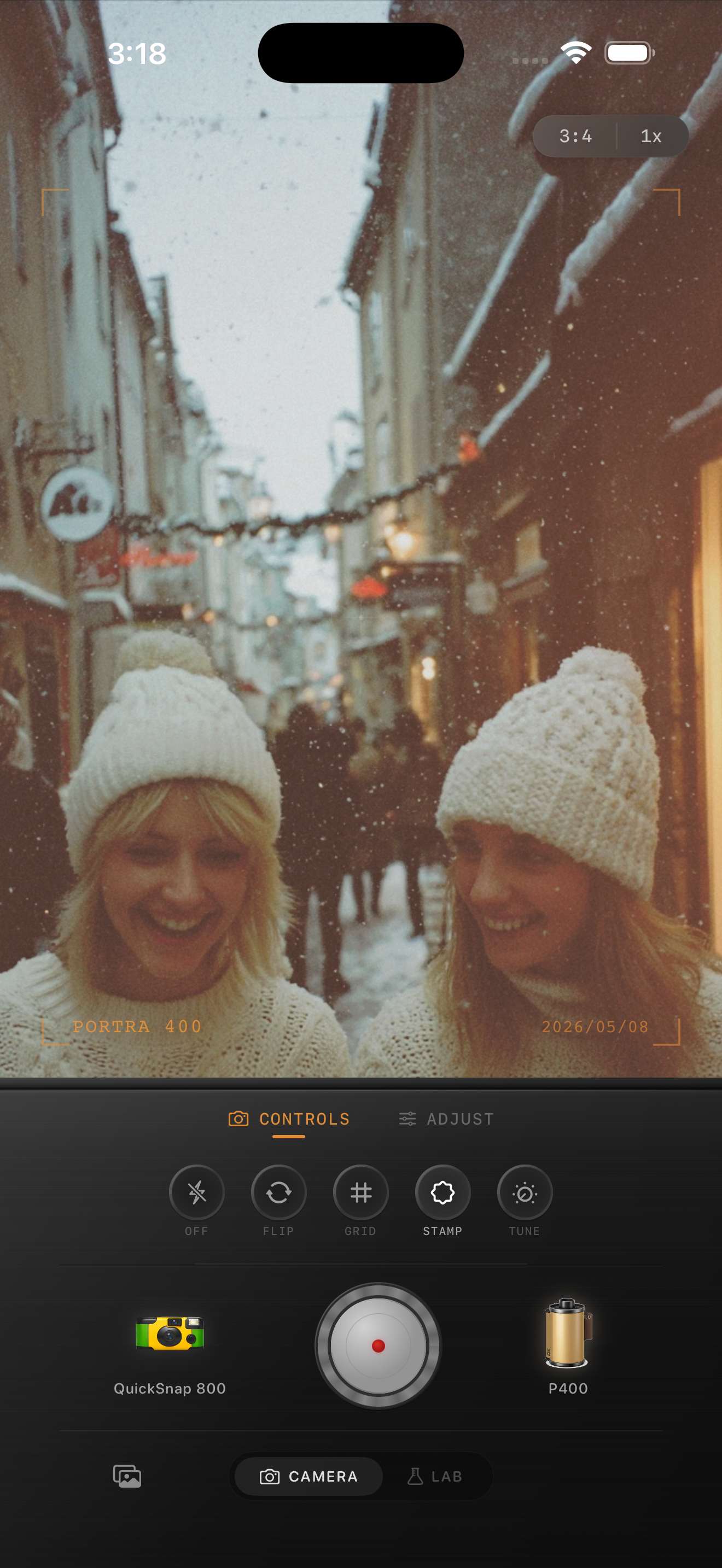
Use the background to help the mood
Brownstones, bare trees, scarves, boots, steam, and soft city light already do a lot of the nostalgic work. The edit should support those textures instead of covering them with too much grain or too much warmth.
When a winter portrait has warm windows or lamps in the frame, let those highlights stay softly golden. The contrast between warm pockets of light and cooler snow is often what makes the image feel cinematic.
Choose between clean film and rougher snapshot energy
Most winter portraits look better with a cleaner 35mm-inspired camera mood. A disposable-style body can work for playful friend photos, flash shots, or fast candid moments, but it usually needs to stay restrained so the snow does not get messy.
In Nostalgia Cam, pick the camera body first, then tune grain and warmth until the portrait feels like a cold day you remember clearly rather than a filter experiment.
Keep winter portraits crisp and nostalgic
Use Nostalgia Cam to combine a film-style camera body with subtle grain, gentle warmth, fade, and vignette so winter portraits keep their atmosphere without turning gray, yellow, or overedited.
FAQ
How do I keep snow from looking dirty in winter portrait edits?
Use finer grain, restrained warmth, and less fade than you would for night or disposable-style photos. Snow usually looks best when it stays close to white with only a slight cream tint.
Should winter portraits use a disposable camera effect?
Sometimes for candid friend shots or flash snapshots, but most winter portraits look better with a cleaner film-inspired treatment and moderate texture.