
Editing guide
How to Edit iPhone Thanksgiving Family Photos to Look Like Film Without Yellow Skin
A practical iPhone film-editing guide for Thanksgiving family photos: balance window light, warm rooms, food, and different skin tones without a yellow cast.
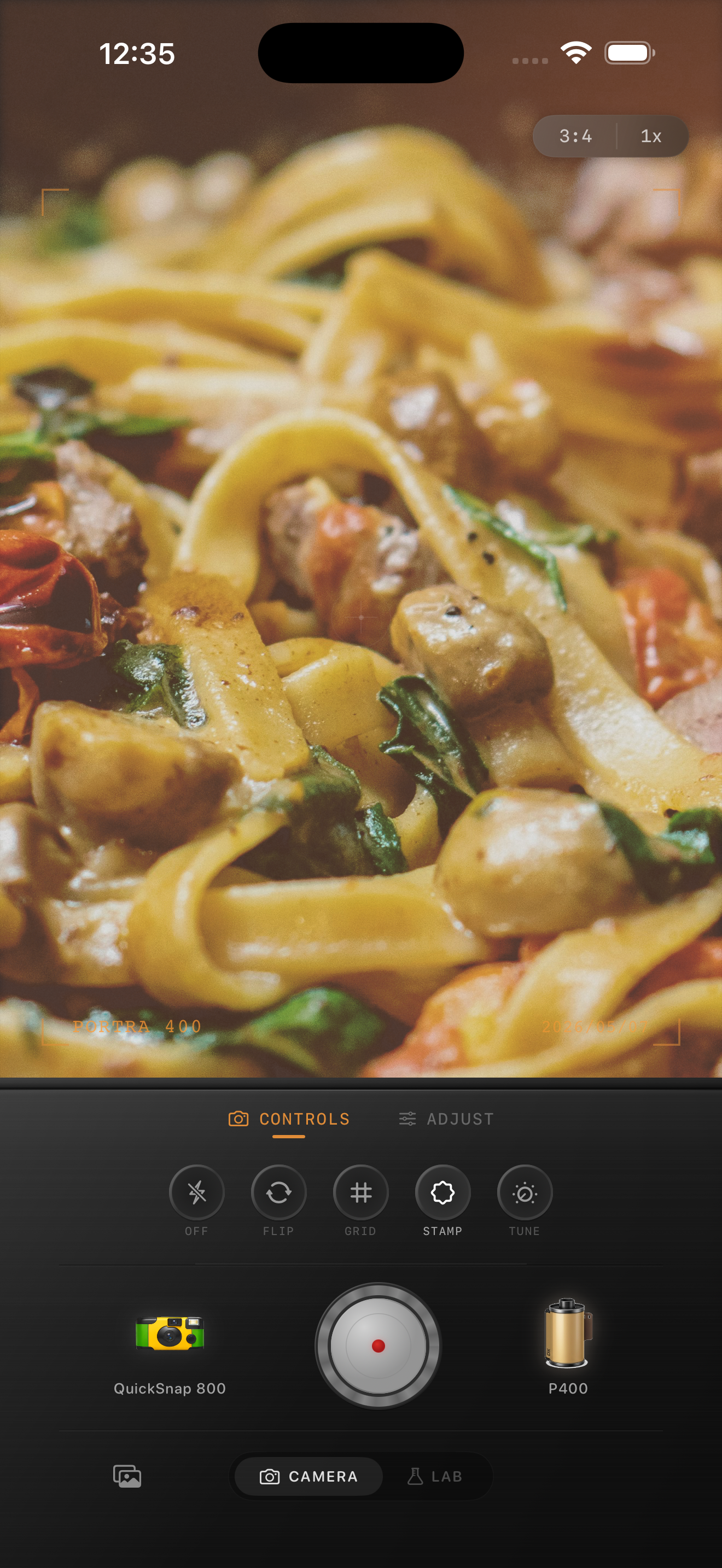
Choose a frame where the people and table both make sense
Thanksgiving family photos can put window light, warm kitchen bulbs, candles, colorful food, and several generations in the same frame. Before editing, compare nearby shots at normal phone size and choose one where faces are readable, a shared gesture or dish explains the gathering, and the brightest window or glassware has not erased the room. A film-inspired finish can make an iPhone image feel less clinical, but it cannot recover a face lost to motion blur or a completely clipped highlight.
Keep the original beside the edit. The aim is not to turn a warm family room into neutral daylight; it is to keep people, food, and the different sources of light recognizable together. The image above is an existing dinner style reference, not a Thanksgiving comparison.
Use three references before you warm the image
Yellow skin often appears when a broad warming treatment is added on top of warm bulbs, wood tones, candlelight, and late-afternoon light. After each larger adjustment, revisit one face in the warm part of the room, one face near a window if there is one, and a light neutral detail such as a napkin, plate, or shirt. If every face starts to look mustard while the neutral detail turns cream, lower the overall warmth or film intensity before adding grain or fade.
Do not remove every golden cue. A roast, a candle, or a wood table can remain warmly colored. What matters is whether warmth stays connected to the room and light sources, rather than covering every complexion and white detail in the photograph.
- Check more than one face when relatives are under different lights.
- Use a napkin, plate, or pale shirt to spot a broad yellow cast.
- Keep window and candle highlights bright without flattening them to white.
- Protect the distinct color of food and table details before adding texture.
Start with a gentle family-dinner film recipe
Try film intensity around 38–54%, grain 10–22%, warmth -3 to +4, fade 1–4%, and vignette 2–7%. Start lower when the room already has yellow walls, amber bulbs, candles, or strong autumn decorations. These values can take the polished edge off an iPhone photo while leaving faces, food, and white details believable.
A cleaner compact-film or 35mm-inspired camera body is usually safer than a heavily distressed disposable effect. A family table already has plenty of texture from fabric, serving dishes, and movement; a quieter base makes it easier to read expressions before the film character arrives.
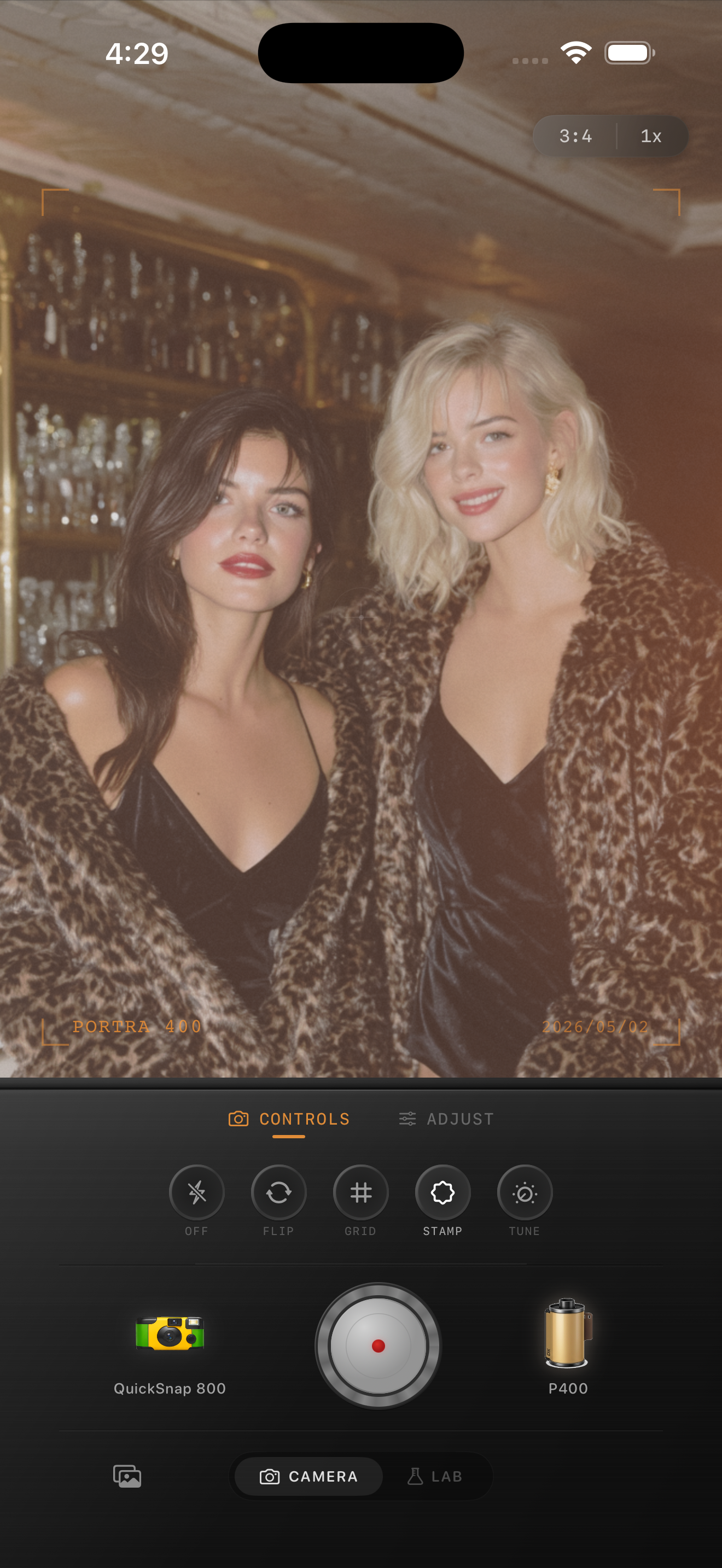
Add grain only after faces and food are balanced
Indoor family photos can already have low-light noise in darker corners, especially if the frame includes both a window and a warm room. Add grain after the broad color looks calm. Check a smooth cheek, a light plate, and a shadowed sweater together. If skin becomes sandy, food looks dirty, or dark fabric loses its shape before the photo feels more tactile, use less grain.
Keep fade modest as well. A little can soften hard phone contrast, but too much can lift the shadows that separate people from a busy table. Save two gentle versions and choose the one where the family moment reads first and the film finish comes second.
Make the final check at sharing size
View the saved version away from the sliders at the size you will actually share. Ideally, you notice the people and the gathering first, then the warmth of the room, and only then the film character. If yellow faces, muddy food color, noisy shadows, or a heavy vignette are the first impression, return to the lower-intensity version.
In the Nostalgia Cam Lab, compare camera bodies and film looks at moderate intensity before refining warmth, grain, fade, and vignette. That order can keep a Thanksgiving set cohesive even when one photo uses window light and another uses candles or flash.
Keep the family warm and recognizable
Import your Thanksgiving family photos into the Nostalgia Cam Lab, compare camera bodies and film looks at moderate intensity, then refine warmth, grain, fade, and vignette. Check faces across the room, a light neutral detail, and one window or candle highlight before saving the version that feels most like the gathering.
FAQ
Why does skin look yellow in my iPhone Thanksgiving family photos after a film edit?
Warm bulbs, candlelight, wood tones, and a strong overall warmth setting can stack together. Compare faces from different parts of the room with a light neutral detail, then reduce the broad treatment before adding grain or fade.
Should I remove all warmth from a Thanksgiving family photo?
No. Warm room color and food are part of the gathering. Keep that warmth near the lights and table, but choose a gentler overall look when it makes faces, napkins, or plates look yellow.
How much grain should I use for indoor family dinner photos?
Start modestly after faces, food, and bright highlights look balanced. Check a smooth cheek and a dark sweater at normal phone size; if either looks sandy before the image feels more like a print, reduce the texture.