
Editing guide
How to Edit Cozy Cabin Morning Photos to Look Like Film on iPhone
A practical cabin-morning film guide for iPhone photos: warm wood tones, quiet window light, soft grain, and enough contrast control to keep cozy interiors feeling natural instead of muddy.
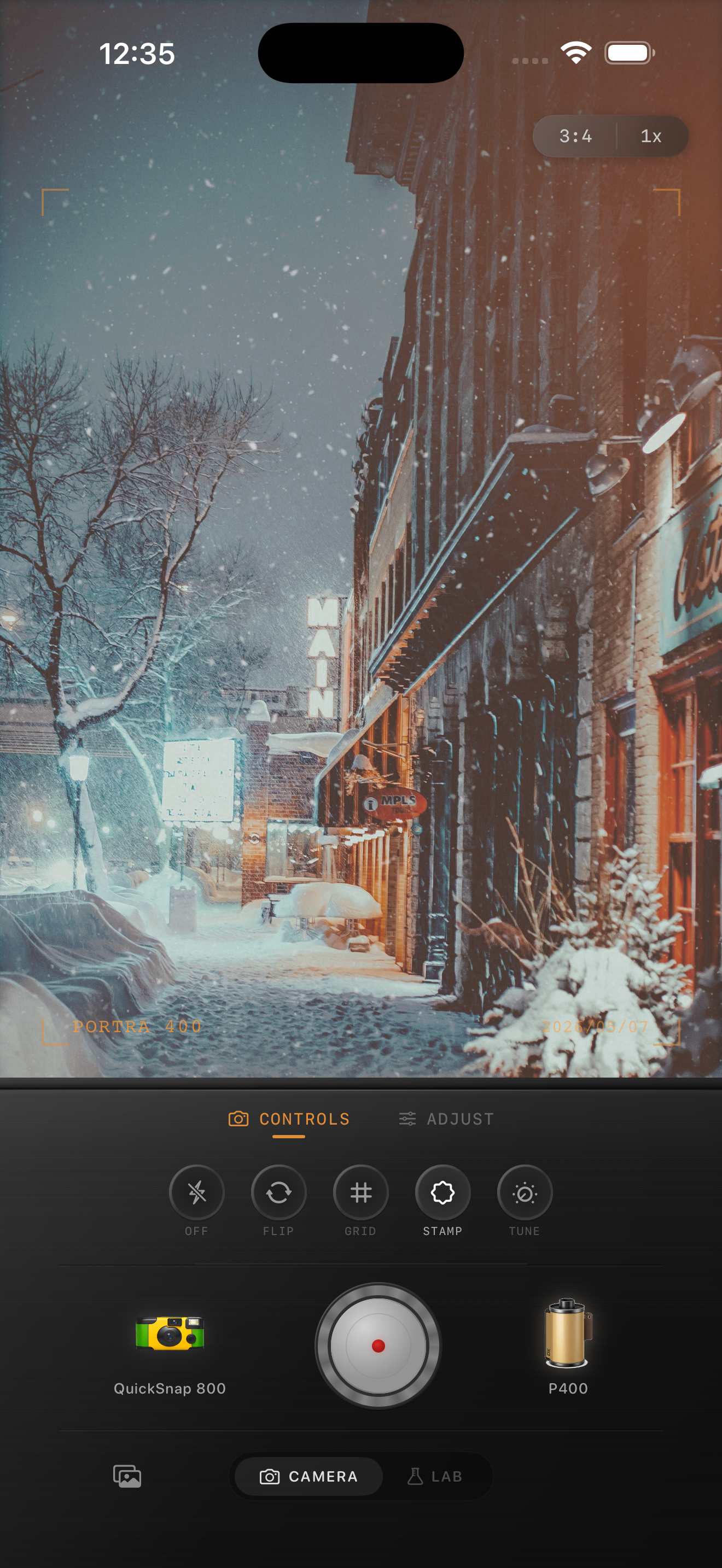
Cabin mornings already have the mood
Cabin photos do not need a loud vintage effect to feel nostalgic. Wood grain, blankets, steam, snow outside, quiet shadows, and early light already bring most of the atmosphere.
The edit should mainly keep the room from looking too crisp or too yellow. That usually means gentle contrast control, a small warmth shift, and fine grain that makes the file feel printed rather than processed.
- Protect pale window light before adding warmth.
- Keep wood warm, but do not let it turn orange.
- Use fine grain so fabric and steam stay soft.
- Lift shadows only enough to keep corners readable.
- Choose a cleaner camera mood than you would for party photos.
A dependable cozy-cabin starting recipe
Start around film intensity 68-82%, grain 20-30%, warmth +5 to +10, fade 4-9%, and vignette 3-7%. That range usually softens the iPhone file enough to feel analog while keeping blankets, wood, windows, and skin believable.
If the room is already lit by lamps or a fireplace, lower warmth before lowering film intensity. Cabin interiors often go muddy because the scene was warm to begin with and the edit stacked too much extra color on top.
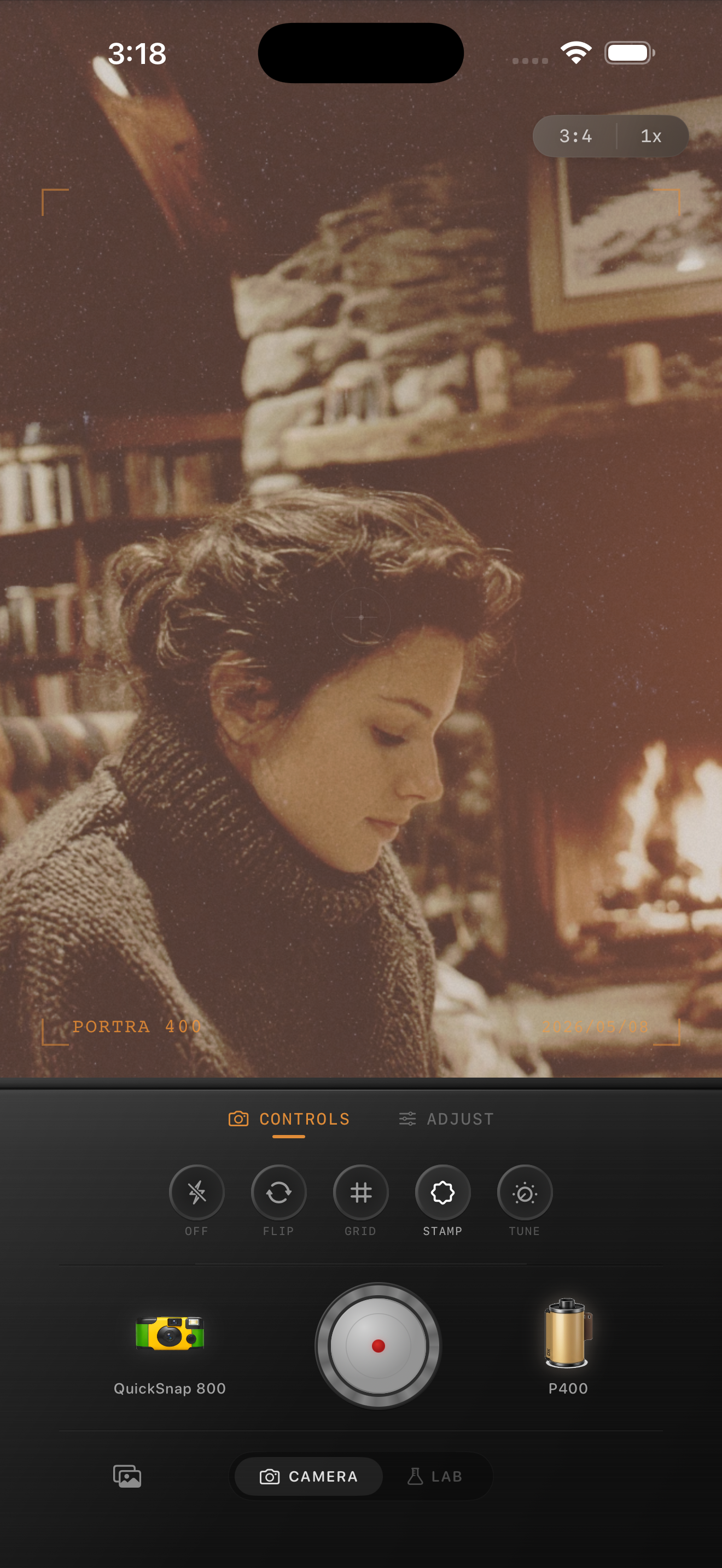
Use the windows as your reality check
Window light is the easiest way to judge whether the edit is believable. If the snowy light outside turns beige, reduce warmth. If the room goes flat and brown, lower fade before changing grain. If blankets and wood lose detail, back off vignette first.
That order keeps the scene dimensional. Cozy photos should feel soft, but they still need separation between wood, fabric, faces, and the light coming in from outside.
Keep the camera mood calm
Most cabin mornings want a compact or clean 35mm-inspired body instead of a rough disposable one. The room already has enough texture through timber, books, mugs, knitwear, and snow. Too much damage or heavy grain can make the whole frame feel dirty.
In Nostalgia Cam, choose the calmer body first, then nudge grain, warmth, fade, and vignette until the photo feels like a quiet winter print you would leave on a kitchen table.
Keep cabin mornings soft and believable
Use Nostalgia Cam to tune camera mood, grain, warmth, fade, and vignette so cozy cabin interiors keep their quiet light, warm wood, and printed-memory feeling on iPhone.
FAQ
How much grain should cozy cabin morning photos use on iPhone?
Fine grain around 20-30% is a strong starting point. It adds analog texture without making snow, blankets, or skin look noisy.
Why do warm cabin edits get muddy so quickly?
Cabin scenes are already warm from wood, lamps, and fireplaces. Extra warmth plus too much fade can collapse the tonal separation, so it helps to control warmth first and keep shadows defined.