
Editing guide
How to Edit Car Photos to Look Like Film on iPhone Without Blown Chrome
A practical car-photo film recipe for iPhone: softer chrome highlights, believable paint color, natural grain, and enough contrast control to keep reflective surfaces from looking harsh.
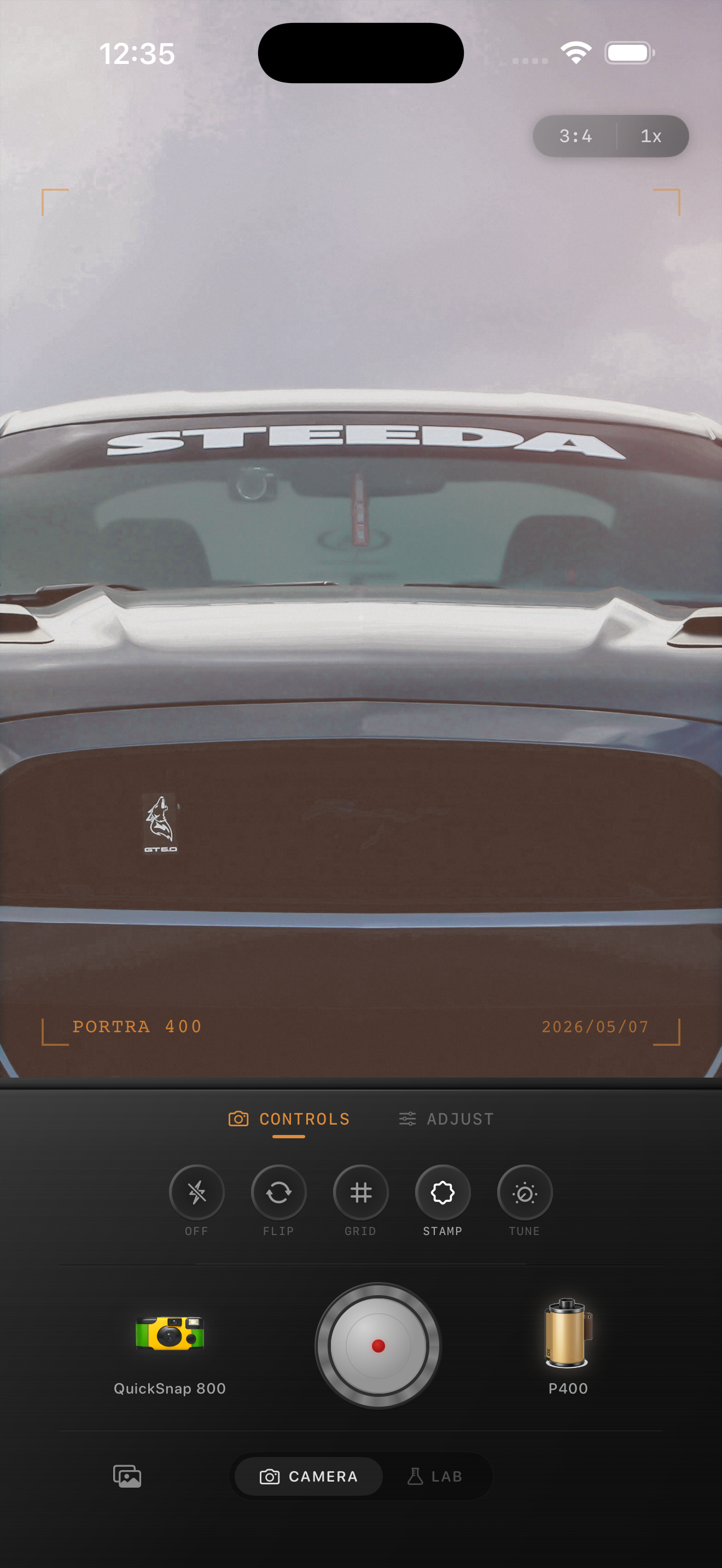
Chrome is usually the first thing that breaks the illusion
Car photos already have the shape and nostalgia that make film-inspired edits attractive. The trouble is that chrome, windshields, bright paint, and sky reflections reveal digital overprocessing immediately. If those surfaces clip or sharpen too hard, the photo feels like a phone file no matter how much grain you add.
A better film-style edit keeps the reflections lively but controlled. The car should still feel polished, just less clinical and less glossy than the default iPhone rendering.
- Lower harsh highlight bite before adding more grain.
- Keep chrome bright, but make sure it still holds shape.
- Use finer grain than you would for bars or flash snapshots.
- Protect paint color so red, teal, cream, or black still looks rich.
- Let the background support the car instead of fighting for attention.
A dependable settings baseline for reflective car shots
Start around film intensity 70-82%, grain 20-30%, warmth +3 to +8, fade 3-6%, and vignette 3-8%. That range usually softens the phone-camera finish without making chrome, windows, or body lines look muddy.
If the shot was taken in bright sun, stay toward the lower end for warmth and grain. If it was captured near dusk, on an overcast street, or under softer travel light, you can push warmth slightly more before the reflections start to feel heavy.
Check paint, chrome, and glass separately
Treat those as three different surfaces. Paint needs color depth, chrome needs highlight control, and glass needs believable reflections. If you edit the whole frame as one texture field, the image falls apart fast.
A good test is zooming out to feed size. If the car still reads clearly and the chrome still sparkles without turning flat white, you are in the right range.
Use a cleaner camera body for most car photos
Most car shots, especially classic cars, work better with a balanced 35mm-inspired or color-negative inspired body than with a rough disposable style. The subject already has enough character. It usually needs calmer highlight roll-off more than extra damage.
In Nostalgia Cam, start with the cleaner camera mood, then tune grain, warmth, fade, and vignette until the photo feels like a printed automotive memory instead of a sharp HDR capture.
Keep chrome bright without the digital harshness
Use Nostalgia Cam to shoot or import car photos, then balance camera body, grain, warmth, fade, and vignette so paint, chrome, and reflections feel tactile, calm, and naturally film-inspired.
FAQ
Why does chrome blow out so quickly in iPhone car edits?
Because chrome already reflects bright sky and hard light, and iPhone processing can make those highlights look sharper and flatter than they should. Heavy grain does not fix that by itself.
Should car photos use a disposable camera effect to look like film?
Usually no. A cleaner film-inspired look tends to work better because it preserves body lines, reflections, and paint while still softening the digital finish.