
iPhone film look
Best Film Settings for Vintage Car Photos on iPhone
A practical recipe for editing vintage car photos on iPhone with film-inspired color, restrained grain, and enough contrast control to keep chrome, paint, and street light looking natural.
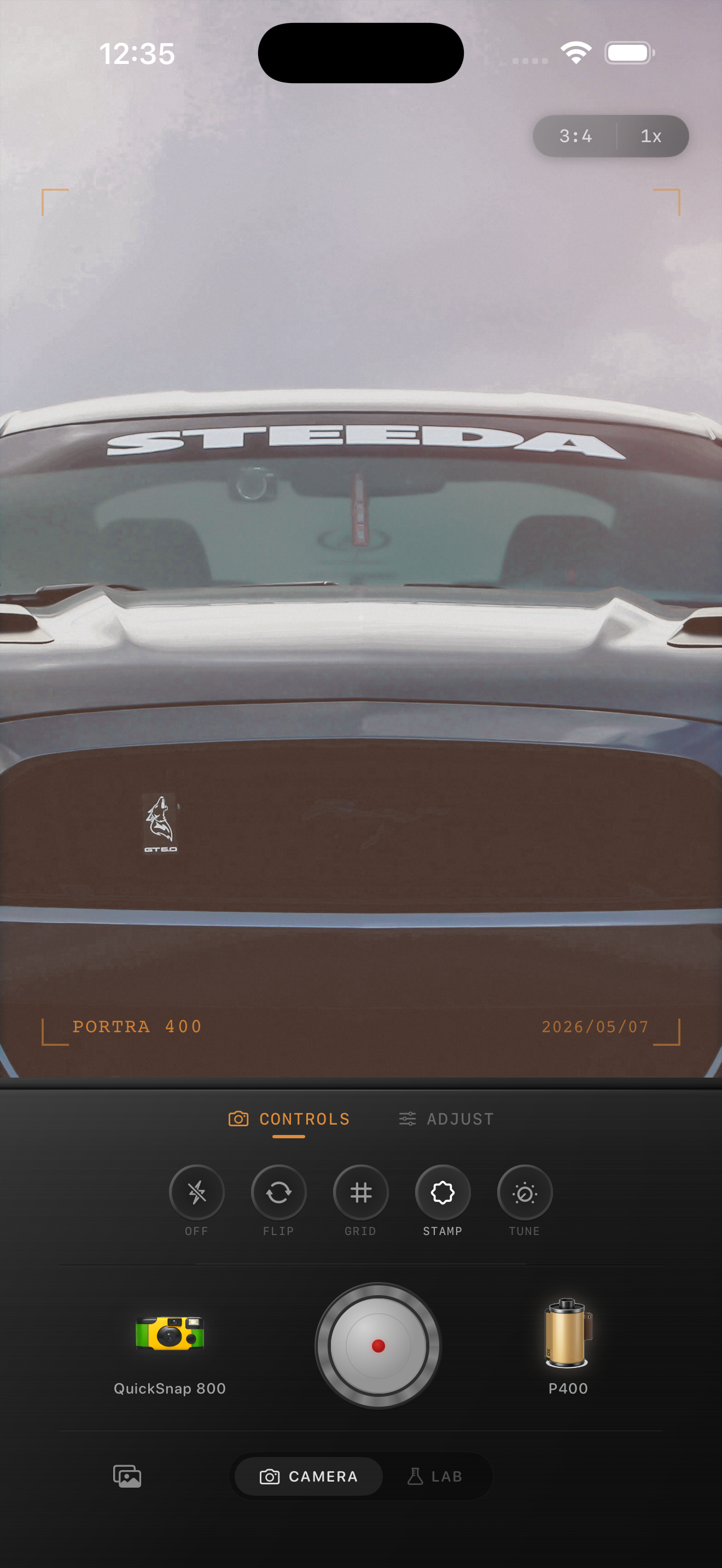
Car photos need shape before texture
Vintage car photos already have strong design cues: reflective paint, chrome trim, curved body lines, and backgrounds that can either support the mood or distract from it. A film-inspired edit works best when it keeps the car readable first, then adds texture.
If you add heavy grain too early, the reflections and edges start looking dirty instead of photographic. Start by softening the digital look, then layer in grain and fade carefully.
- Keep contrast controlled so chrome still has detail.
- Use moderate warmth rather than strong orange tones.
- Add grain after the color already feels believable.
- Use a small vignette only if the background is pulling attention away from the car.
A strong starting recipe for classic car shots
Try film intensity 74-86%, grain 22-34%, warmth +5 to +12, fade 4-9%, and vignette 6-12%. That usually gives enough analog character without making the bodywork look muddy.
For bright daytime paint colors, stay on the lower end of warmth and grain. For overcast streets or golden-hour parking shots, you can push warmth and fade a little further so the image feels more like a scanned print.
Match the camera mood to the car
A polished restored car often looks better with a cleaner 35mm-inspired camera body than with a rough disposable effect. A rougher body can work if the scene is already gritty, like a gas station, parking lot at dusk, or rainy curbside street.
Think about the story you want from the photo. A clean compact-film mood feels timeless and design-focused. A rougher snapshot mood feels candid and nostalgic.
Watch reds, teal reflections, and blown highlights
Vintage car photos fall apart when red paint clips, windshield reflections go cyan, or chrome highlights turn flat white. Those are the details that make the photo feel digital fast.
In Nostalgia Cam, set the camera body first, then adjust the film look until the paint still feels rich and the metal still has shape. The goal is a film-inspired finish that supports the car instead of covering it up.
Give your car photos a cleaner film finish
Use Nostalgia Cam to pair film-inspired color with controlled grain, fade, and camera-body character so classic car photos feel timeless instead of overprocessed.
FAQ
Should vintage car photos use a lot of grain?
Usually no. Car photos tend to look better with moderate grain so paint reflections and body lines stay clear while the image still feels less digital.
What film-style look works best for classic cars?
A cleaner 35mm-inspired look usually works best for polished cars, while a rougher disposable-style look fits gritty street scenes or casual snapshots.