
Disposable camera effect
Best Film Settings for Flash Selfies on iPhone
A practical flash-selfie recipe for iPhone: keep skin from looking waxy, preserve the hit from direct flash, and use grain, fade, and color to get a film-inspired snapshot instead of a plastic-looking filter.
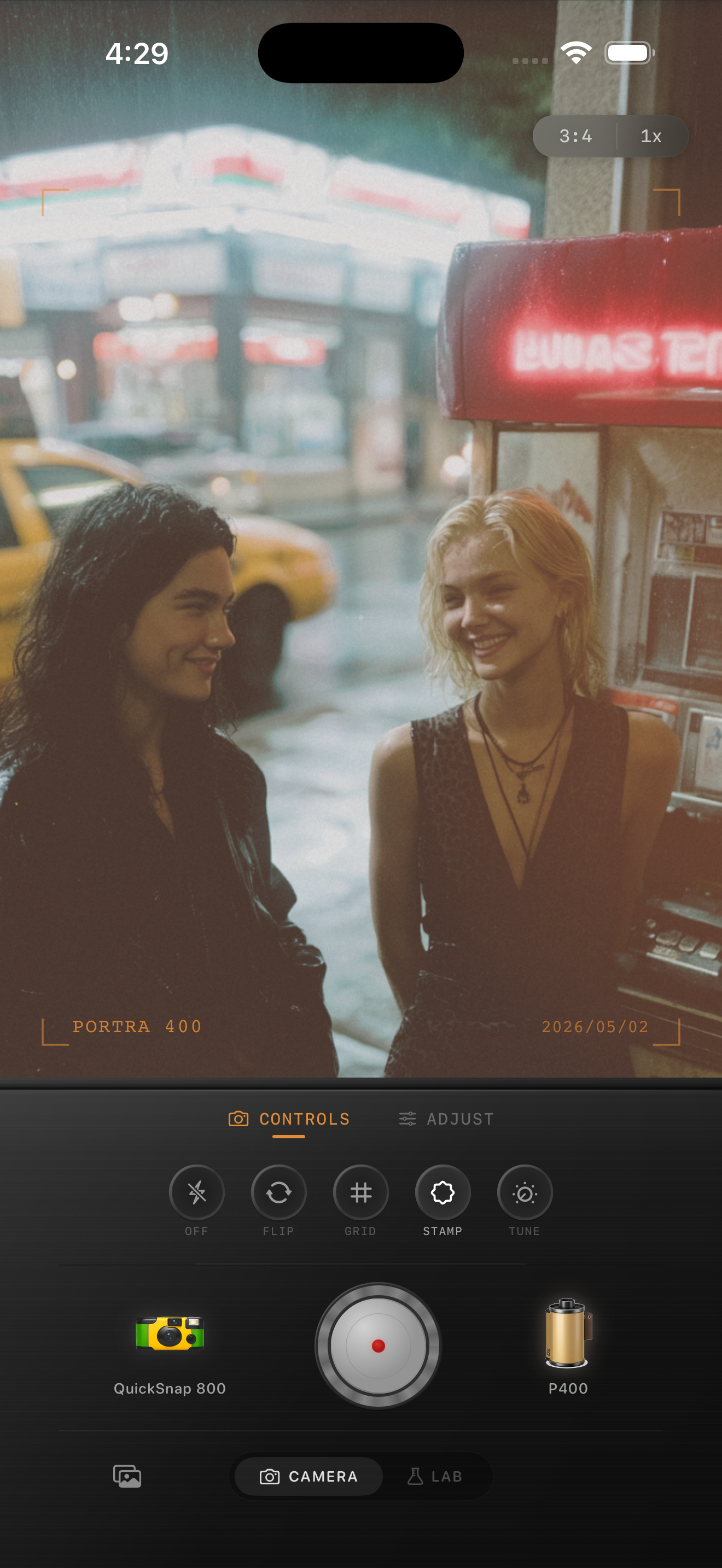
Flash selfies need pop and softness at the same time
A good flash selfie has immediate energy: bright faces, darker surroundings, quick framing, and a little imperfection. What makes it look bad is when the edit smooths the skin too much or adds grain so heavily that every highlight turns crunchy.
The best film-inspired flash selfie keeps the direct-flash hit intact, then uses color and texture to make the photo feel like a real snapshot from a night out.
Start with these settings
Try film intensity 76-88%, grain 30-42%, warmth +4 to +10, fade 5-9%, and vignette 6-12%. That usually gives enough analog texture without muting the flash or making faces look muddy.
If the photo is in a bathroom mirror, car, or dark bar, you can raise grain slightly. If the flash is already very harsh, lower fade and keep the grain controlled so skin still looks clean.
- Use more grain than a daytime portrait, but less than a rough disposable effect.
- Keep skin tones neutral-warm instead of pushing orange.
- Let the background stay dark if that is part of the mood.
- Avoid heavy vignette when the flash already centers the face.
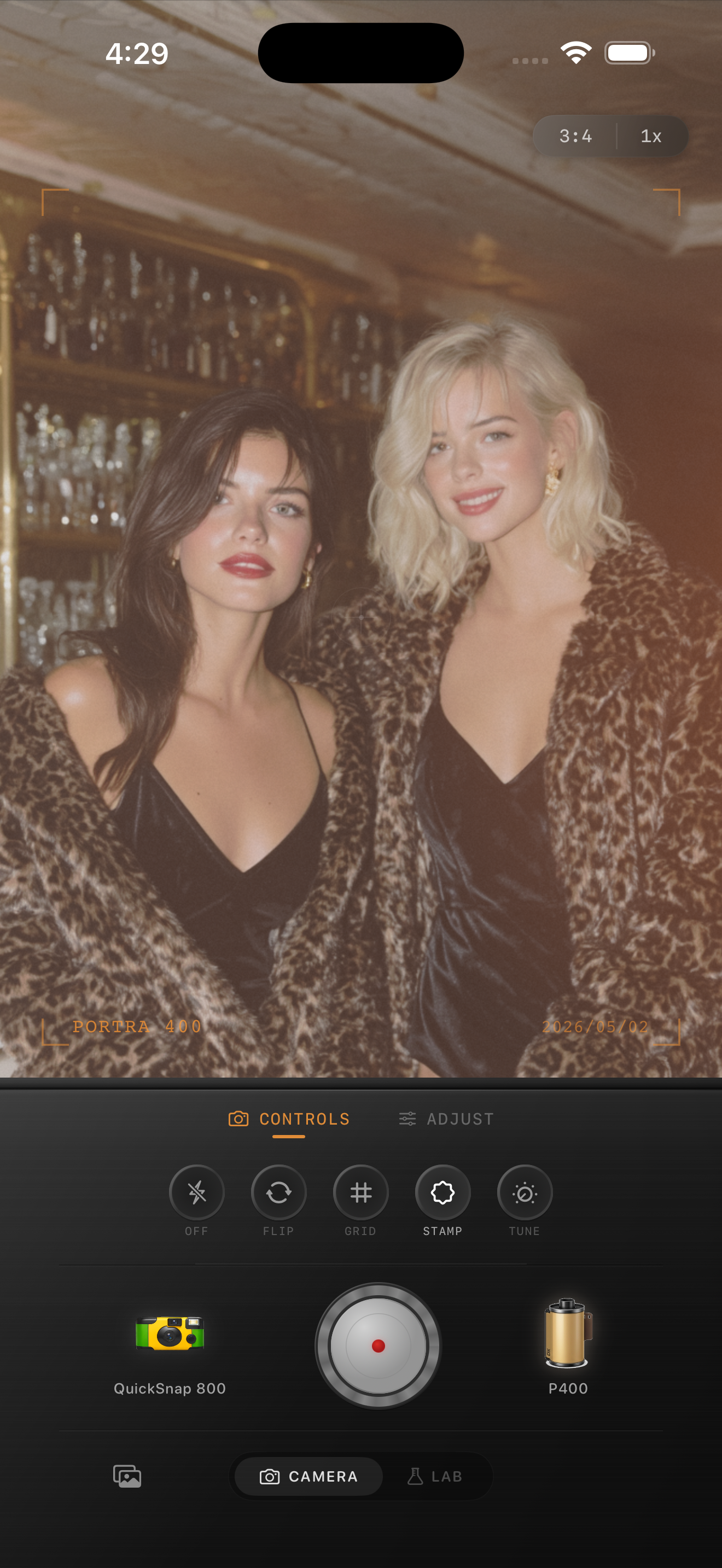
Choose the right camera mood
Flash selfies usually sit between a cleaner compact-camera look and a disposable-style look. A cleaner body works for polished mirror shots; a rougher disposable-inspired body works for party photos, backseat shots, and fast friend selfies.
The key is matching the camera character to the moment. If the scene is already chaotic, you often need less extra effect than you think.
Watch the skin and whites
Direct flash can make foreheads, cheeks, teeth, and white shirts blow out quickly. If those highlights clip or go gray, the whole edit starts looking fake no matter how good the grain is.
In Nostalgia Cam, set the camera body first, then adjust the film look until the selfie keeps its flash energy while feeling like a printed snapshot instead of a glossy phone capture.
Build a better flash-selfie look in Nostalgia Cam
Use Nostalgia Cam to combine disposable-style or compact-camera character with film-inspired color, grain, fade, and vignette so flash selfies keep their energy without turning plastic or overfiltered.
FAQ
What makes a flash selfie look like film instead of just edited?
Usually it is the combination of direct-flash contrast, moderate grain, slight fade, and believable skin color. The photo should still feel fast and imperfect, not overly polished.
Should flash selfies use a disposable camera effect?
Often yes, especially for party or nightlife shots. But it works best when the effect is restrained enough that skin and highlights still look natural.