
iPhone film look
Best Film Settings for Museum Photos on iPhone
A practical museum-photo film recipe for iPhone: quieter grain, protected highlights, soft color, and enough analog texture to make galleries and exhibits feel natural instead of processed.
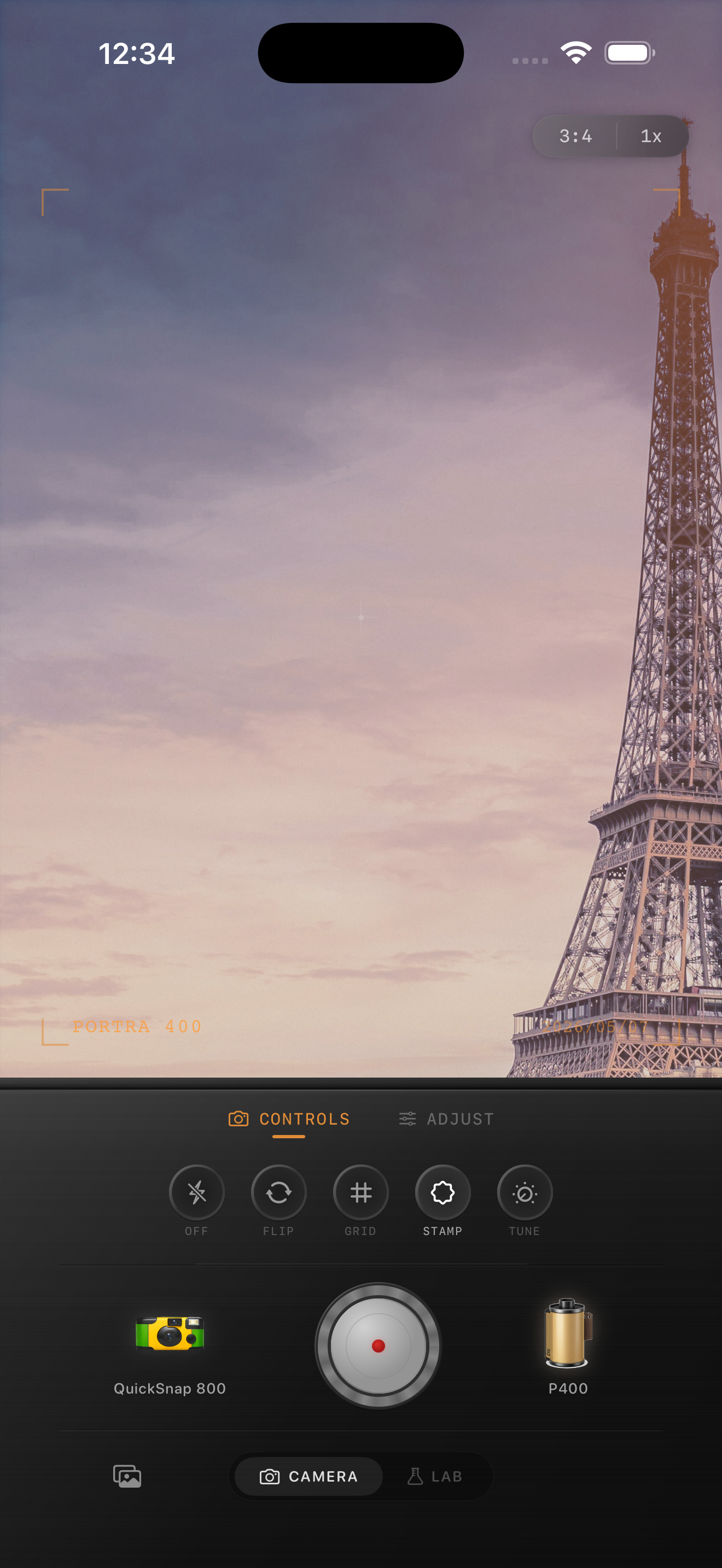
Museum photos need restraint more than effect
Museum scenes usually have clean walls, controlled lighting, reflective glass, and quiet color. Heavy grain or strong warmth can make them feel fake fast.
A good museum-film edit should soften the iPhone crispness while keeping the space elegant. You want the frame to feel like a thoughtful travel print, not a loud vintage preset.
- Keep grain finer than you would for nightlife or disposable edits.
- Protect bright walls, labels, and skylights from looking dirty.
- Use only a small warmth shift unless the room is already amber.
- Keep vignette subtle so architecture stays open.
- Let color stay calm when the exhibit is doing the visual work.
A dependable museum starting recipe
Start around film intensity 68-80%, grain 18-28%, warmth +3 to +8, fade 3-6%, and vignette 2-5%. That range usually gives enough softness to feel analog without flattening the room.
If the museum has dark walls or low light, raise grain a little and protect the highlights. If it has bright white rooms and daylight, lower both grain and fade so the image stays clean.

How to handle mixed light and glass reflections
Many museum photos combine daylight, spot lighting, and reflections from cases or frames. That is one reason a balanced film look works better than a rough disposable effect.
If reflections already add texture, keep added grain lower. Let the space feel real first, then use the film finish to reduce the clinical digital edge.
Choose a cleaner camera body
Museum photos usually suit a cleaner 35mm-inspired body or a balanced everyday film body. Rough toy-camera behavior can be fun, but it often fights with architectural lines and exhibit detail.
In Nostalgia Cam, set the body first, then nudge grain, warmth, and fade only until the room feels like a memory from a trip rather than a phone capture from ten minutes ago.
Keep museum photos quiet and film-like in Nostalgia Cam
Use Nostalgia Cam to build a cleaner analog look for museums, galleries, and travel interiors with controlled grain, gentle warmth, soft contrast, and full-resolution export.
FAQ
Should museum photos have a lot of grain to look like film?
Usually no. Museum scenes often look better with finer grain because bright walls, framed art, and reflections can become messy quickly.
Is a disposable camera look good for museum photos?
Usually less so than a cleaner 35mm-inspired look. A disposable treatment can work for playful snapshots, but it often overpowers quiet indoor spaces.