
Editing guide
Best Film Settings for Apartment Window Photos on iPhone
A practical apartment-window film recipe for iPhone: soft daylight, restrained grain, gentle warmth, and enough fade to make indoor moments feel lived-in instead of flat.
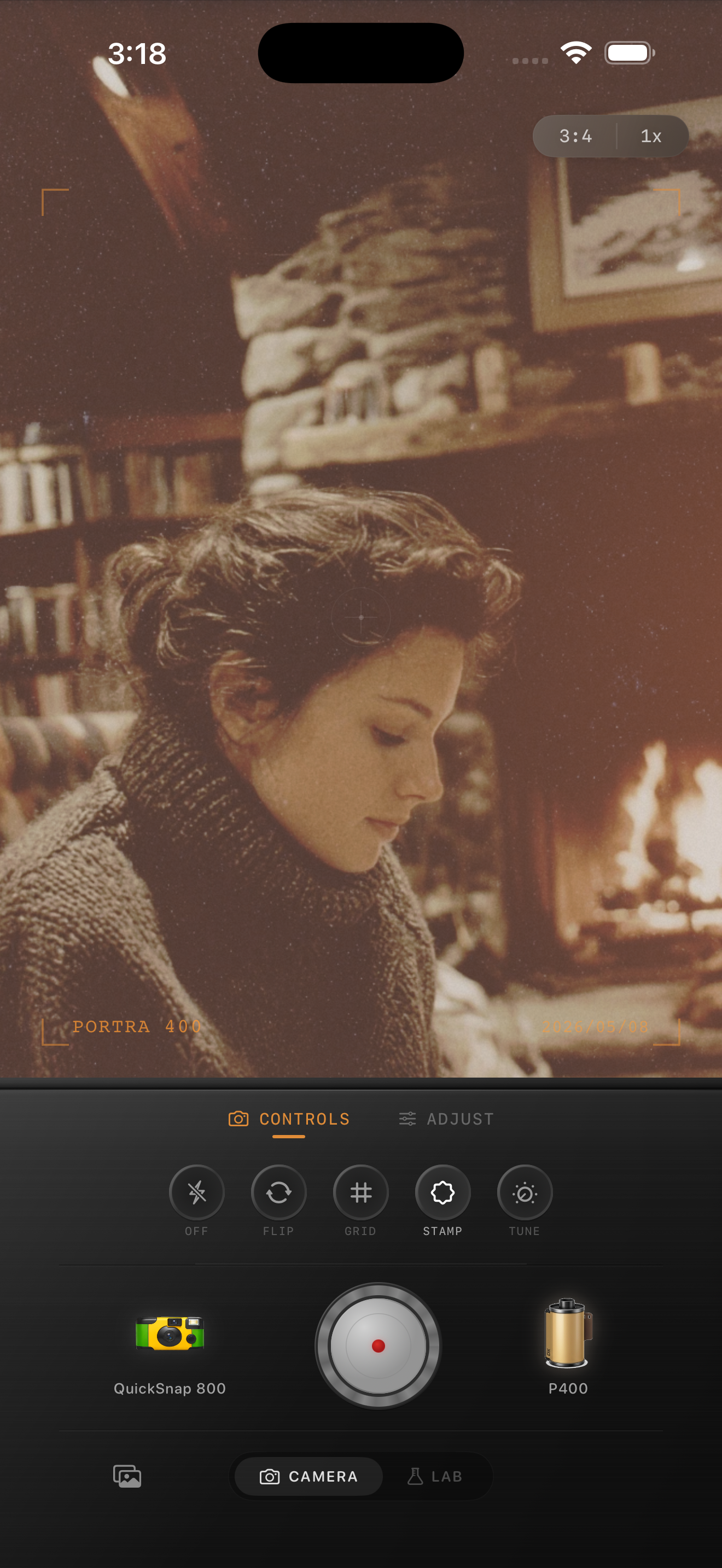
Apartment window photos need softness more than heavy effects
Window light already gives you the most important part of a film-style indoor photo: direction. It shapes skin, books, blankets, plants, coffee cups, and wall texture in a way that feels intimate before you edit anything.
What usually breaks the mood is the default phone finish. Apartment window photos can look too sharp, too clean, and too evenly bright. A film-inspired edit should keep the daylight believable while taking away that hard digital edge.
- Use a clean 35mm-inspired or compact-film look first.
- Keep grain moderate so daylight still feels calm.
- Add only a small warmth shift unless the room was already very warm.
- Use fade lightly so curtains, books, and skin keep depth.
- Let the window stay brighter than the room instead of flattening both together.
A dependable apartment-window starting recipe
Start around film intensity 72-84%, grain 22-34%, warmth +3 to +9, fade 3-7%, and vignette 2-6%. This range usually softens the image enough to feel printed without making daylight scenes look muddy.
If the room has warm lamps mixed with the window, keep warmth lower than you expect. Apartment photos turn orange quickly when natural light and indoor warmth stack on top of each other.
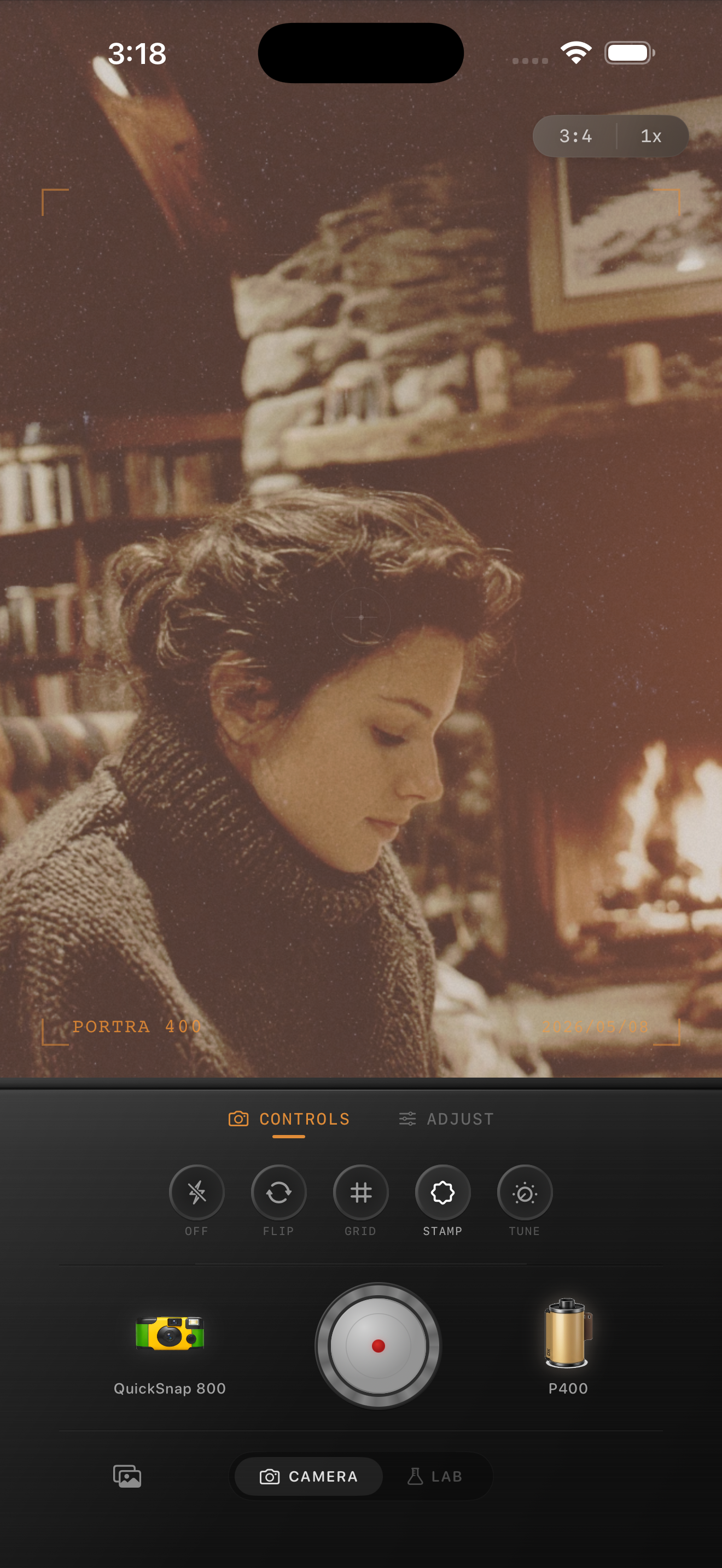
Watch skin, paper, and walls separately
Apartment window photos often combine pale walls, books or paper, and skin in the same frame. If you warm everything evenly, those materials collapse into one beige tone and the image loses life.
Check faces first, then the brightest wall or curtain, then any paper or ceramics. A good edit keeps each surface distinct while still feeling unified and gentle.
When to lean more vintage
If the room already has strong mood, like rain outside, steam from a mug, morning haze, or older furniture, you can push grain and fade a little more. If the space is bright and minimal, stay cleaner and let the composition carry the nostalgia.
Nostalgia Cam works best here when you treat the film look as a finishing mood, not as a disguise. The photo should still feel like your apartment and your light, just less digital.
Keep apartment daylight soft in Nostalgia Cam
Use Nostalgia Cam to shoot or import apartment window photos, then tune camera body, grain, warmth, fade, and vignette so indoor daylight feels calm, tactile, and naturally film-inspired.
FAQ
Should apartment window photos use a lot of grain to look like film?
Usually no. These scenes tend to look better with moderate grain and softer contrast, because the quiet mood comes from the light itself more than from rough texture.
Why do apartment window edits turn flat so easily?
They usually go flat because fade and warmth get pushed too far at the same time, which removes the separation between the bright window and the darker room.