
Film grain
Why iPhone Film Grain Looks Fake, and How to Fix It
Most fake film grain looks like uniform digital noise. Realistic film grain needs uneven density, tiny crystal clusters, dust, and subtle scan artifacts.
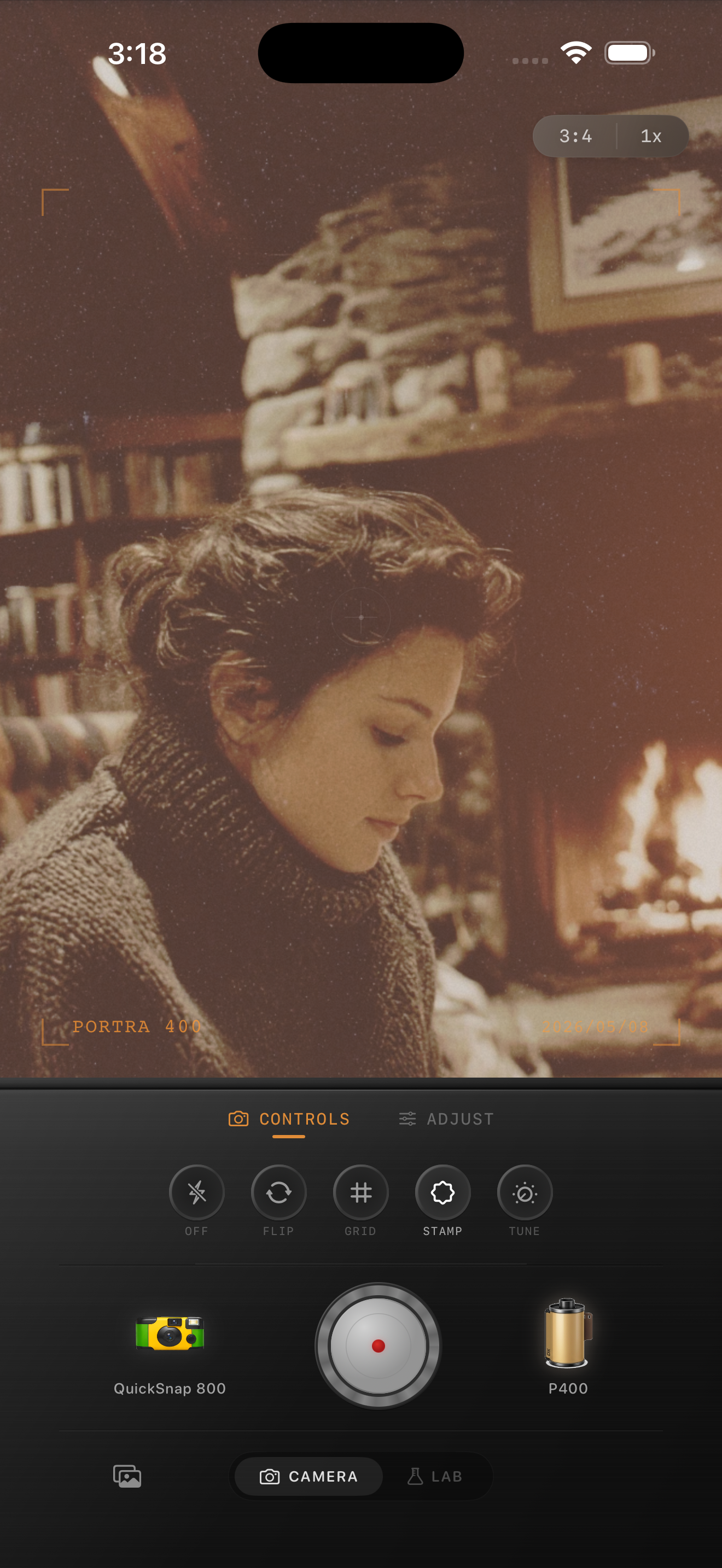
Fake grain is too even
Digital noise is usually uniform. Real film grain is not. It gathers into tiny clumps, changes with luminance, and feels different in shadows, midtones, and highlights.
If a grain filter simply adds the same random texture everywhere, your eye reads it as an overlay. That is why many film edits look crunchy instead of photographic.
Realistic grain responds to the image
Believable grain should be strongest where it helps the image: usually in midtones and shadows, with less obvious texture in clean highlights. It should also vary slightly across the frame so the photo does not look like it has a flat layer pasted over it.
This is especially important on iPhone photos because the default image processing is already very clean. The grain has to break up that digital smoothness without destroying detail.
- Use smaller grain for clean daylight photos.
- Use coarser grain for night, flash, or disposable-style photos.
- Add occasional dust and tiny specks, not just noise.
- Keep scratches rare unless you want a damaged-film look.
A practical grain range
For clean 35mm color, start around 25-35%. For disposable camera looks, start around 40-55%. For black-and-white or toy-camera looks, you can go higher if the photo has enough contrast.
If the grain looks fake, lower the amount and increase the character: a little dust, a little uneven density, and subtle softness often looks more like film than simply raising grain strength.
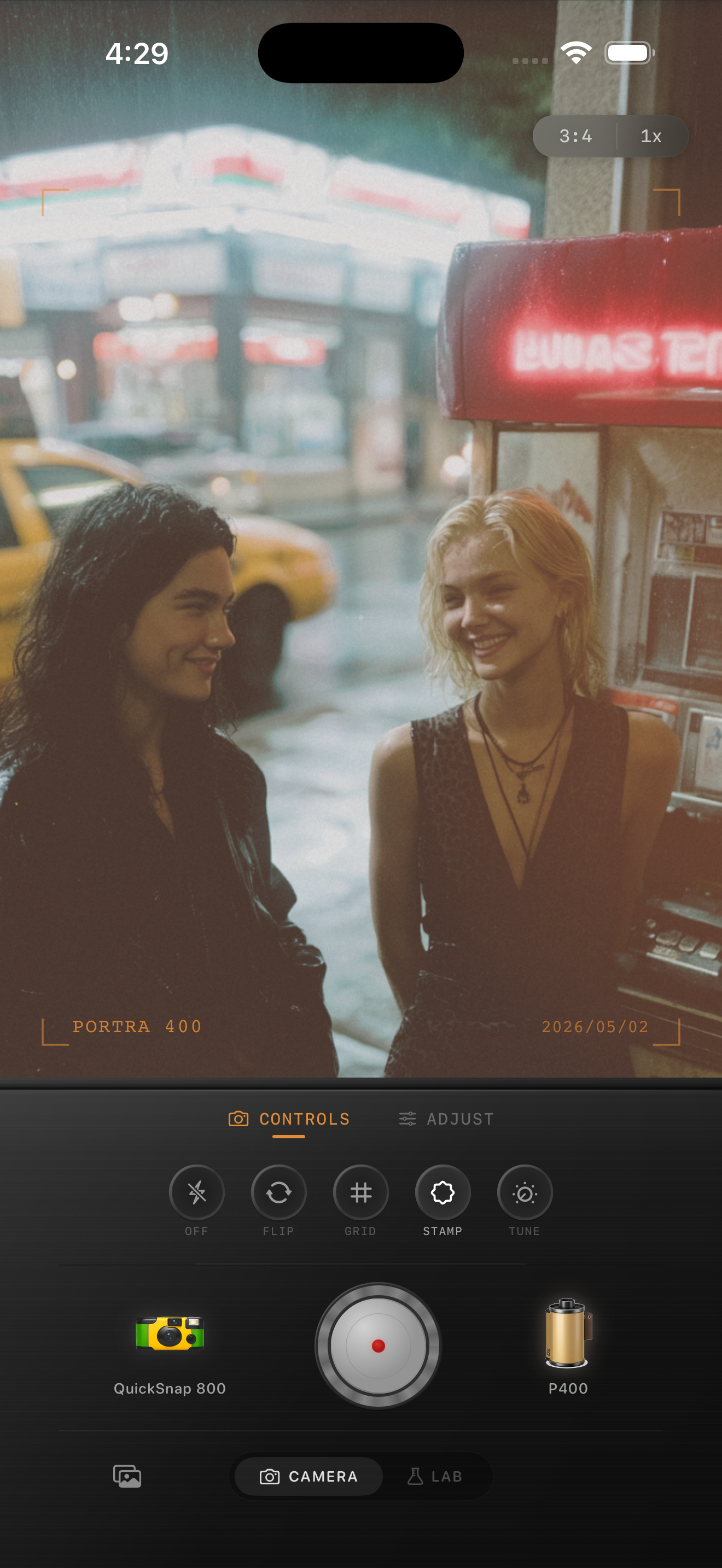
How Nostalgia Cam handles it
Nostalgia Cam combines film stock grain with camera body behavior. A disposable body can feel rougher; a professional body can stay cleaner. The Lab uses the same film pipeline, so imported photos and camera shots keep a consistent texture.
The goal is not to make grain loud. The goal is to make the photo stop feeling perfectly digital.
Try a more natural grain pass
Use Nostalgia Cam to combine film-style color, camera body character, uneven grain, dust, scratches, fade, and vignette in one iPhone workflow.
FAQ
Why does digital grain look fake?
It often looks fake because it is too even. Real film grain changes with brightness, gathers in small clusters, and includes subtle imperfections from the camera or scan.
Should grain be visible at full size?
A little, yes. But the photo should feel better at normal viewing size before the grain texture becomes the main thing you notice.