
Disposable camera effect
How to Make iPhone Photos Look Like 2000s Film Prints
A practical early-2000s film-print recipe for iPhone: direct-flash energy, softer contrast, printed color, mild grain, and the slightly imperfect finish of drugstore snapshots.
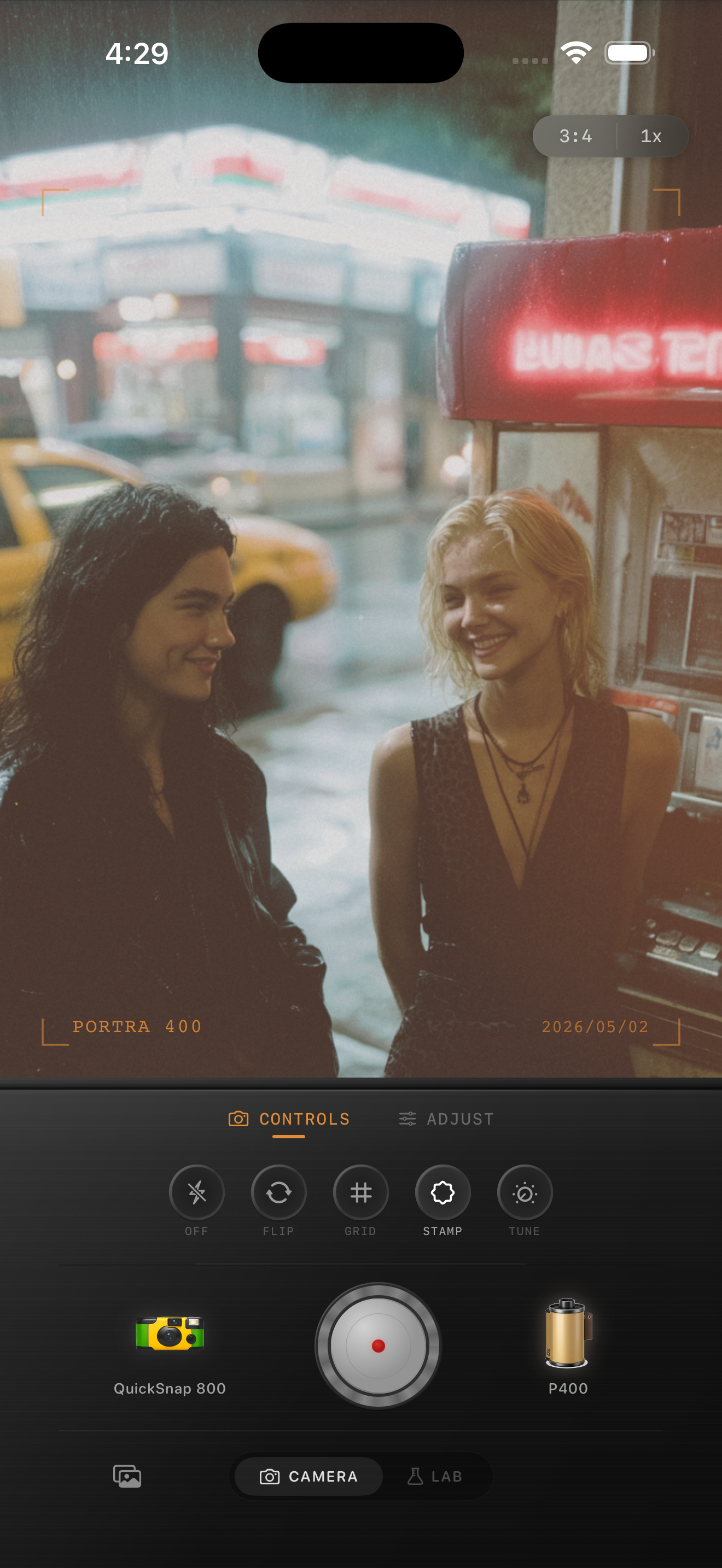
The 2000s print look is softer than people remember
When people say they want that early-2000s print feeling, they usually mean small drugstore prints, compact-camera snapshots, and party or travel photos that felt casual instead of polished. The look is not just a date stamp or a loud disposable filter.
Most of those prints had direct flash, softer contrast, slightly creamy highlights, printed color, and only moderate grain. The image felt imperfect, but still readable. That balance is what makes the look nostalgic instead of gimmicky.
- Keep flash or bright foreground light if the photo already has it.
- Use moderate grain instead of rough damaged-film texture.
- Warm the image gently, but keep whites and skin believable.
- Let some shadows stay dark so the snapshot still has shape.
- Avoid heavy matte fade that makes the print look washed out.
A practical early-2000s settings recipe
Start around film intensity 76-90%, grain 28-40%, warmth +4 to +10, fade 3-7%, and vignette 4-9%. If the image has direct flash, keep fade on the lower end so the bright hit still feels real.
If the photo is more travel snapshot than party flash, use a cleaner body and slightly less grain. If it is a bathroom, car, diner, or night-out photo, you can push the grain a little further as long as faces and lettering stay clear.
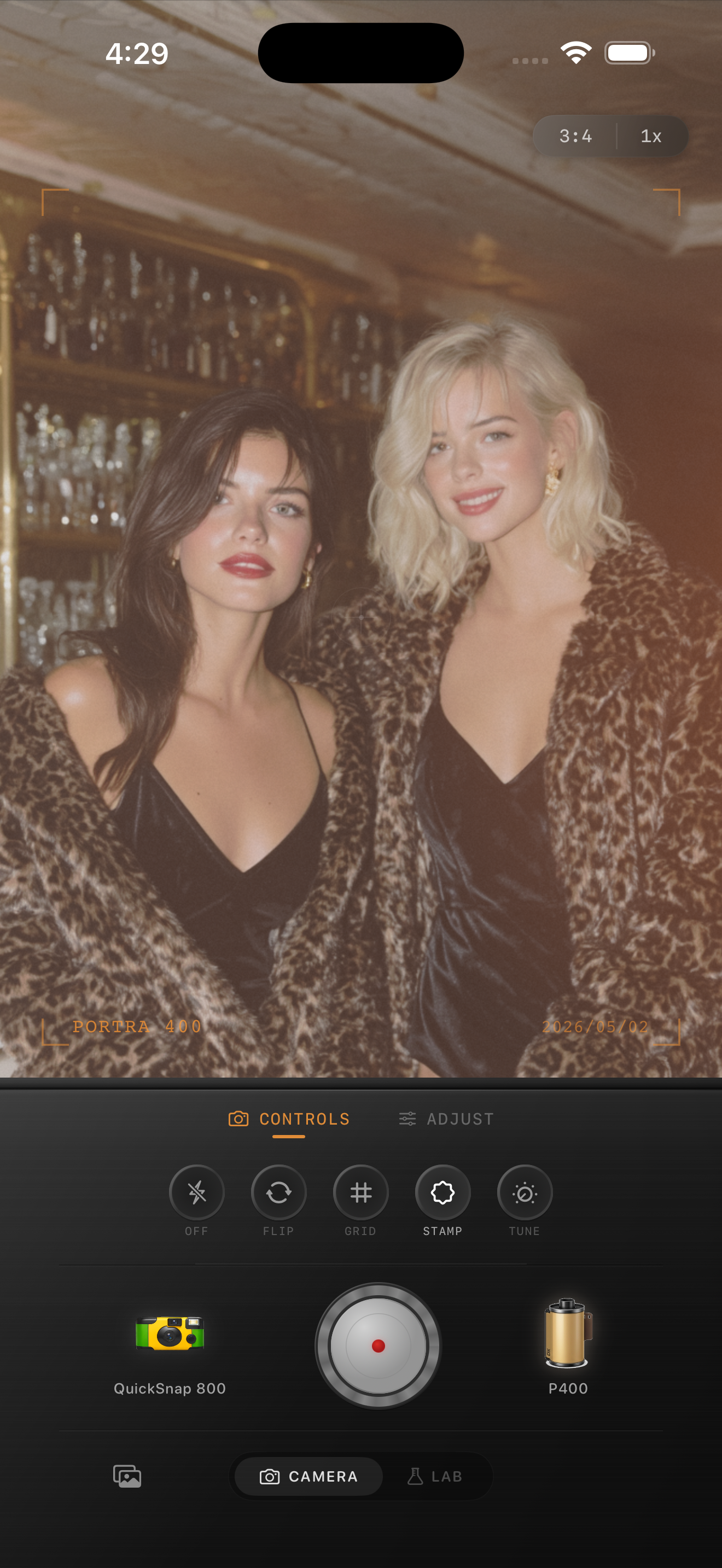
What makes the print feeling believable
Believability usually comes from three small things working together: softer highlights, gentler color than a phone file, and texture that feels present but not aggressive. If the first thing you notice is grain, scratches, or a fake light leak, the edit has probably gone too far.
A good check is to zoom out to phone-feed size. The photo should feel like something that came from a stack of old prints before you notice any one effect.
Build the look by camera body first
A compact-camera or balanced disposable-style body usually fits this look better than the cleanest 35mm mood. You want a little snapshot personality, but not total chaos. The camera body should suggest a real point-and-shoot, then the sliders should refine the print finish.
In Nostalgia Cam, choose that body first, then fine-tune grain, warmth, fade, and vignette until the photo feels like an old envelope of prints from a night out, a diner stop, or a family trip.
Build a real snapshot-print feel in Nostalgia Cam
Use Nostalgia Cam to combine compact-camera character, film color, grain, fade, and vignette so iPhone photos feel like early-2000s prints instead of polished digital edits.
FAQ
Is the 2000s film-print look the same as a disposable camera effect?
Not exactly. It overlaps with disposable-camera styling, but it is usually a little cleaner and more print-like, with softer contrast and less exaggerated damage.
Do I need direct flash to get a 2000s print look on iPhone?
No, but it helps. Direct flash, diner light, car interiors, and casual travel scenes all fit the look especially well, while daylight snapshots usually want slightly less grain and fade.