
Editing guide
How to Edit iPhone Holiday Party Photos to Look Like Film Without Red Skin
A practical iPhone film-editing guide for holiday parties: keep flash-lit faces natural, contain red and colored light, and preserve the room's festive mood without muddy shadows.
Start with the frame where the people still lead
Holiday party photos often combine a direct flash or phone screen with warm lamps, red decorations, colored bulbs, glasses, and people moving through a dark room. Before editing, compare nearby frames at normal phone size and choose one where an expression or gesture is clear, the brightest details still have shape, and the room adds context without competing with the people.
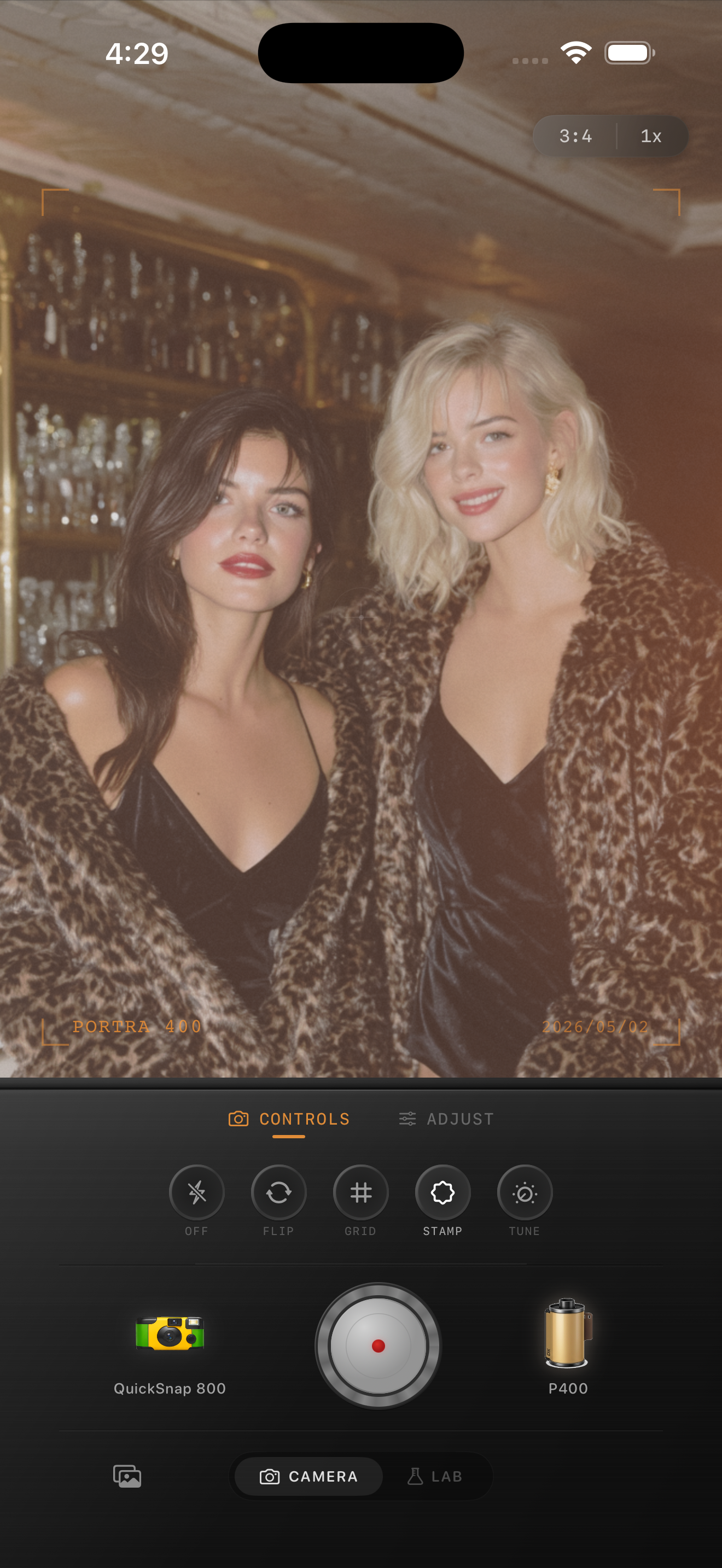
Keep the original nearby while you work. The aim is not to erase every red, gold, or colored detail; those colors are part of the party. Instead, keep them separate enough that faces, white shirts, and pale napkins still look believable. The image above is an existing gathering style reference, not a holiday-party before-and-after.
Correct the broad color cast before adding film texture
Red skin usually comes from several things stacking together: a warm room, colored LEDs or decorations, direct flash bouncing from a nearby surface, and then a warm film treatment on top. Check one face, one pale neutral detail, and one clearly red object together. If all three are drifting red, reduce the broad warmth or film intensity before trying to fix the effect with extra fade or grain.
A slightly cooler overall balance can help, but do not chase laboratory-neutral color. The useful target is a face that looks like the person in the room, whites that do not turn pink, and party color that stays local to lights, decorations, and reflections.
Let flash and colored lights keep their shape
A party image can still feel festive when the flash is bright or a red bulb is vivid. The problem starts when a highlight becomes a flat white patch, a red light bleeds across the whole scene, or the darkest areas lose all separation. Pull back any broad treatment until the flash-lit face, a bright decoration, and the surrounding room can all be read at once.
For a film-inspired finish, favor a cleaner compact-film or 35mm-inspired camera body over a heavily distressed disposable effect. Holiday parties already have energy, motion, sparkle, and mixed light; a quieter base lets the memory lead before the texture does.
Add grain last and review the saved version
Once skin, pale details, and highlights feel balanced, add grain gently. It should soften the too-clean phone finish without making cheeks sandy, sequins noisy, or dark corners gritty. Keep fade modest as well: lifting every shadow can make an intimate room look washed out instead of printed.
View the saved edit away from the sliders at the size you will share. If the first thing you notice is red skin, a clipped flash, or grainy darkness, return to the calmer version. A successful film edit should make the party feel more remembered, not more processed.
Keep the party color and the people natural
Import your holiday-party photos into the Nostalgia Cam Lab, compare camera bodies and film looks at moderate intensity, then refine warmth, grain, fade, and vignette. Check a face, a pale detail, and one colored decoration before saving the version that feels most like the evening.
FAQ
Why does skin look red in my iPhone holiday party photos after a film edit?
Warm room light, red decorations or LEDs, and a warm film treatment can stack quickly. Compare a face with a pale neutral detail and a red object, then reduce the broad warmth or film intensity before adding texture.
Should I cool down every holiday party photo?
No. Warm and colored light are often part of the memory. Cool the overall treatment only enough for faces and pale details to look believable, while keeping color close to the lights, decorations, and reflections that created it.
How much grain works for holiday party photos on iPhone?
Start modestly after faces, highlights, and dark areas are balanced. Reduce grain if smooth skin looks sandy, sequins become noisy, or the shadows get gritty before the photo feels more like a print.