
iPhone film look
Best Film Settings for Brownstone Stoop Photos on iPhone
A practical iPhone guide for brownstone stoop photos with cleaner brick color, natural skin, restrained grain, and film-style settings that keep winter light from looking flat.
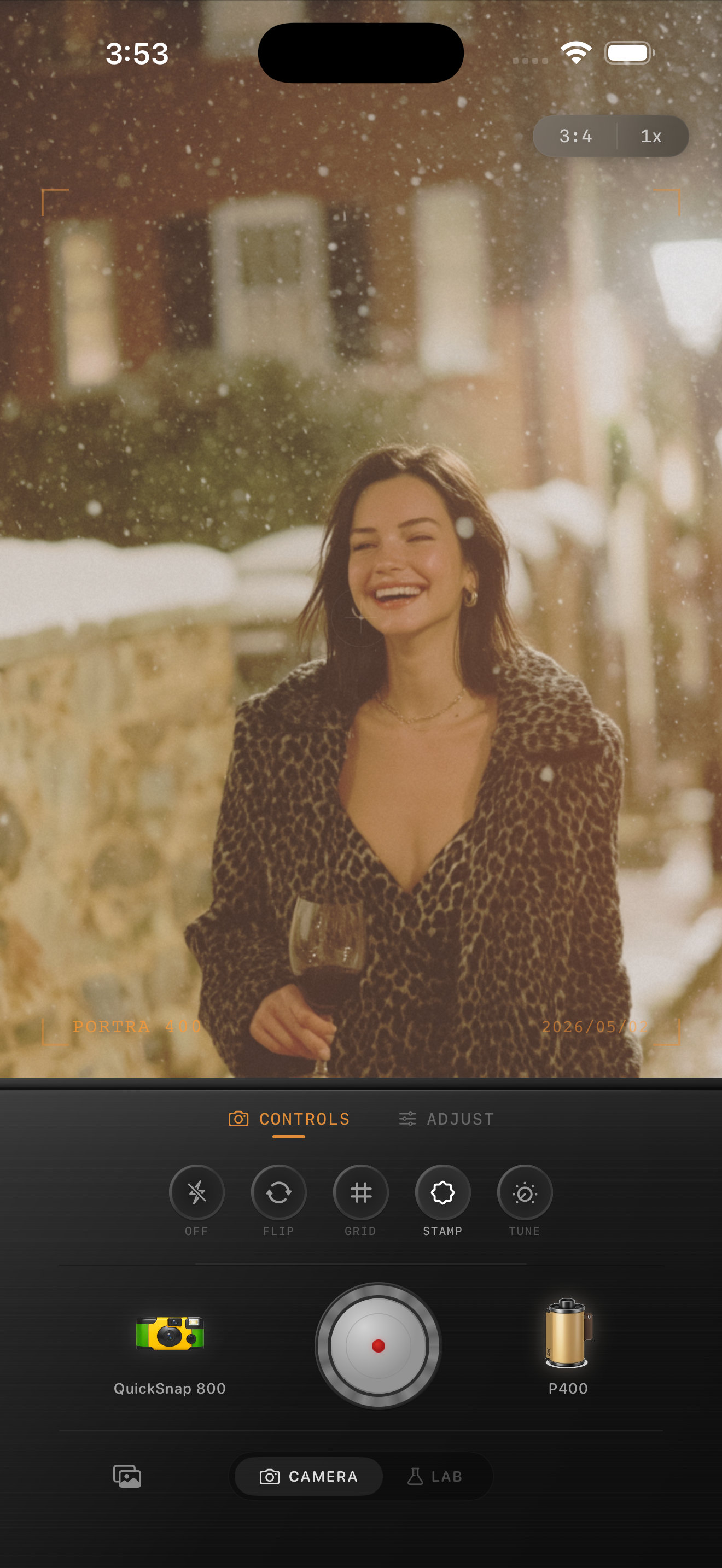
What makes stoop photos look good in film style
Brownstone stoop photos already carry the kind of structure that suits a film edit well: brick warmth, stone texture, dark railings, layered steps, and a subject framed by real city detail. The edit does not need to invent nostalgia. It needs to calm the digital sharpness and keep the winter light believable.
A strong stoop edit usually feels printed and tactile rather than heavily vintage. The brick should stay warm, the skin should stay alive, and the snow or pale stone should remain clean enough to hold contrast.
- Keep brick warmth local instead of warming the whole frame.
- Use fine to medium grain rather than rough disposable texture.
- Lift shadows only a little so coats and railings keep depth.
- Use fade sparingly in snow or pale stone scenes.
- Let architectural lines stay crisp enough to frame the portrait.
A practical settings range for stoop portraits
Start around film intensity 68-80%, grain 22-32%, warmth +3 to +8, fade 2-5%, and vignette 4-8%. That usually softens the iPhone finish while keeping brick detail, skin tone, and winter light intact.
If the frame starts to feel gray, lower fade before you add more warmth. If skin goes pink or brick turns too orange, back off warmth and let the natural red-brown masonry carry the mood on its own.
Use a clean film body, not the roughest one
Most stoop photos work better with a cleaner compact-film or 35mm-inspired body than with a loud disposable look. The scene already has plenty of texture from steps, brick, boots, coats, and railings, so you usually need cohesion more than damage.
A rougher body can work for flashier street snapshots at night, but daytime stoop portraits usually want softness, grain, and color control instead of obvious wear.
Check one neutral surface before exporting
Before you finish, look at a neutral area like snow, pale stone trim, a scarf, or a painted step edge. If that surface still looks believable, the rest of the stoop usually has enough warmth and texture already.
This small check stops the most common mistake in city winter edits: pushing warmth until the whole frame turns amber and the air no longer feels cold.
Keep stoop portraits soft, clean, and nostalgic
Use Nostalgia Cam to pair camera body, film-inspired color, grain, fade, and vignette so brownstone stoop photos keep their city texture while still feeling like a real print.
FAQ
Why do brownstone stoop edits turn too orange?
Because the brick is already warm. If you add too much global warmth, the brick, skin, and stone all collapse into the same orange cast instead of staying separated.
How much grain should a stoop portrait use?
Usually less than a disposable or flash-party edit. Fine to medium grain is enough to soften the digital edge while preserving coat texture, brick detail, and facial features.