
iPhone film look
Best Film Settings for Beach Bonfire Portraits on iPhone
A practical iPhone film recipe for beach bonfire portraits: preserve the fire glow, keep faces natural, hold blue-hour color, and add grain without muddying the sand or sky.
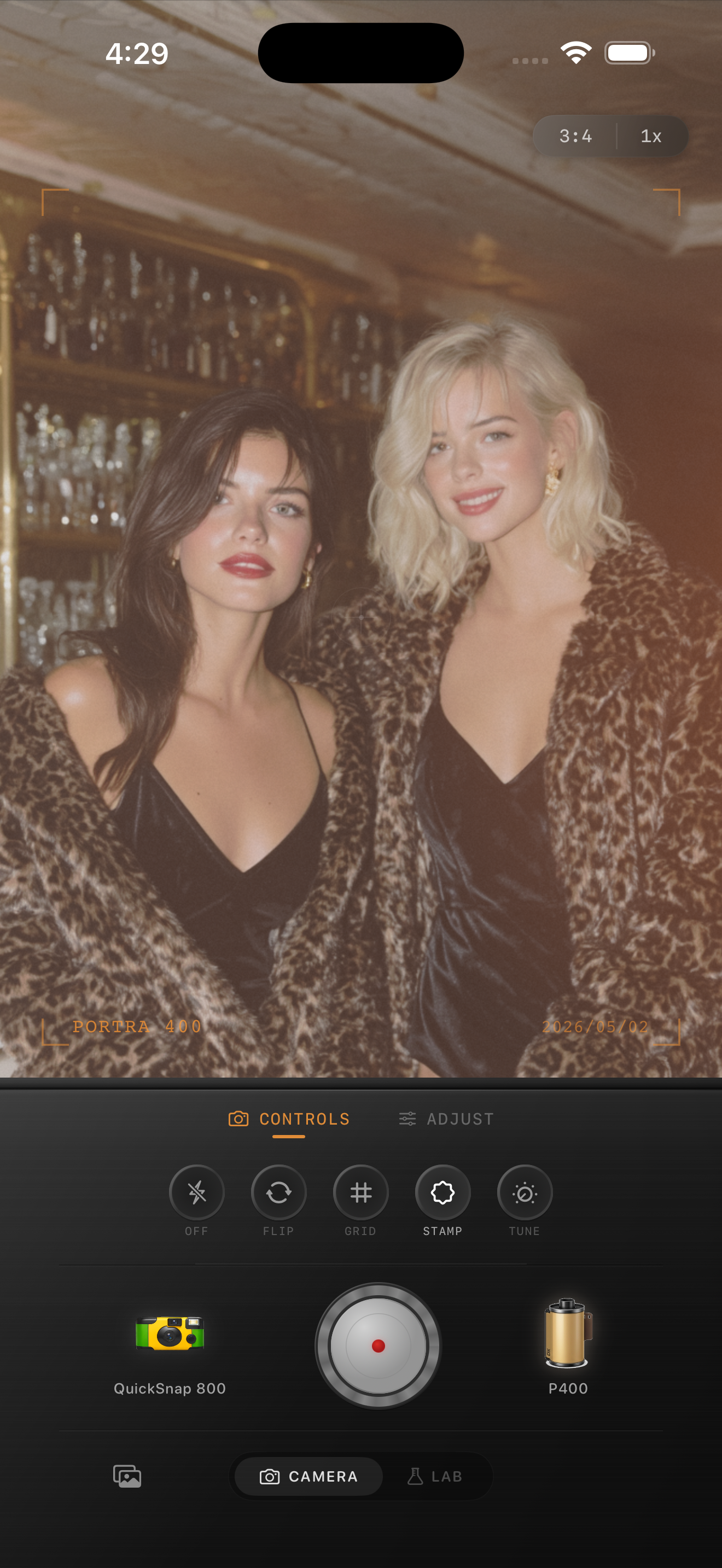
Bonfire portraits need both warm and cool color
Beach bonfire portraits often contain two different moods at once: orange firelight on faces and cooler blue light in the sky, water, and sand. A convincing film edit keeps that separation instead of warming the entire frame until the beach turns brown.
Start with a frame where the face catches some firelight but is not directly above the brightest flame. The glow should shape the portrait while the evening background still explains where the moment happened.
A reliable bonfire portrait starting range
Start around film intensity 74-86%, grain 30-42%, warmth +4 to +10, fade 3-7%, and vignette 5-11%. This is enough texture for a nighttime memory without turning the sky or sand into noisy color patches.
If faces look orange, reduce warmth before reducing film intensity. If the flames lose their shape, lower fade and choose a cleaner camera body so the brightest yellows stay separated from the surrounding glow.
- Expose for faces near the fire, not the flame itself.
- Keep the evening sky slightly cool for color contrast.
- Use moderate grain in the shadows and cleaner texture on skin.
- Avoid a heavy vignette that makes the beach disappear.
- Let a little motion blur remain in candid frames.
Protect faces from crunchy shadow grain
Phone cameras brighten dark faces aggressively, which can reveal smeared detail and colored noise. Adding heavy grain over that processing usually makes the problem louder. Moderate grain and softer contrast create a more believable print texture while keeping expressions readable.
A compact 35mm-inspired body is a dependable starting point. Use a rougher disposable-style body only when the original frame already has direct-flash or spontaneous party energy.
Finish at normal phone size
Zoom out before exporting. The fire should read as a warm light source, the face should still have shape, and the beach should remain cool enough to feel like evening. Grain should appear after the mood, not before it.
If the whole image looks orange, restore some cool color. If the subject disappears when viewed small, reduce fade and vignette rather than piling on more warmth.
Keep the fire warm and the evening cool
Use Nostalgia Cam to pair a film-inspired camera body with restrained grain, warmth, fade, and vignette so beach bonfire portraits feel intimate without losing natural skin or blue-hour atmosphere.
FAQ
How much grain should a beach bonfire portrait use?
Start around 30-42%. That gives darker sand and sky some analog texture without making faces look rough or obscuring the fire glow.
Why do iPhone bonfire photos make skin look orange?
Firelight is already strongly warm, so a large global warmth adjustment stacks on top of it. Use a smaller warmth shift and preserve some cool evening color around the subject.