
Disposable camera effect
Best Film Settings for Bar Photos on iPhone
A practical bar-photo film recipe for iPhone: warmer skin, believable grain, controlled flash energy, and enough softness to make late-night photos feel analog instead of smeared.
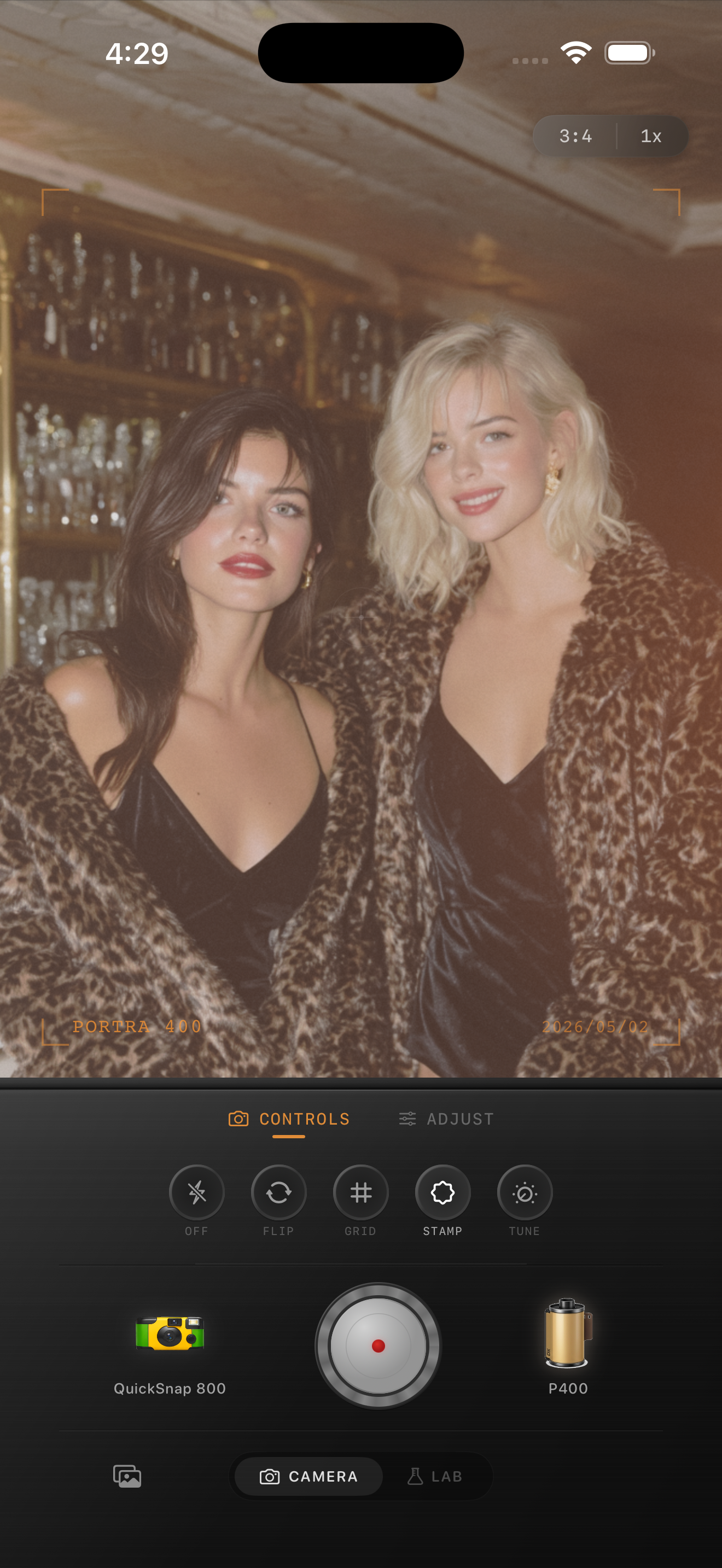
Bar photos already have the right raw ingredients
Bars give you exactly what film-style edits usually need: practical lights, darker corners, reflective glass, fast snapshots, and faces close to the camera. The edit works best when it supports that energy instead of flattening it.
That means keeping the highlights lively, letting the room fall off into shadow, and adding enough texture to break the iPhone smoothness without making everyone look muddy.
A strong starting point for settings
Start around film intensity 76-90%, grain 34-48%, warmth +6 to +13, fade 3-7%, and vignette 8-14%. This range usually keeps glasses, candles, signs, and skin looking warm and alive while still giving the image a printed texture.
If the photo uses direct flash, keep fade on the lower end and let the flash stay punchy. If the light is ambient and dimmer, you can push warmth slightly more before you increase grain.
- Use moderate grain, not rough crunchy grain.
- Raise warmth carefully so skin stays flattering.
- Let highlights pop instead of muting them with heavy fade.
- Use vignette only to clean up overly bright edges.
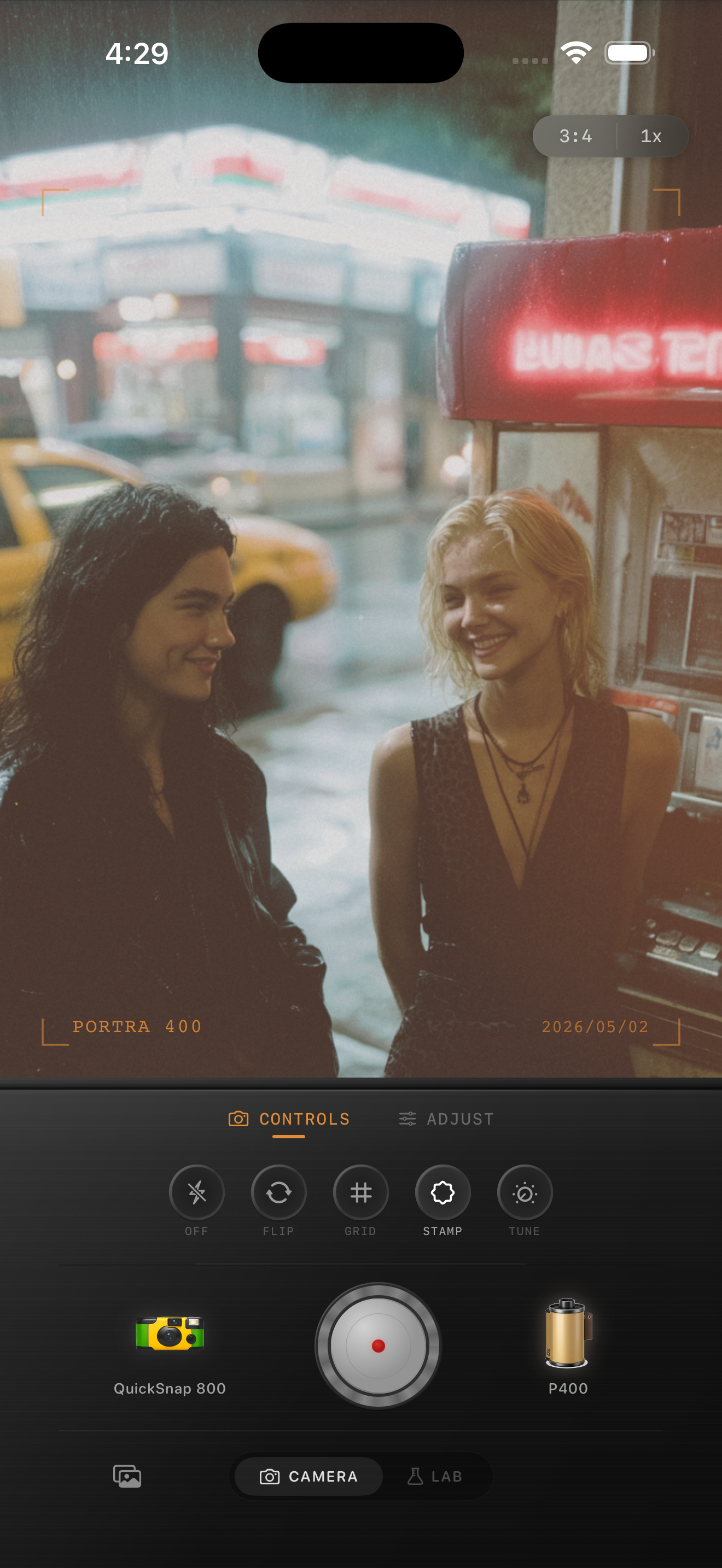
Decide between clean film and disposable energy
Some bar photos want a cleaner 35mm-inspired treatment, especially if the image is more portrait than party snapshot. Others want a rougher disposable-style body because the scene is fast, loud, and flash-heavy.
Pick the camera mood before you chase the color. If the moment feels intimate, stay cleaner. If it feels chaotic and social, allow more grain and softness.
Avoid the muddy-night-edit problem
The usual failure mode is stacking warmth, grain, and fade until the whole room turns brown. Pull back once faces feel warm and the room feels textured. The photo does not need to look damaged to feel nostalgic.
In Nostalgia Cam, start with the camera body, then adjust grain and warmth until the image feels like a developed late-night print rather than a heavy filter demo.
Keep nightlife photos warm and believable
Use Nostalgia Cam to combine bar-light color, a film-style camera body, natural grain, and restrained fade so your late-night iPhone photos keep their energy without turning muddy.
FAQ
Should bar photos use stronger grain than daylight film edits?
Usually yes, but only moderately stronger. Nightlife scenes can handle more texture than daylight photos, though too much grain will quickly make skin and shadows look dirty.
Do bar photos need a disposable camera effect to look like film?
Not always. Flash-heavy party shots often suit a disposable-style body, but quieter bar portraits can look better with a cleaner film-inspired treatment and restrained grain.