
Disposable camera effect
Best Film Settings for Indoor Flash Group Photos on iPhone
A practical film-style recipe for indoor flash group photos on iPhone: lively skin, bright flash separation, textured grain, and enough control to keep the room from turning muddy.
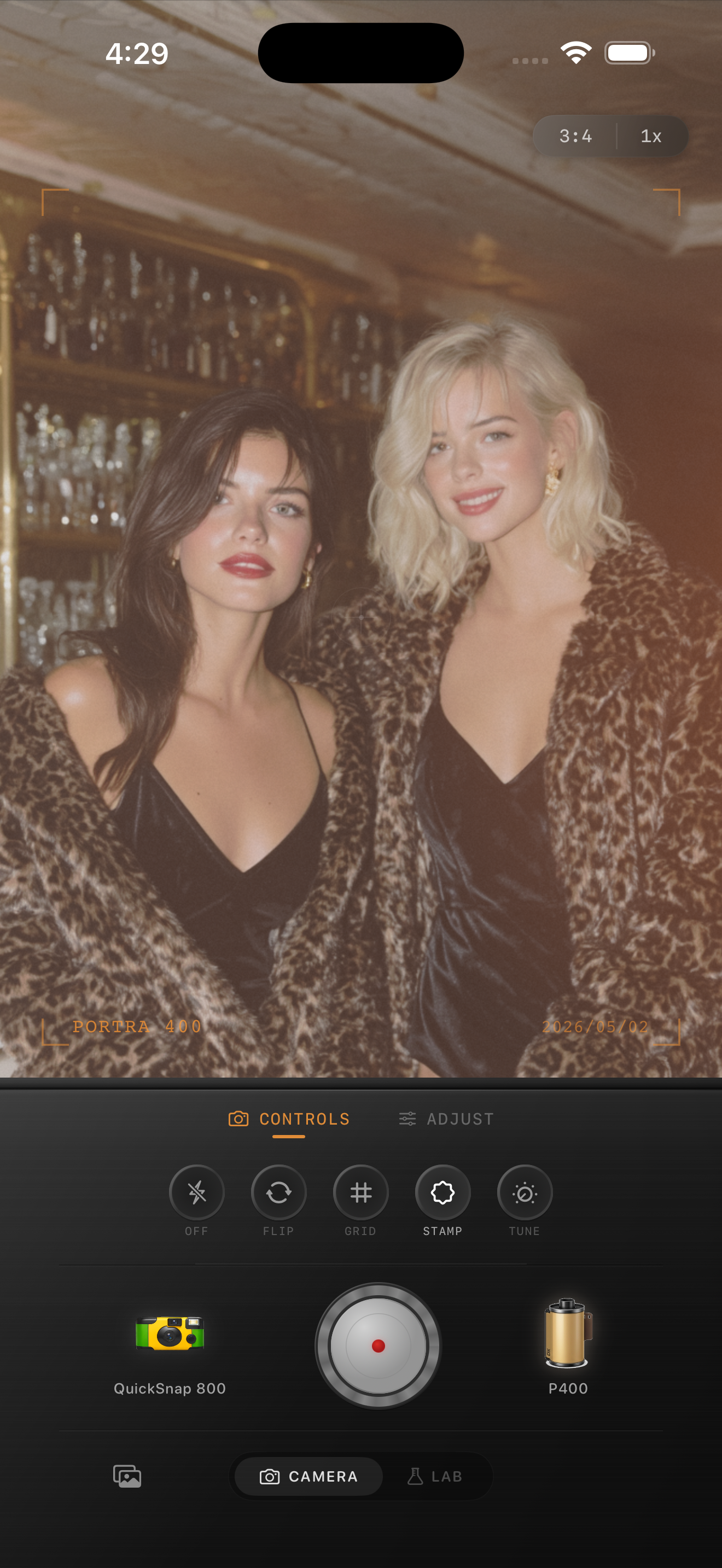
Group flash photos work when the flash still feels fast
Indoor group photos usually succeed because they feel immediate: bright faces, darker corners, glass reflections, quick poses, and a room that stays a little imperfect. If the edit smooths all of that away, the photo stops feeling like a snapshot.
A film-inspired version should keep the flash energy intact while making the file less clinical. That means adding texture and softer color transitions without turning every face orange or every shadow brown.
- Keep the flash highlight visible instead of muting it away.
- Use medium grain with character, not heavy digital noise.
- Warm faces carefully so white shirts and walls stay clean.
- Keep fade lower than you would for ambient-light portraits.
- Use vignette only if the frame edges feel distracting.
A dependable indoor flash group baseline
Start around film intensity 78-90%, grain 32-46%, warmth +5 to +10, fade 2-6%, and vignette 5-10%. That range usually adds enough analog texture for a party or dinner snapshot without making skin, teeth, or table highlights look muddy.
If the room already has strong warm bulbs or colored walls, lower warmth before lowering film intensity. Indoor flash photos often break because the scene was warm to begin with and the edit added too much extra amber.
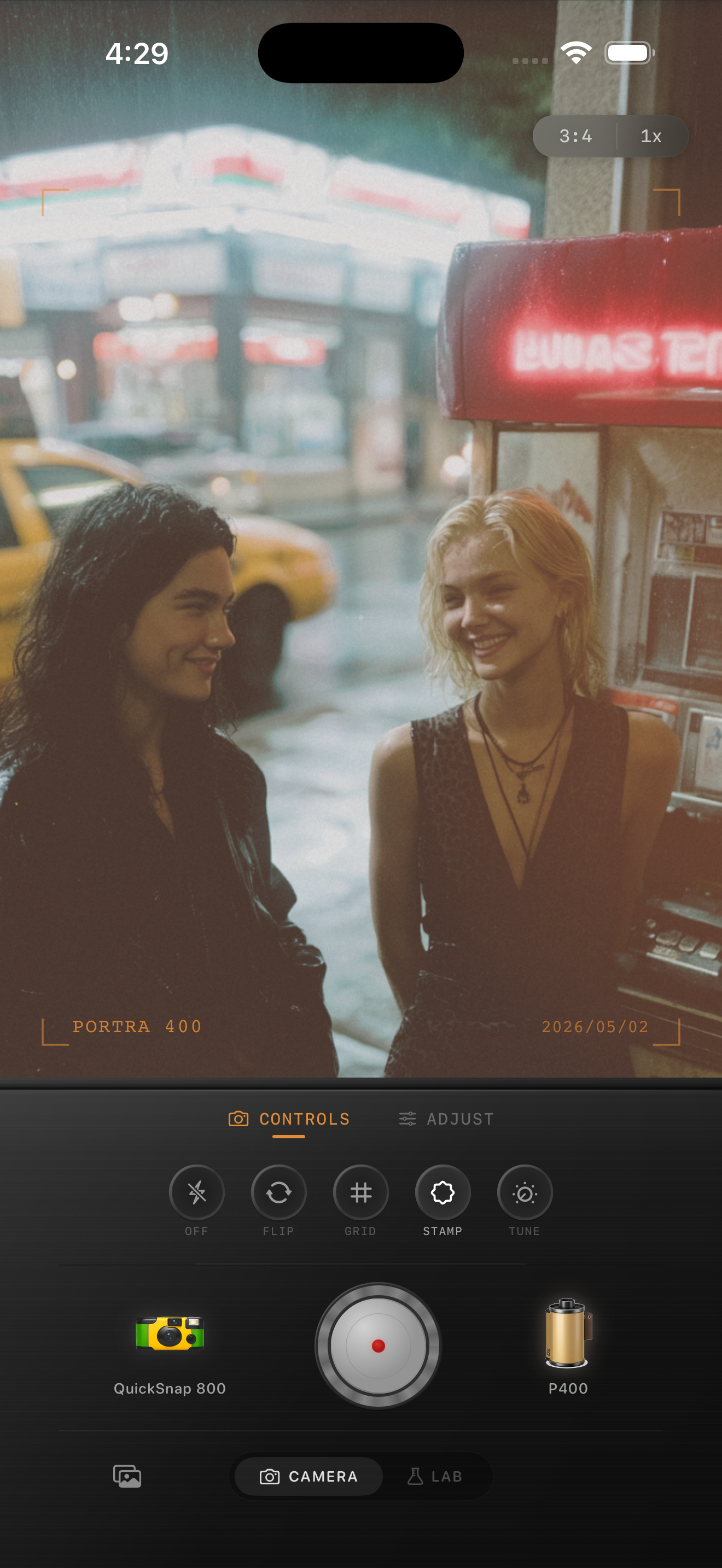
Check faces first, then the background color
Start with the people because that is what viewers read first. If faces look orange, reduce warmth. If they look flat and powdery, lower fade. If the background becomes one muddy block, pull vignette or warmth down before changing grain.
This sequence keeps the edit usable across birthday dinners, bars, apartment parties, and quick after-work snapshots where the room lighting was never meant to be perfect.
Lean disposable only as far as the moment supports it
Indoor group flash photos can carry more roughness than a clean portrait, but they do not always want maximum disposable chaos. If the shot is really about faces and connection, a compact-film mood with brighter flash separation often looks better than heavy scratches or damage.
In Nostalgia Cam, pick the camera body first, then tune grain, warmth, fade, and vignette until the image feels like a developed party print instead of a one-tap overlay.
Keep indoor flash group shots lively in Nostalgia Cam
Use Nostalgia Cam to pair indoor flash group photos with film-style camera bodies, natural grain, and restrained warmth so party and dinner snapshots stay bright, textured, and believable.
FAQ
Should indoor flash group photos use stronger grain than daylight group shots?
Usually yes. Indoor flash scenes can handle more texture, but the grain should still support the people rather than covering their faces in noise.
Why do indoor flash group edits turn too orange?
Because warm room light and warm film edits stack quickly. Lowering warmth before lowering overall film intensity usually keeps skin and walls cleaner.