
Disposable camera effect
How to Get the Disposable Camera Effect on iPhone
Create a disposable camera look on iPhone with flashy color, imperfect grain, soft edges, mild vignetting, and a simple capture workflow.
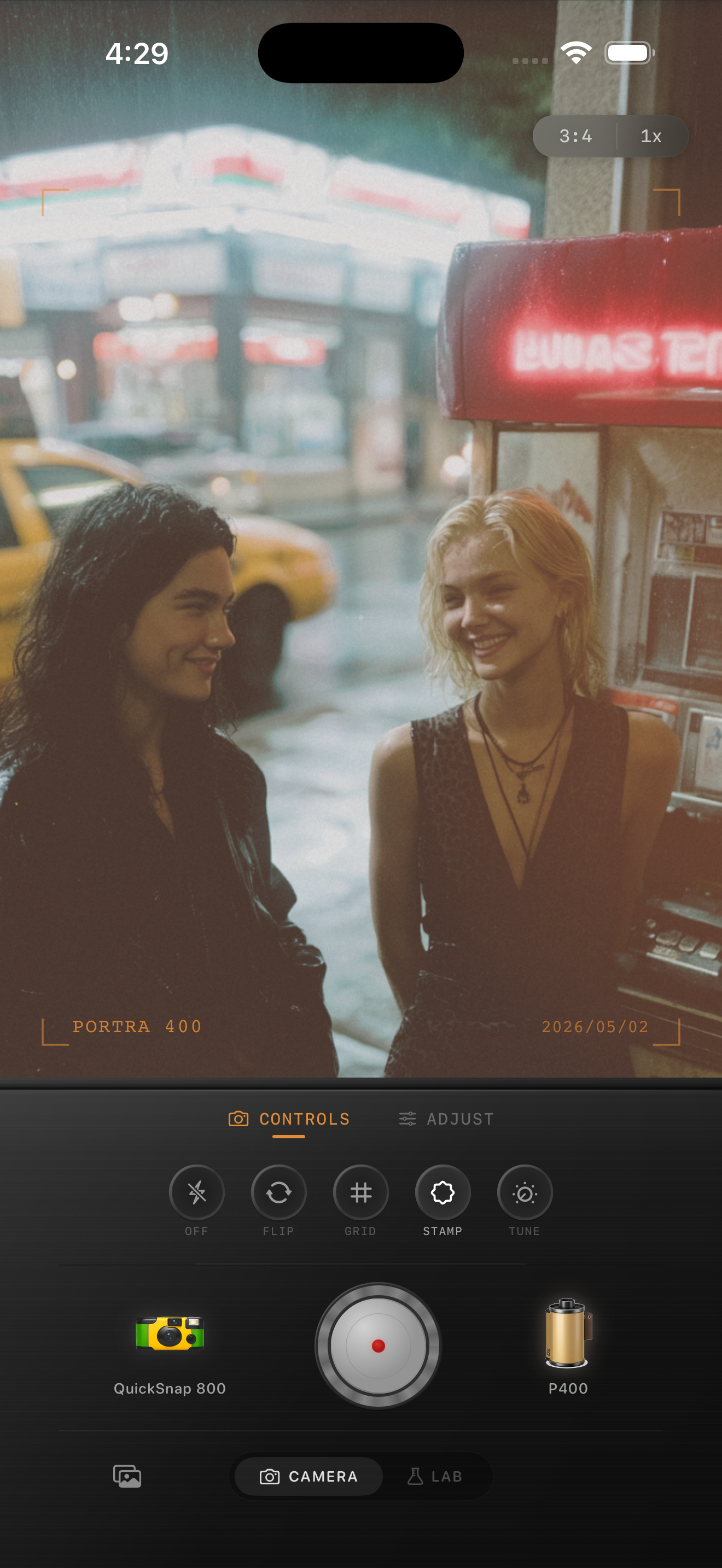
What makes a photo look disposable
A disposable camera effect is not just grain. It is the combination of direct flash energy, casual framing, imperfect optics, lifted shadows, small color shifts, and rough texture.
The best disposable-style photos usually feel like they were taken quickly. Keep the composition loose. Let the photo be a little imperfect.
- Use direct flash or bright front light when possible.
- Choose a warmer film look for indoor photos.
- Use stronger grain than you would for a clean film edit.
- Add slight edge softness and a small vignette.
- Avoid perfect HDR shadows; disposable photos are allowed to be messy.
Disposable camera settings to try
For an indoor photo, start with a disposable-style camera body, film intensity around 80%, grain around 40-55%, warmth around +10, fade around 8%, and vignette around 15%. If the photo has flash, keep fade lower so the image still pops.
For an outdoor daytime photo, use a little less warmth and slightly less vignette. Daylight disposable shots should look simple and nostalgic, not muddy.
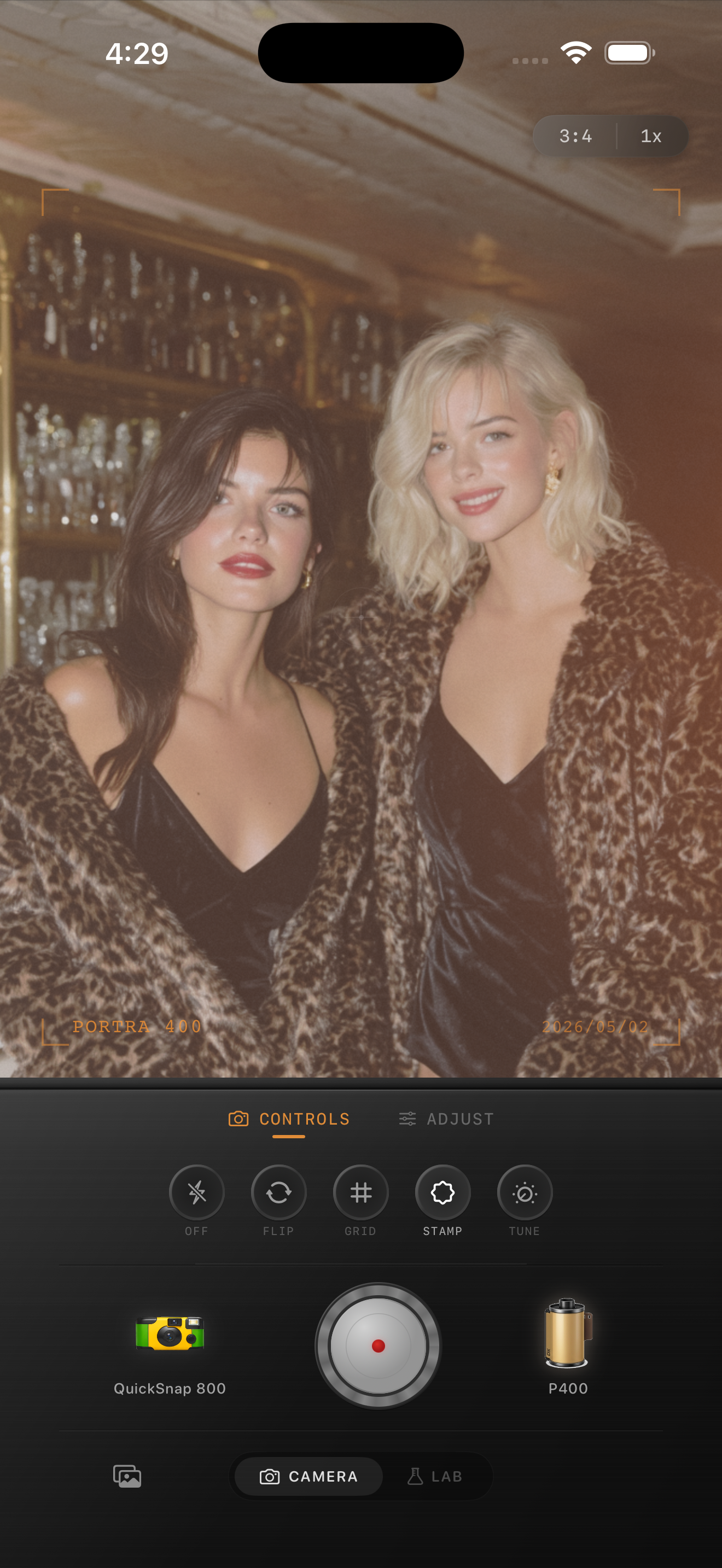
Camera body matters
A disposable camera look should behave differently from a clean professional film camera. The body should add more grain, rougher edges, occasional light leaks, and a little optical softness.
In Nostalgia Cam, choose a disposable or toy-style body first, then pick the film look. That gives the photo the camera personality before the color grade is applied.
The easiest workflow
Open the camera, pick the disposable-style body, choose a warm film look, and shoot directly in the app. If you already took the photo in the iPhone Camera app, import it into the Lab and apply the same look afterward.
Use the slider controls sparingly. The disposable camera effect works best when the photo still feels like a casual snapshot.
Shoot it directly in Nostalgia Cam
Nostalgia Cam includes disposable-style camera bodies, film looks, grain, fade, vignette, and full-resolution export so you can get the point-and-shoot feeling without waiting for a roll to develop.
FAQ
What makes the disposable camera effect different from a normal film filter?
A disposable camera effect usually has rougher grain, softer optics, casual framing, mild vignetting, and a less perfect exposure response.
Can I apply a disposable camera effect after taking the photo?
Yes. You can import an existing iPhone photo into the Lab and apply a disposable-style camera body and film look afterward.